
Brak produktów w koszyku.
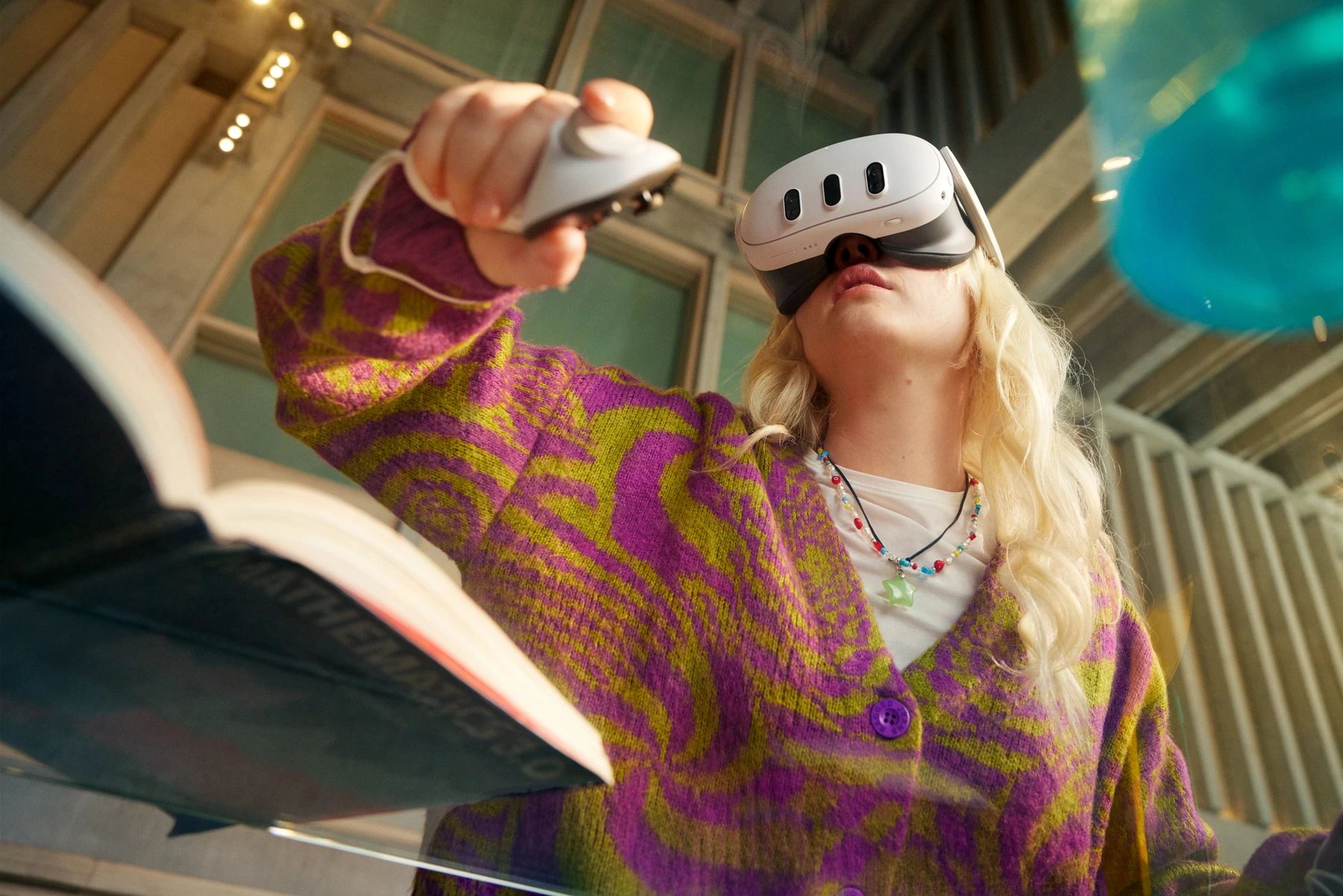
3D models
Rotate, enlarge and view objects from different angles. Useful for topics that are difficult to explain with a flat drawing.


Choose headsets and applications for your lessons. We will help prepare the equipment, teachers and first lessons.
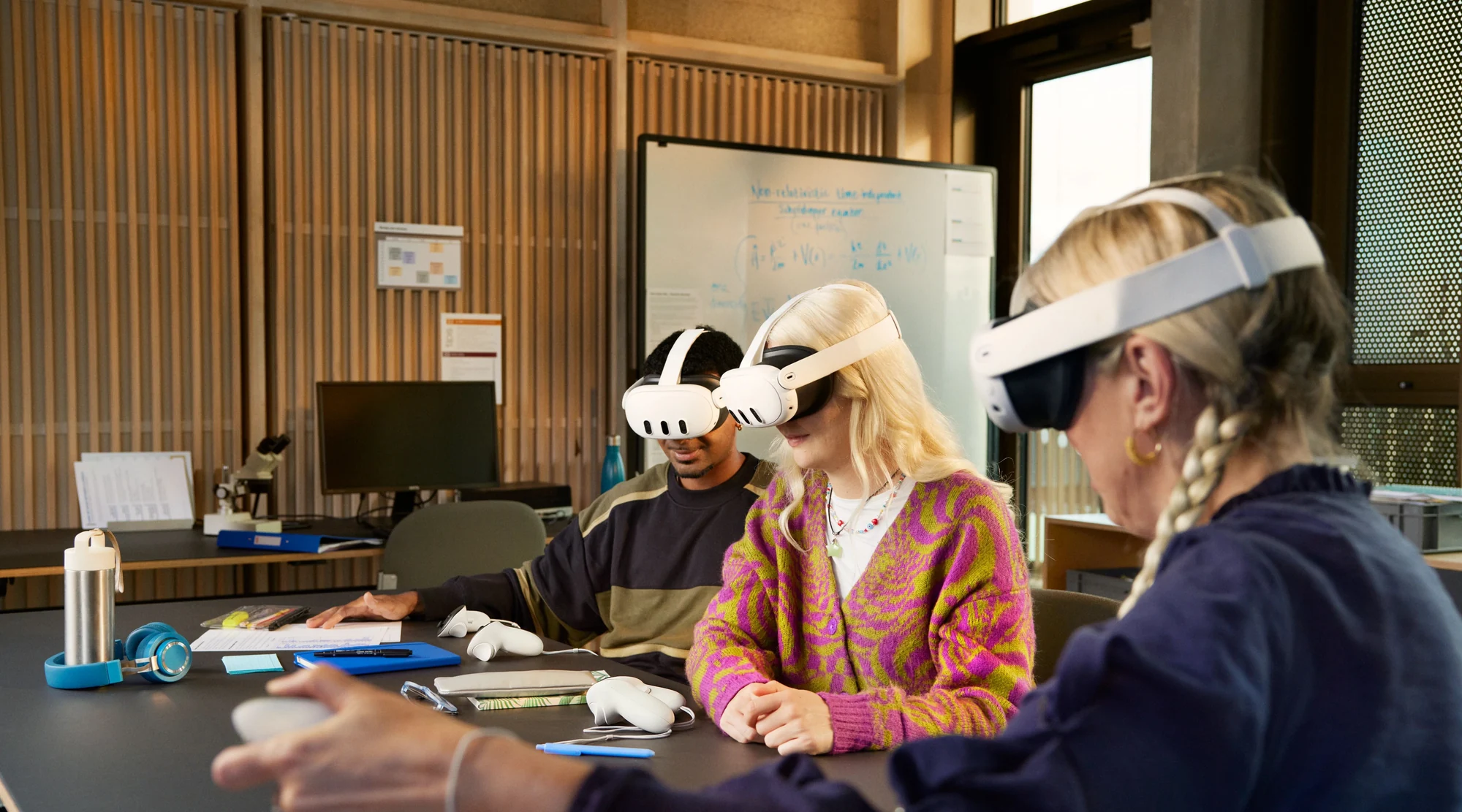
VR in education · materials from Meta
We match applications to the subject, students' ages and lesson language. These needs are our starting point.
Rotate, enlarge and view objects from different angles. Useful for topics that are difficult to explain with a flat drawing.
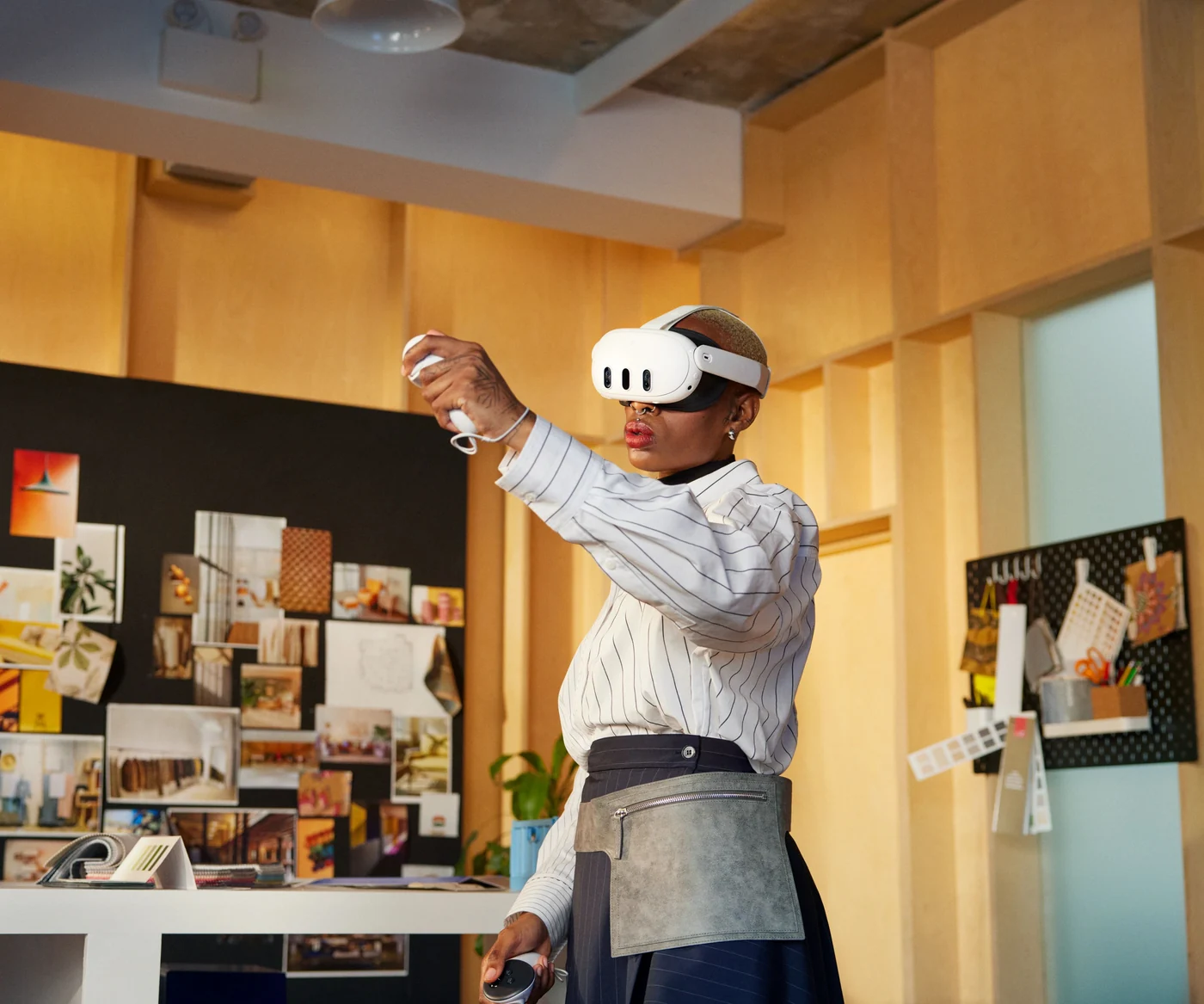
First aid, evacuation and safety. EHS scenarios let participants practise the next steps in a virtual situation.
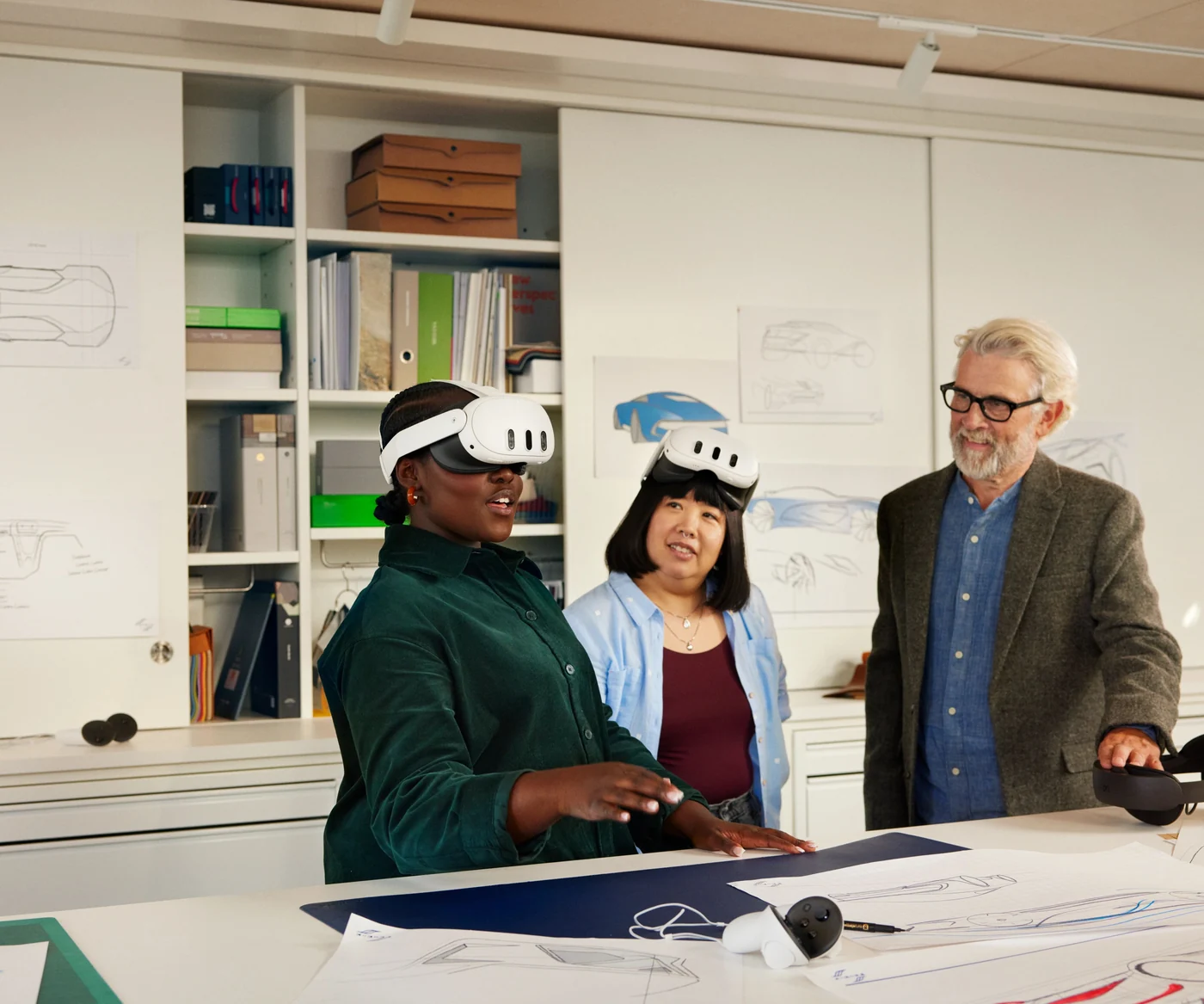
An introduction to the task, an experience in the headset and a group discussion. VR becomes part of the lesson.
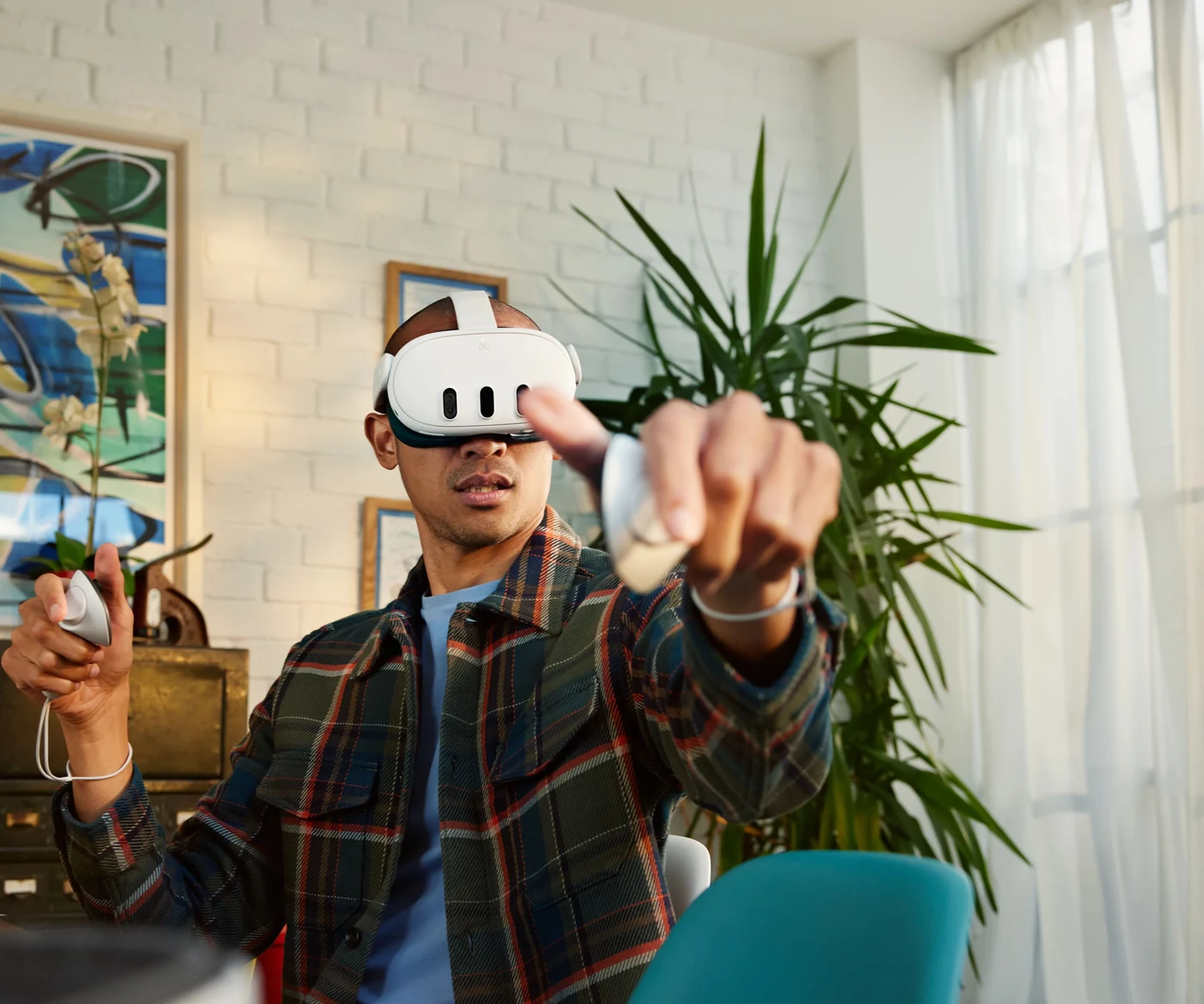
Return to an exercise and try again. We agree the scope of independent work based on the application and the group.
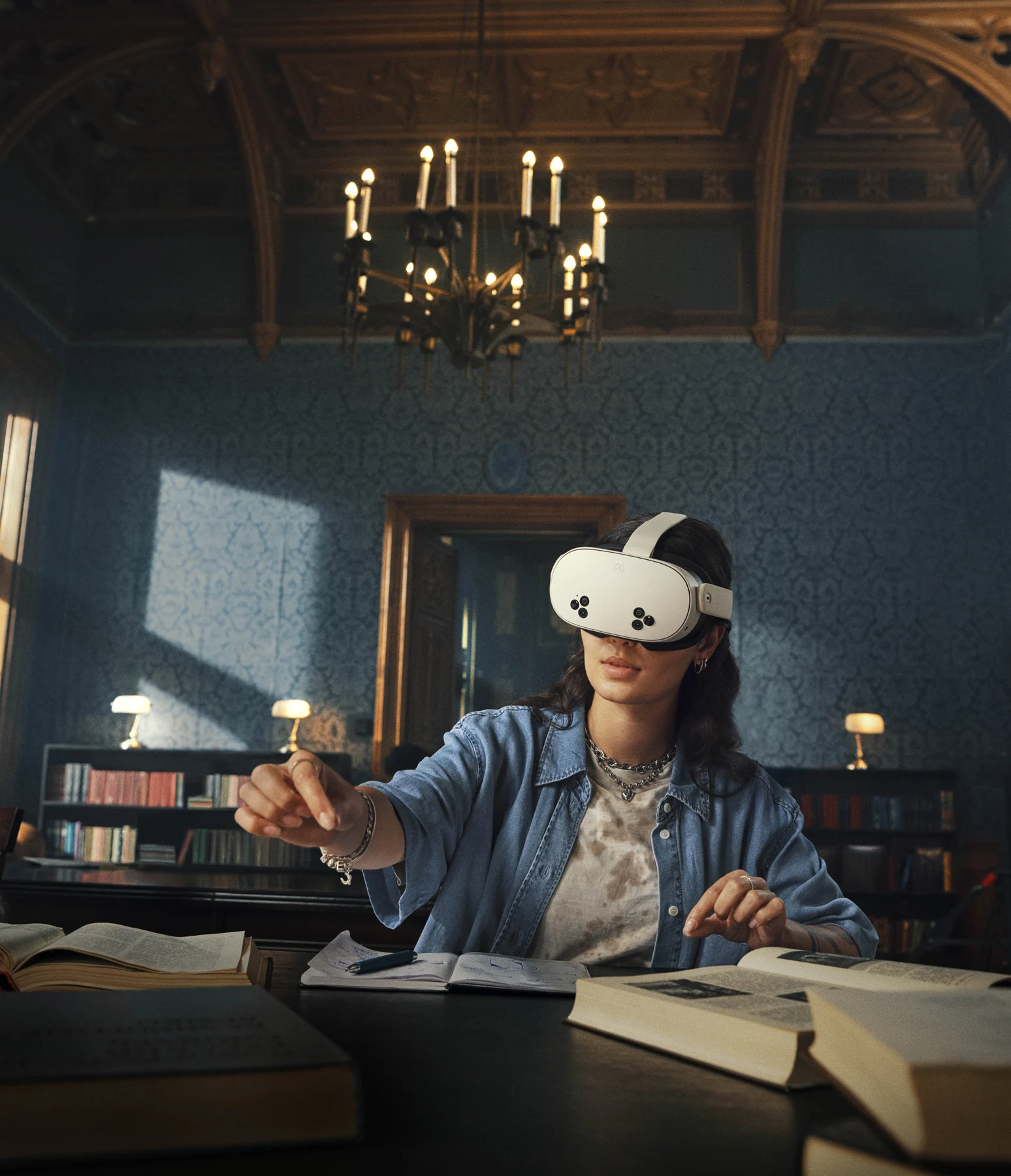
What should students understand or practise? We will select scenarios and check licence terms.
Everyone at once or smaller groups? This determines the number of headsets, room layout and time for the exercise.
Using headsets, launching applications and preparing for the next participants. We will tailor training to the selected setup.
The configurator shows accessory quantities, storage capacity and the cost of priced items.
Meta Quest 3 512GB or Meta Quest 3S, comfortable straps, hygiene accessories and cases or a cabinet to hold your headsets.
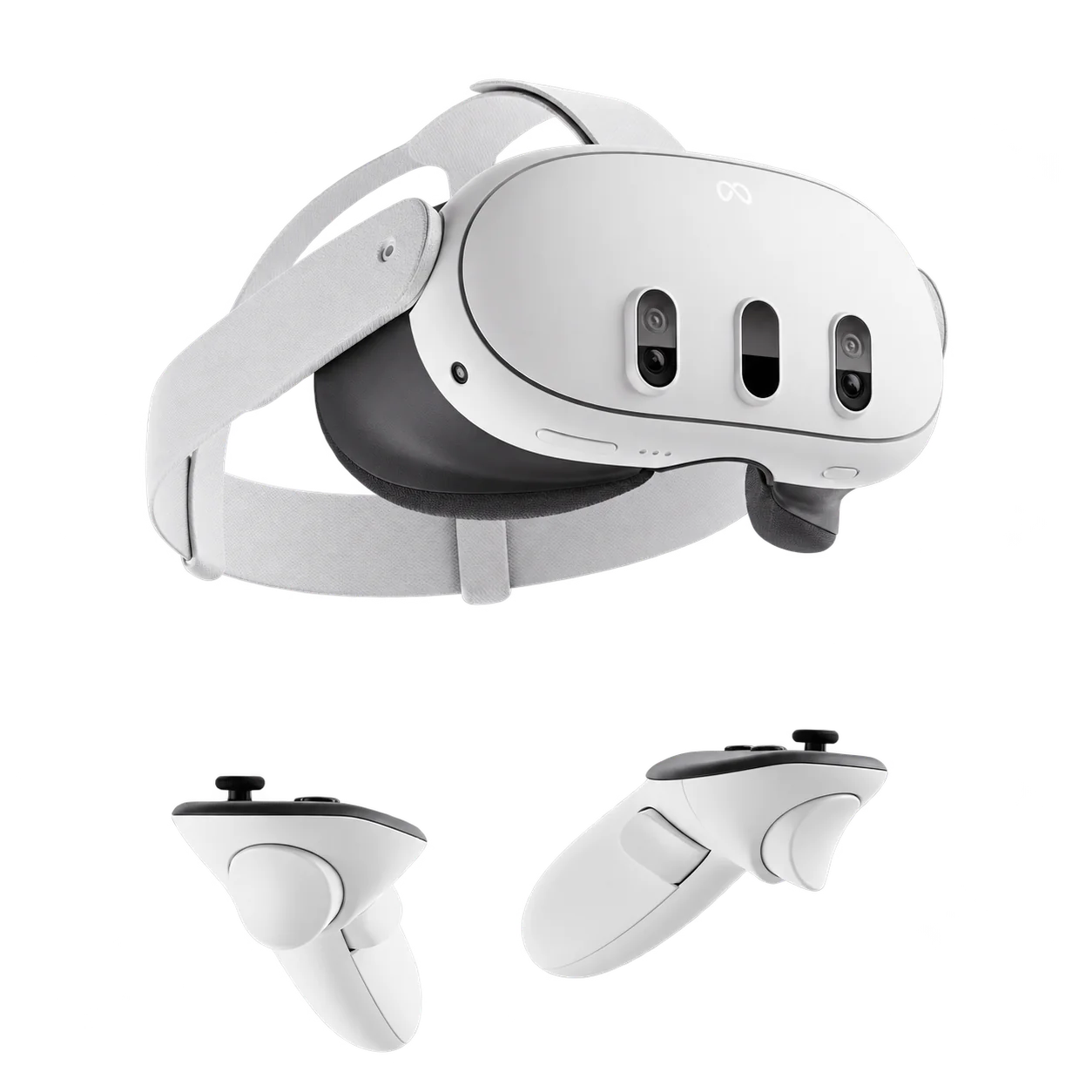
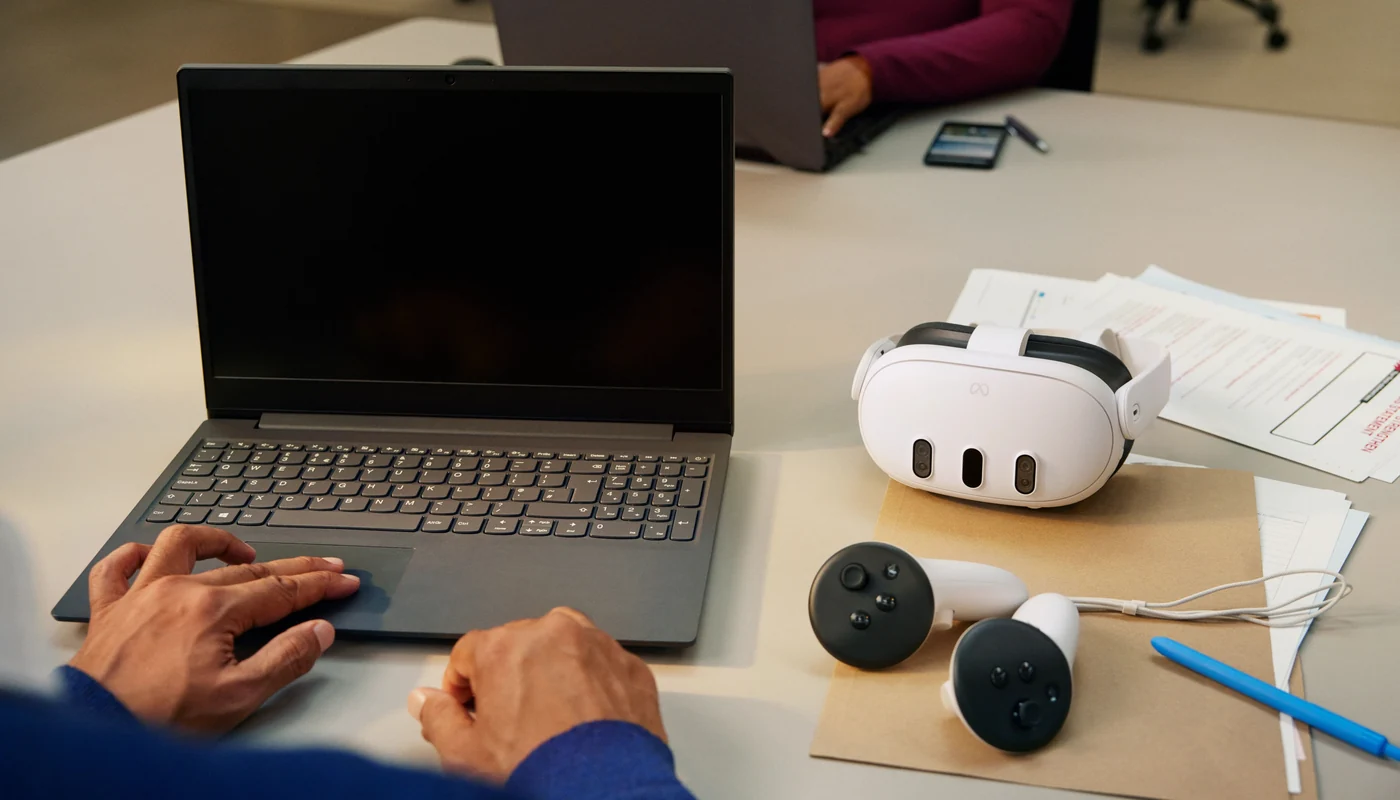
Choose EHS scenarios and Meta HMS setup. You can include the whole fleet or selected devices.
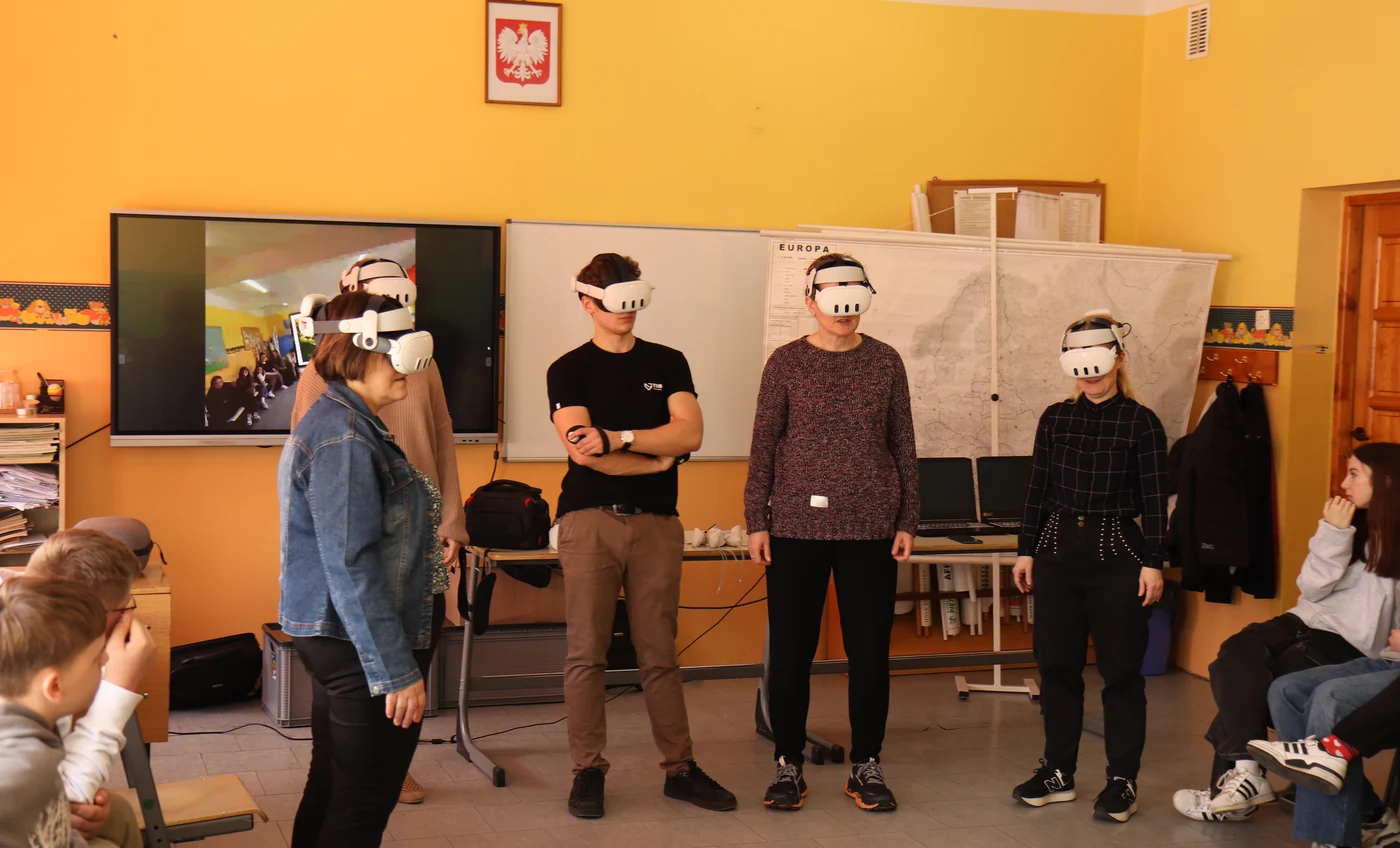
We will agree setup, staff training and support after deployment. You select each type of support separately.
For example: eight headsets and a lesson organised in smaller groups. We tailor device numbers and group rotation to the class, applications and lesson plan. This is a starting point for an individual quote.
Choose Meta Quest 3 or Meta Quest 3S. The quote specifies the model, storage variant and quantity. Check the product pages for current variants and prices.
We select head straps, hygiene accessories and cases or a cabinet for the chosen number of headsets. We check the capacity of the specific configuration, including fitted head straps.
We match EHS scenarios and other selected applications to the topic, student age and teaching language. The quote separates hardware and software and confirms licence numbers, duration and terms of use.
Device setup, teacher training and help after launch are separate choices. We agree how accounts and headsets will be managed and define the selected support scope.
See our project gallery for workshops delivered by our team. The configurator also supports expanding an existing teaching space or choosing software only. See ZenithXR workshops
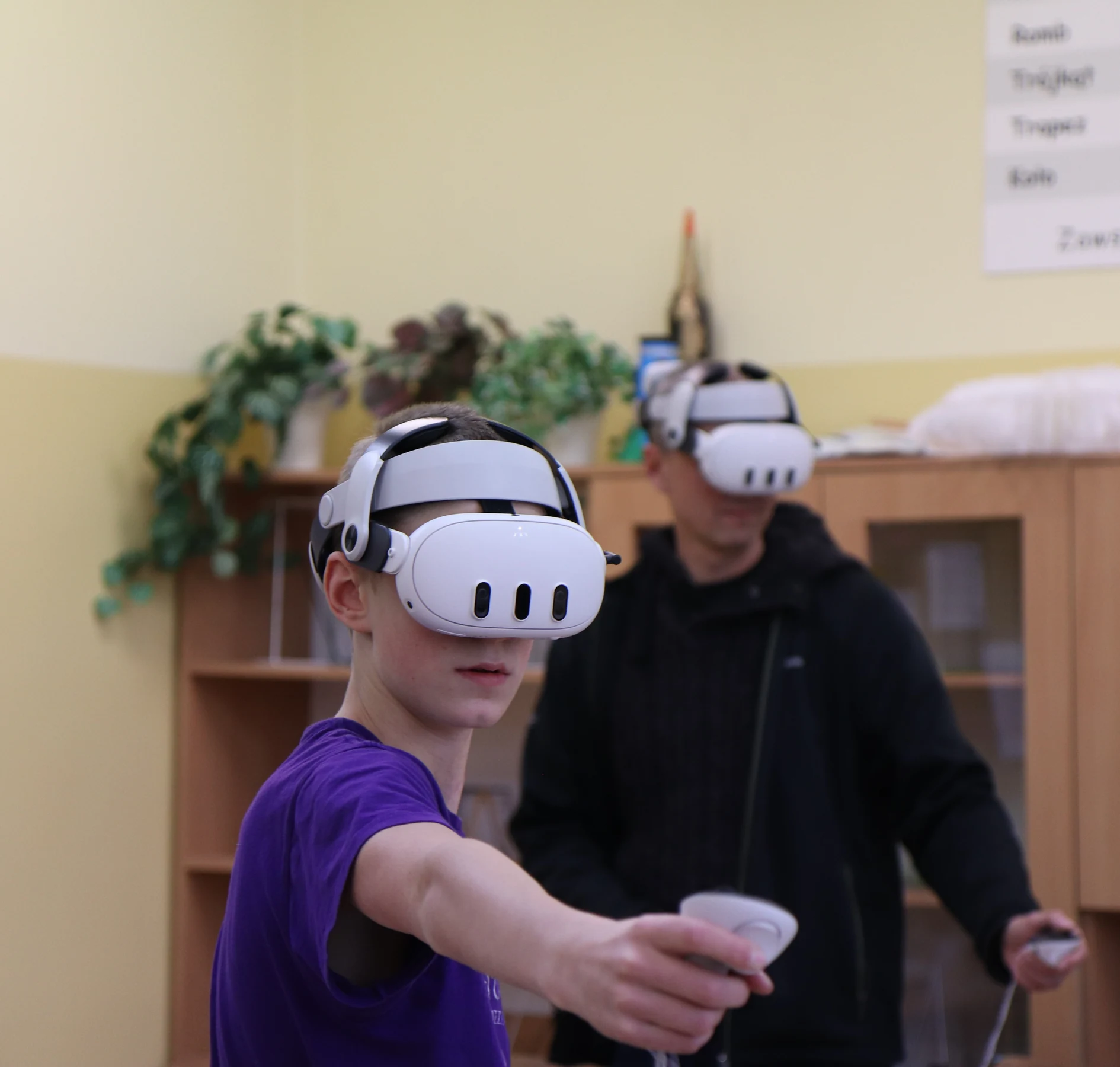 Workshops run by ZenithXR
You can start with a lesson led by our instructor. It is an opportunity to learn how to use the headsets and try a classroom arrangement.
We run VR workshops and help prepare teachers for future lessons.
View our projectsWe will discuss lesson topics, group size, existing equipment and timing.
You will receive a quote for the equipment, licences, delivery and selected support.
Once you accept the quote, we will deliver the equipment and complete the agreed setup.
We will show you how to use the setup. We can also run the first lessons at your school.
Choose equipment and support. Send your configuration and we will prepare a quote.
This configuration is non-binding. We will confirm application compatibility and setup details in the quote.