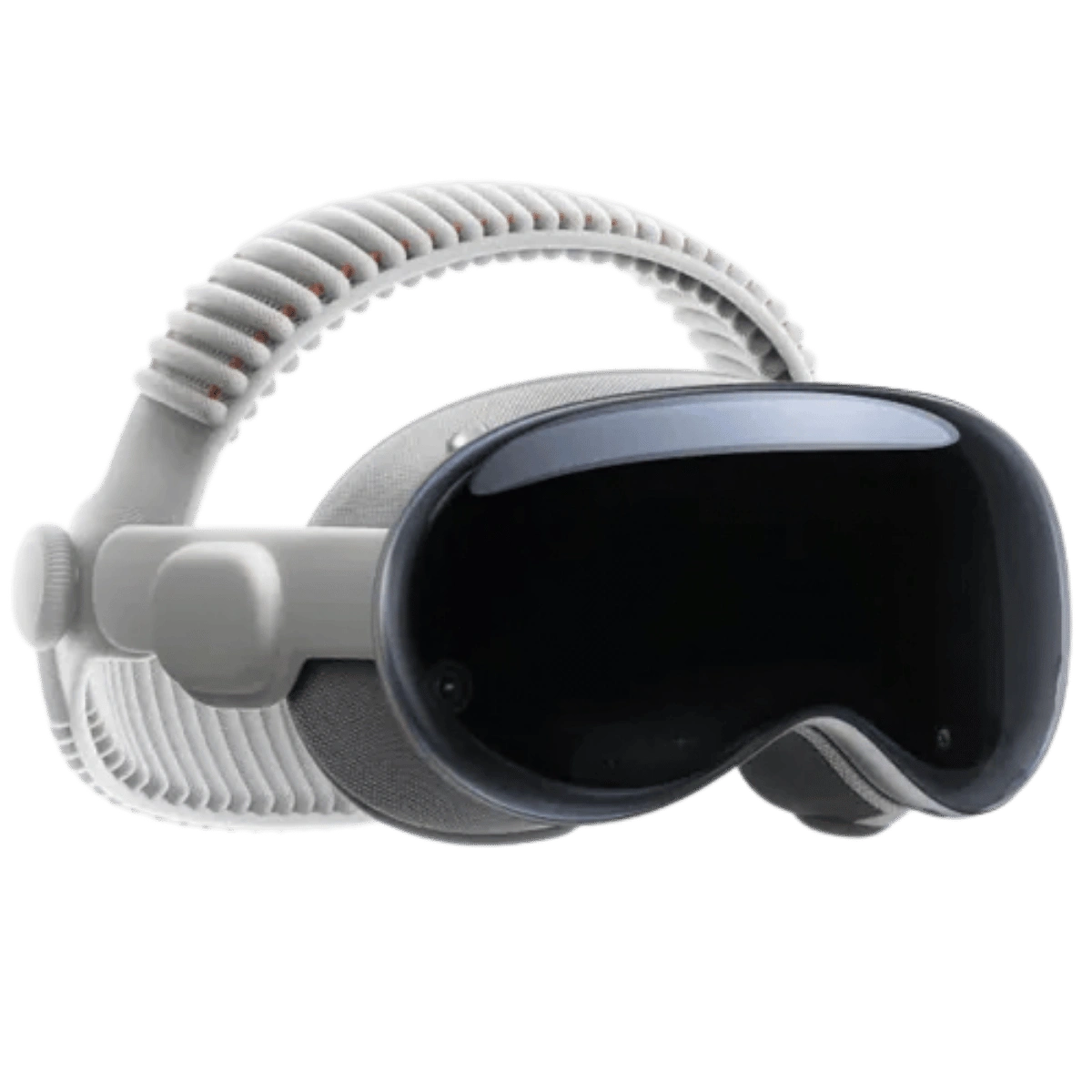
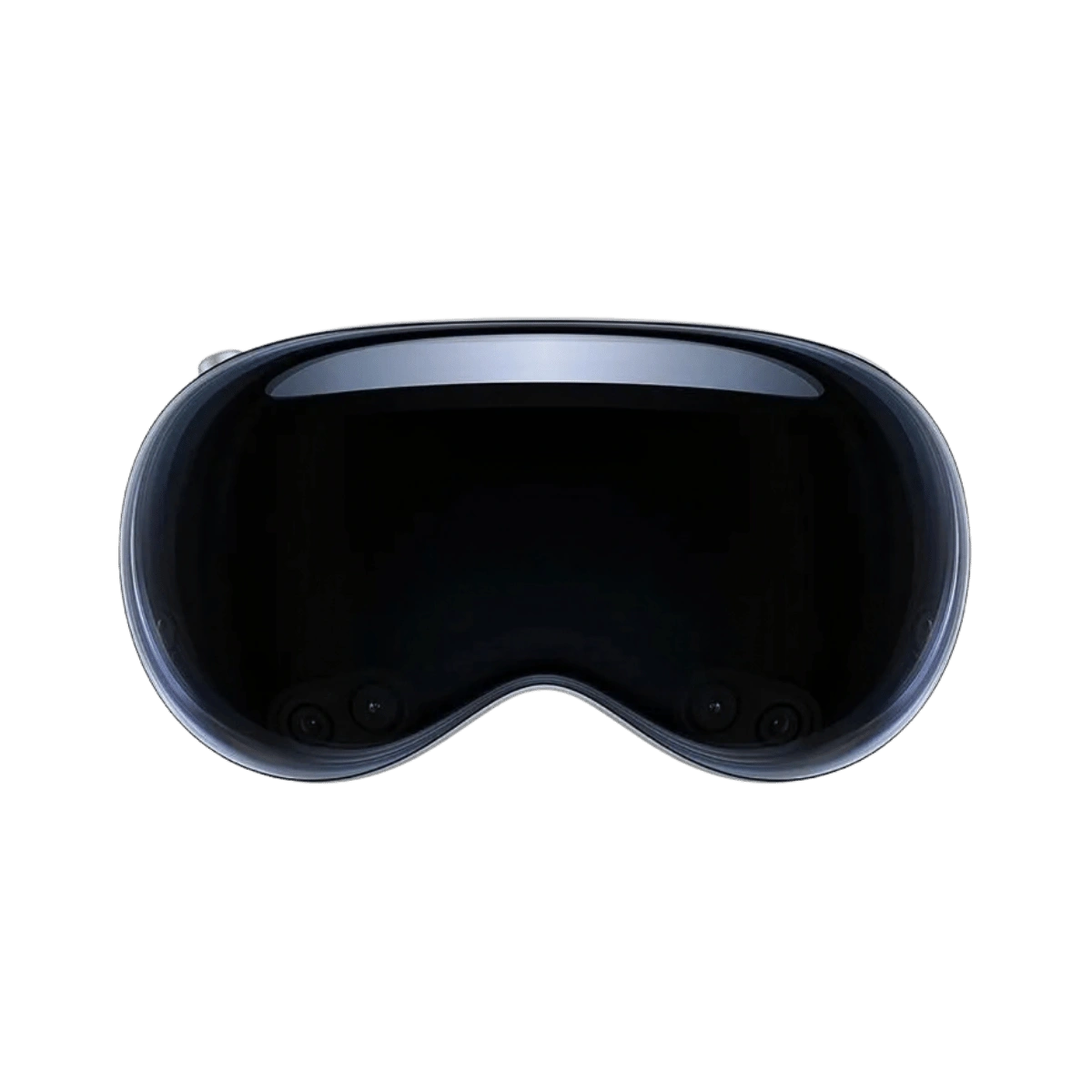
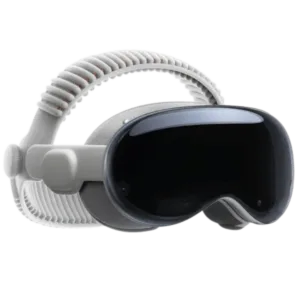
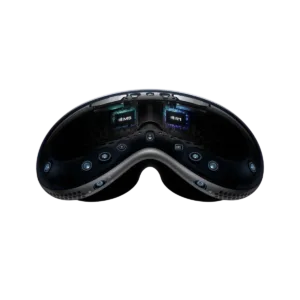
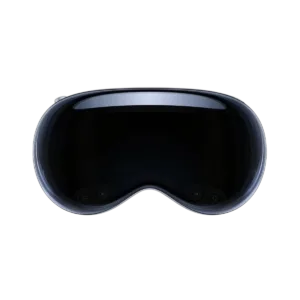
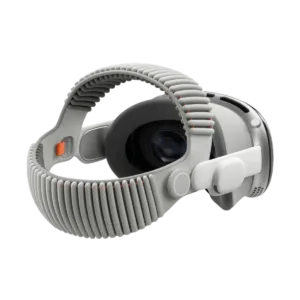
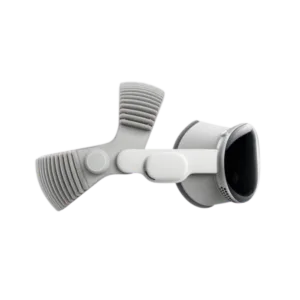
Apple Vision Pro is a spatial computer. Place apps, films and 3D models in the physical room and control them with your eyes, hands and voice, without a remote.
<trp-post-container data-trp-p...

Looking Glass 16 OLED Landscape


Apple Vision Pro M5
For individuals and teams in the Apple ecosystem who need a very sharp image, eye and hand input, and a workspace for visionOS apps and a Mac display. It is suited to premium presentations, work with spatial content and pilots of new interfaces, rather than being a typical headset focused on a VR game library.
Two micro-OLED displays with a combined resolution of 23 million pixels dają obraz tak gęsty, że pojedyncze piksele są niewidoczne, tekst jest ostry, a najdrobniejsze szczegóły wyraźne. Odświeżanie do 120 Hz ogranicza rozmycie ruchu, dzięki czemu podgląd otoczenia i wirtualny pulpit Maca wyglądają płynnie i naturalnie, a długie filmy czy praca z tekstem męczą wzrok znacznie mniej.

There are no controllers. Select items by looking at them, then click and move them with small, natural finger gestures while keeping your hands comfortably in your lap. Voice control is also available. Interaction is based on eye, hand and voice input, making the system feel intuitive after a short time, even for someone using this type of headset or XR for the first time.
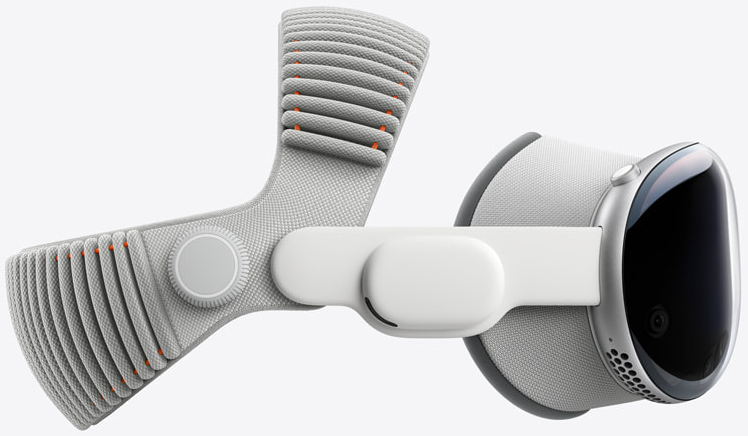
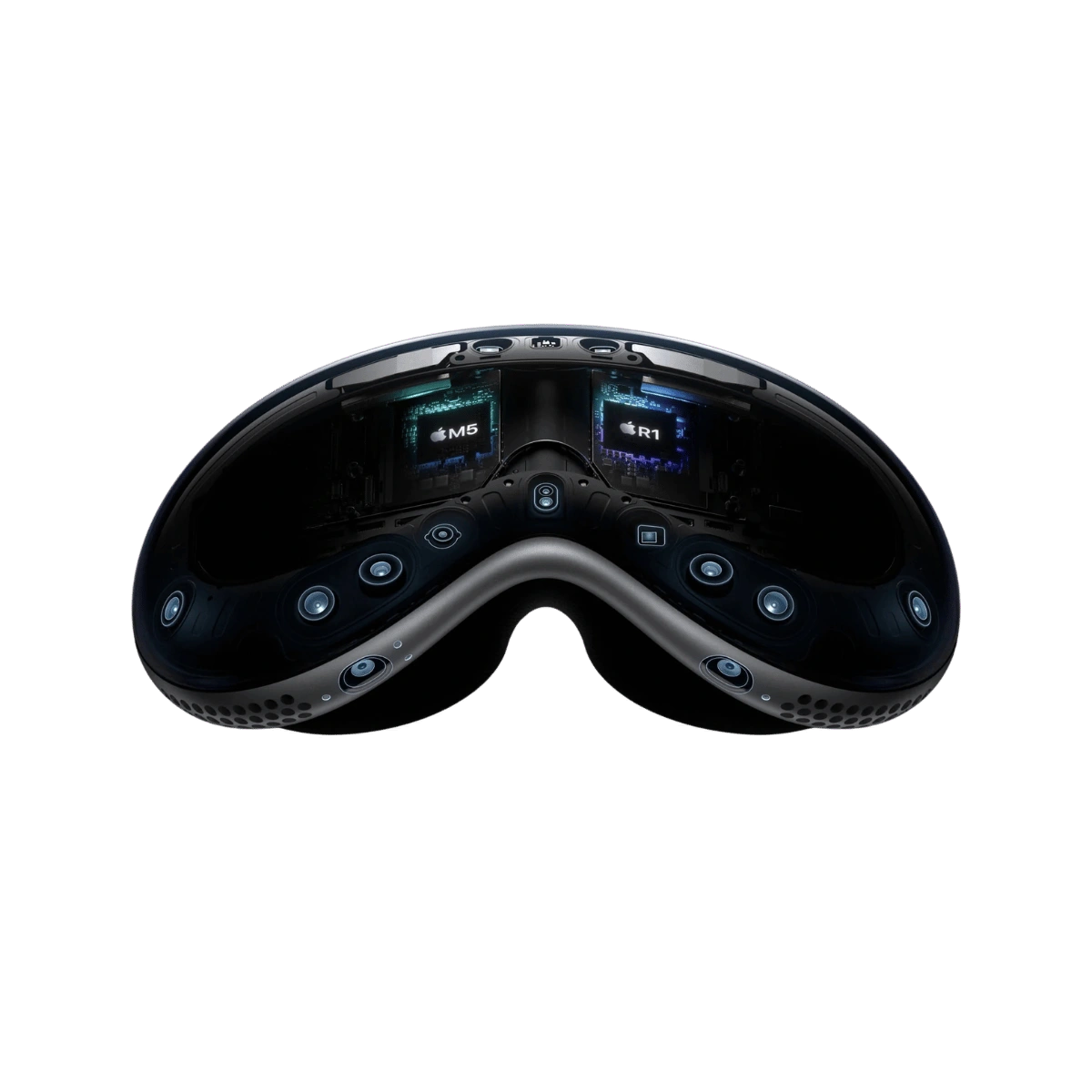
Performance is powered by the Apple M5, while the R1 chip processes data from the cameras and sensors. Photon-to-photon latency for this image pipeline is 12 ms. This is not a promise of application launch times or zero latency in every app.

Cameras and sensors provide a high-quality view of your surroundings, so you can see the room and the people around you while working on virtual screens placed in space. Turn the dial to smoothly increase or reduce the amount of digital content, from full awareness of your surroundings to complete immersion in a selected environment. You decide how much of the world around you remains visible.
Sign in with your eyes using Optic ID, which recognises your iris pattern and protects your data, passwords and payments without requiring a passcode. Spatial audio with head tracking places sounds in the right locations around you, so calls, music and films feel as though they are taking place in your room, without the need for headphones.
Vision Pro makes sense where image quality and content presentation justify the high cost of the workstation. Before deployment, it is worth piloting the target application, checking account management and preparing a device-fitting procedure for users.

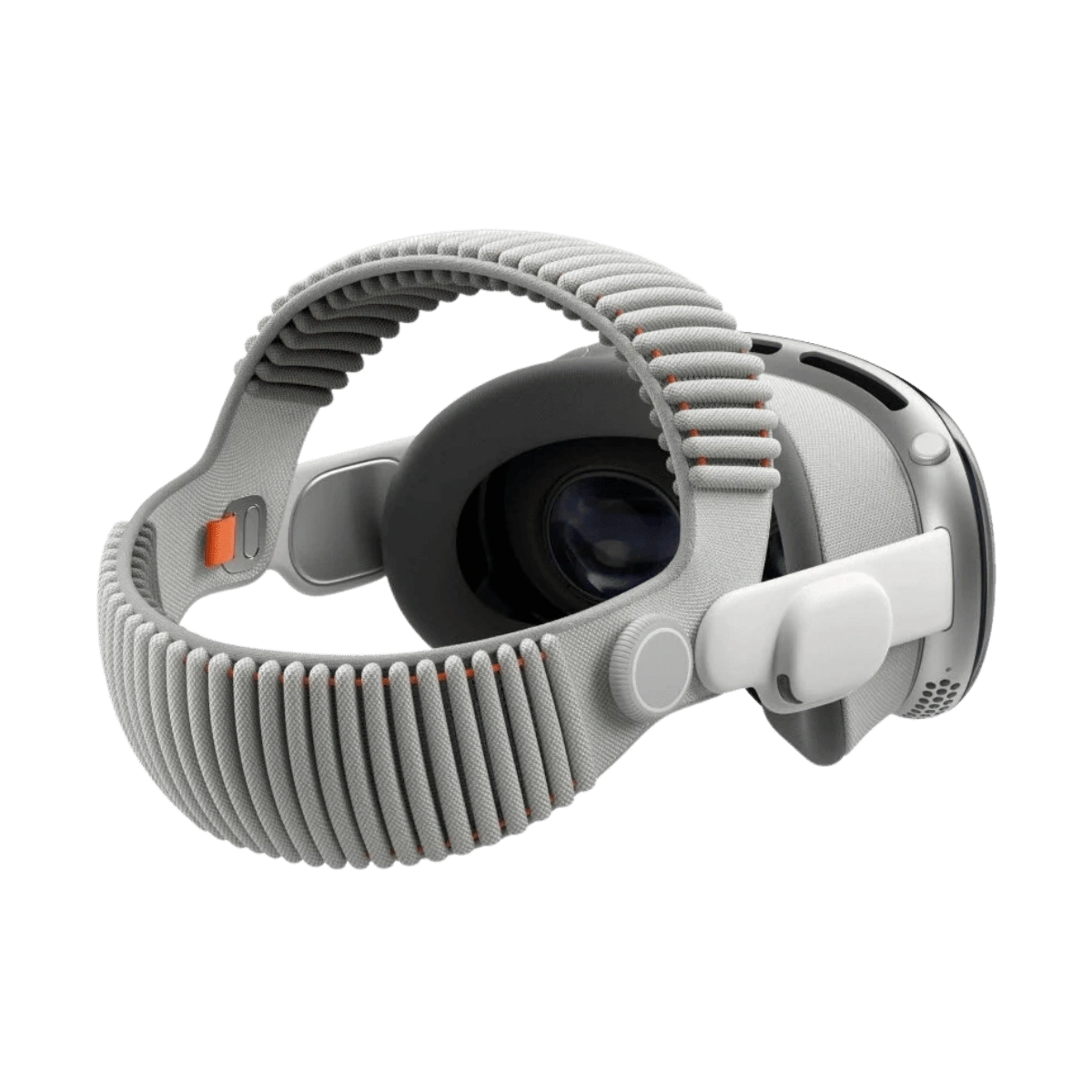
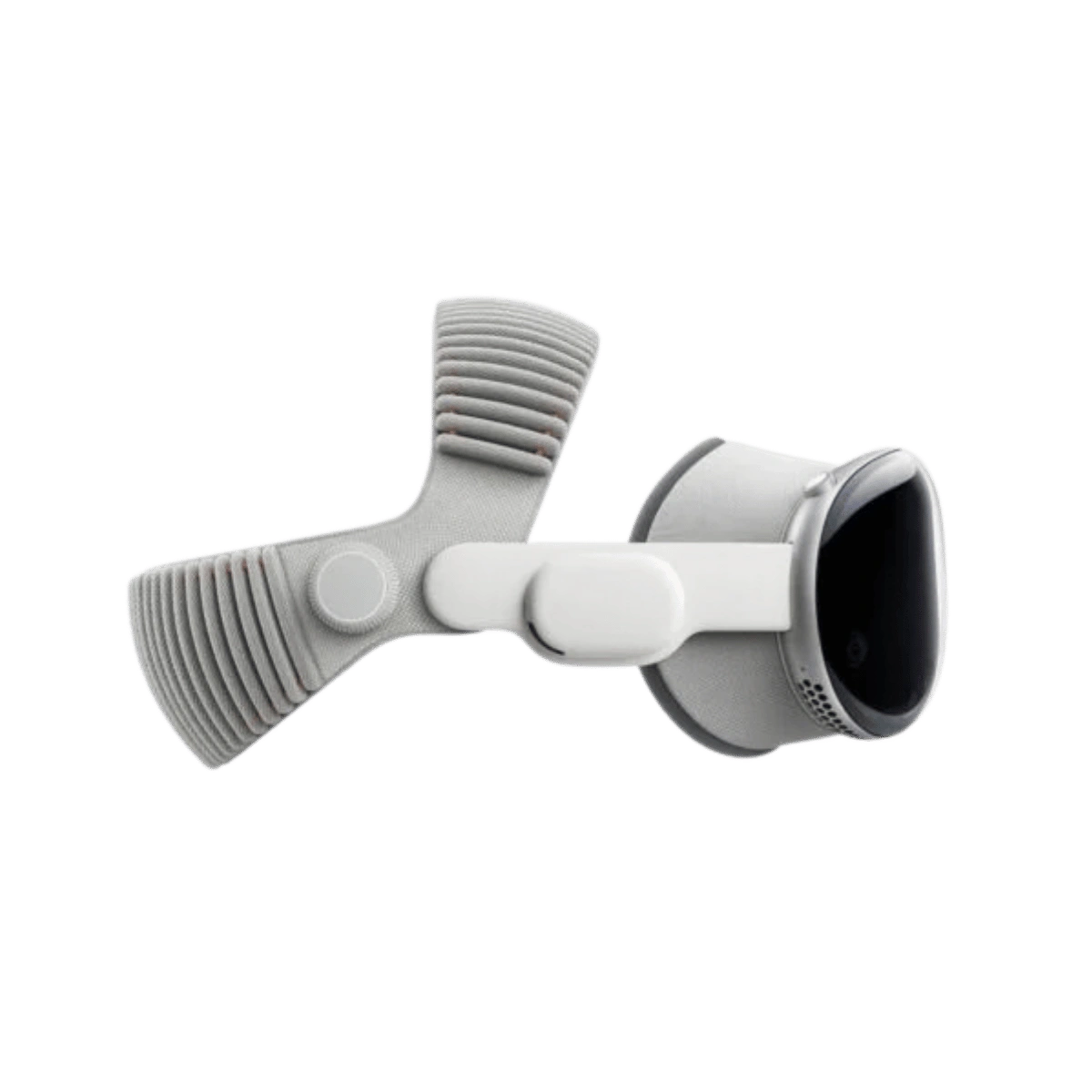
Vision Pro works independently, but the full value of the device depends on the availability of the required visionOS apps. The headset weighs 750–800 g depending on the configuration, while the separate battery weighs 353 g. Battery life is up to 2.5 hours of general use and up to 3 hours of video playback; the device can be used while charging. Before a team purchase, check Light Seal fit, optical inserts, user sign-in and how the view will be shared with observers.
If you primarily need a lightweight, large display for a phone or laptop, compare it with Xreal One Pro. For games, exercises and deployments with more devices, a more practical choice will usually be Meta Quest 3 or a PICO model selected for the specific use case.
Vision Pro makes sense where image quality and content presentation justify the high cost of the workstation. Before deployment, it is worth piloting the target application, checking account and data management, and preparing a procedure for fitting the device to successive users.
Yes. Vision Pro is a standalone visionOS device. A Mac is only needed if you want to use its display in the headset workspace.
Battery life is up to 2.5 hours of general use and up to 3 hours of video playback. The headset can also be used while charging.
No. The main controls use gaze, hands and voice. The headset also supports compatible keyboards, pointing devices and game controllers; check the compatibility of each accessory before purchase.
Vision Pro focuses on spatial work, micro-OLED displays, eye tracking and the Apple ecosystem. Quest 3 is a less expensive and more versatile choice for games, learning and popular VR apps.
Full technical specifications grouped by topic.
 Apple Vision Pro M5
We use cookies to store and access data on your device, including browsing data and identifiers. Without your consent, some features may not work as well.