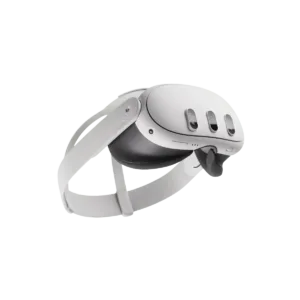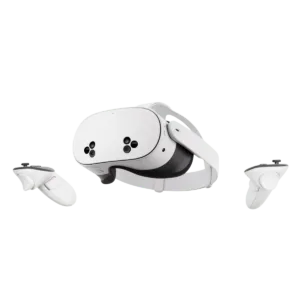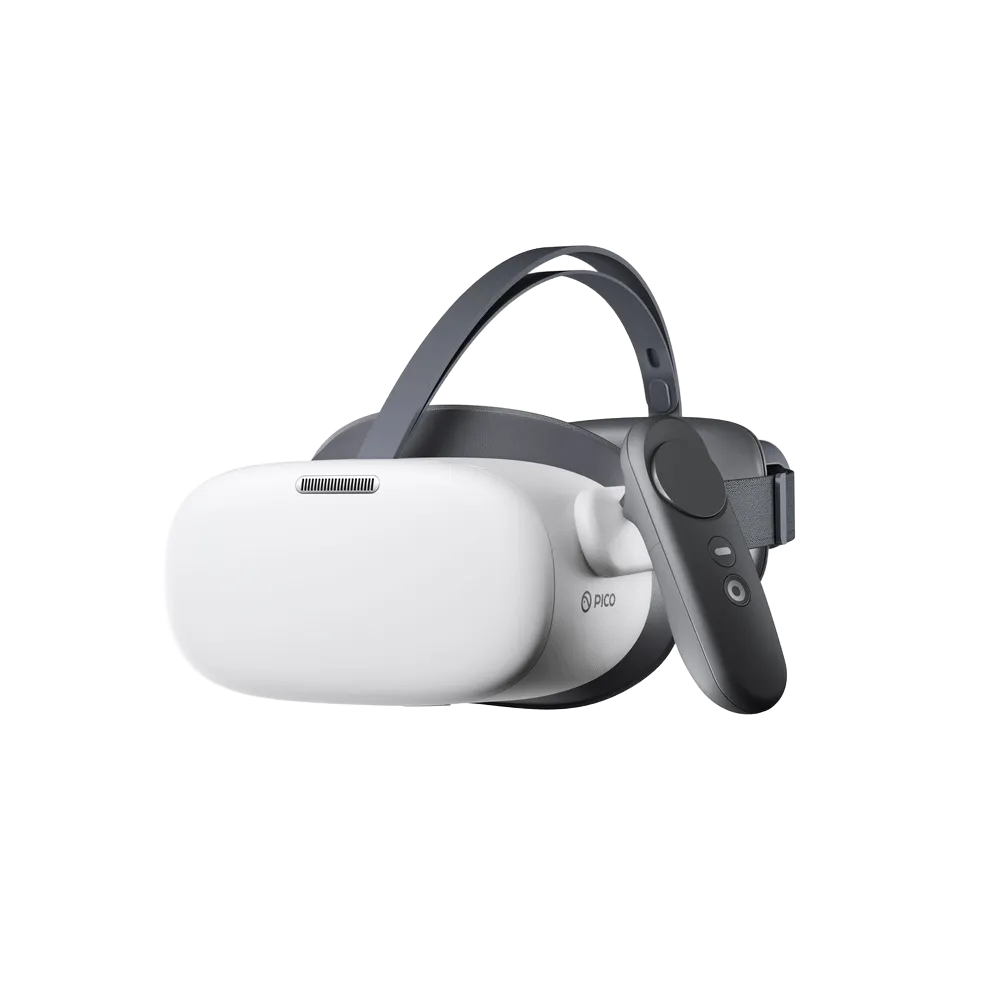


Pico G3 Enterprise is a standalone virtual reality headset for business use. It features a Qualcomm XR2 processor, 3664 × 1920 resolution and 3DoF controls.
 <trp-post-container data-trp-p...

Looking Glass 16 OLED Landscape


Pico G3 Enterprise
Pico G3 Enterprise is a standalone virtual reality headset designed for business use. It is suitable for showing content or running sessions with a separate device for each participant. Its design combines built-in computing with a high-resolution display.
You can run apps on the headset thanks to the Qualcomm XR2 processor with eight Kryo 585 cores. 6 GB of LPDDR4x RAM supports the operating system and apps, while 128 GB of UFS 3.1 storage provides space for installed content. The headset runs on Android 10. When preparing a company rollout, you therefore know the exact operating system version to consider when checking compatibility with the apps you use. You can also plan how much content needs to be available directly on the device.
The image is displayed on a single 5.5-inch SFR TFT panel with a combined resolution of 3664 × 1920 and a pixel density of 773 PPI. For finer interface details, you can choose a 72 or 90 Hz refresh rate. A 98° field of view determines how much of the scene you can see, while you view the image through PMMA Fresnel lenses. These specifications help you assess whether the headset suits the content you plan to show during a training session or presentation.
The complete headset weighs 604 g, and a rear-mounted battery balances the headset when worn. Soft straps help adjust the fit on your head, while a removable PU foam cushion makes it easier to prepare the headset for the next person. You can also use it while wearing glasses. Lens spacing is adjusted using IPD settings of 58, 63.5 and 69 mm. Also available is a TÜV-certified low blue light mode.
The headset uses 3DoF tracking, which detects head rotation. You control the interface with one 3DoF controller, allowing you to point to elements in the app. Sound is played through two stereo speakers, one on each side, while voice is captured by two microphones. If you prefer headphones in a given situation, you can use a 3.5 mm jack socket. Keep these control options in mind when preparing content for participants.
You can work without a power cable thanks to the 5300 mAh battery. After a session, you can charge the headset using the Qualcomm QC 3.0 and USB PD 3.0 standards, helping you choose a compatible power supply. Wi-Fi 6 is used to connect to the network, while Bluetooth 5.1 is used to communicate with compatible devices. When setting up multiple stations, these details help you check network requirements in advance and plan charging between sessions.
No. 3DoF tracking detects head rotation but does not track changes in head position. Keep this in mind when choosing apps that require free movement.
Yes, the design allows comfortable use with glasses. Before the session, adjust the headset to fit the person who will be using it.
Yes, it supports Qualcomm QC 3.0 and USB PD 3.0. When choosing a charger, check that it supports at least one of these standards.
Full technical specifications grouped by topic.
 Pico G3 Enterprise
We use cookies to store and access data on your device, including browsing data and identifiers. Without your consent, some features may not work as well.