


Brak produktów w koszyku.
Shared VR headsets: what remains after a session
Shared VR headsets: what remains after a session
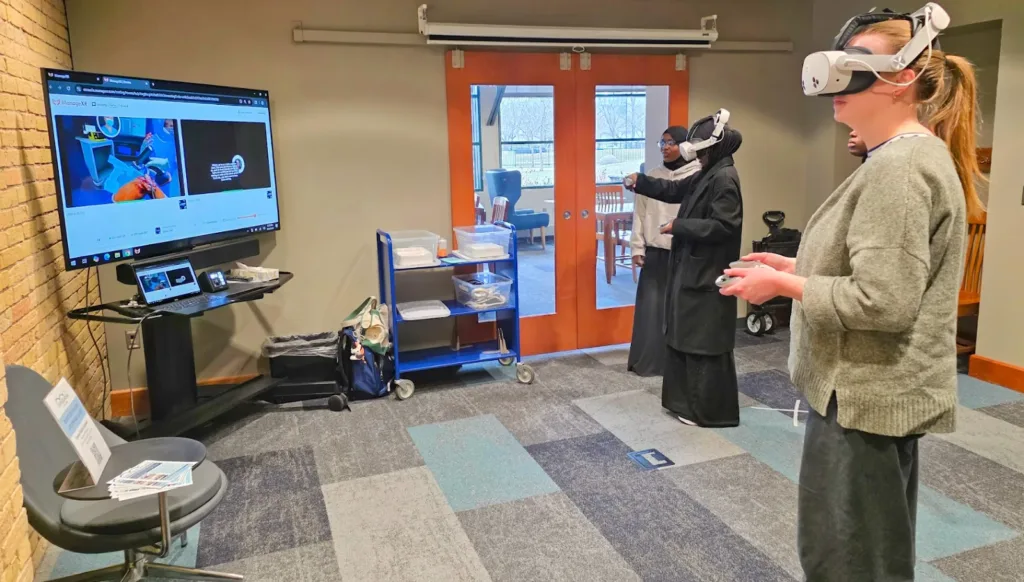
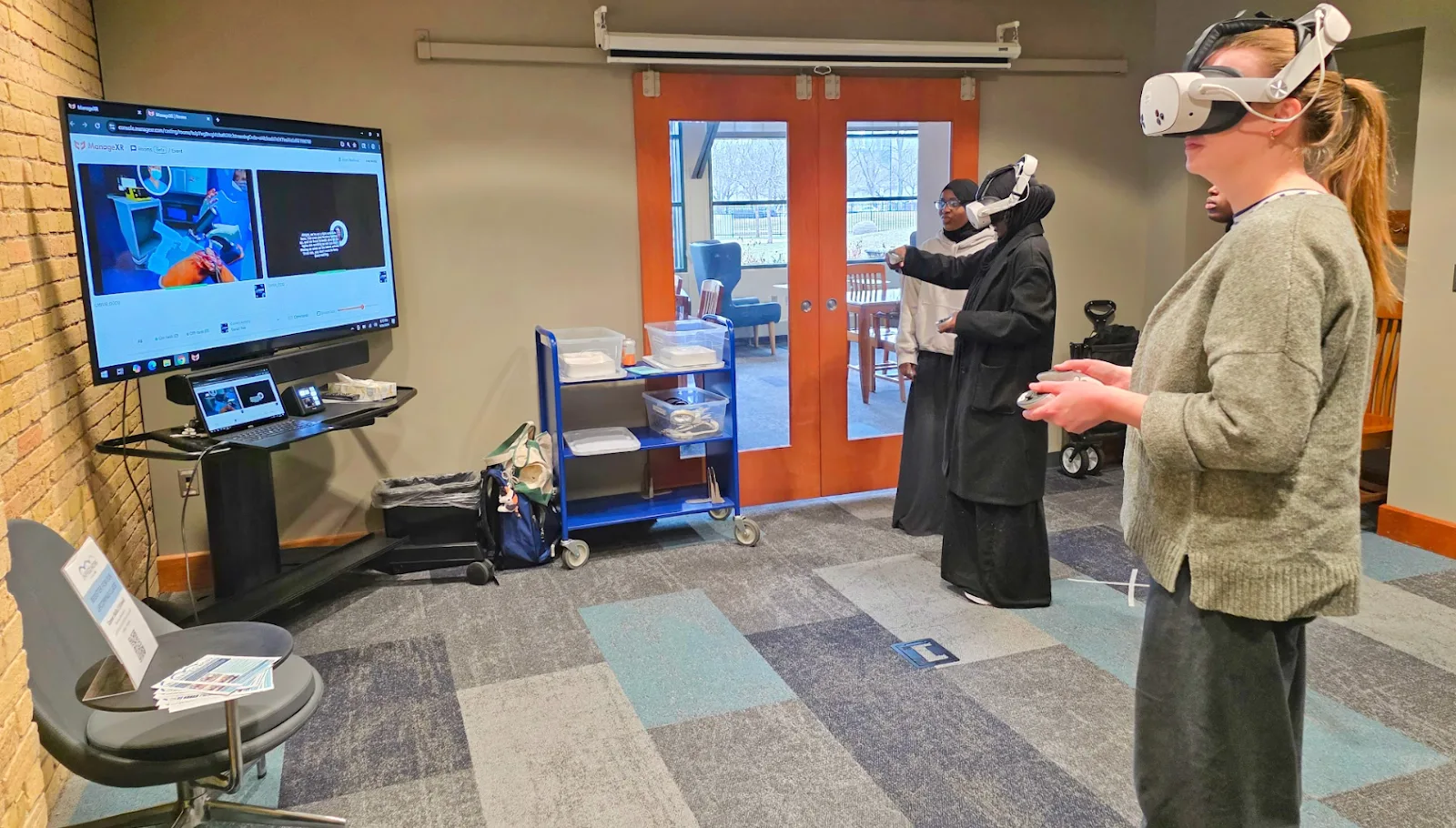
If the next participant opens an exercise and sees the previous user’s name, the headset handover needs attention. A demonstration that ends once the app launches can miss this problem. Acceptance of shared equipment should cover the end of one session and the start of the next.
Separate retention from access
A pupil may need their project again next lesson. A trainer may need to retain an employee's result. The next person using the headset should not be able to open either record. Agree what must be retained separately from who can access it. A record's existence is not necessarily a fault; access to it is the relevant question.
Before choosing a handover procedure, ask the administrator and app supplier to describe five places where data may reside:
- App data on the headset: work in progress, exercise results, participant settings and copies waiting to upload. Are these associated with an account or the whole installation?
- System data and shared files: screenshots, recordings, downloads or recently opened files, where the chosen mode provides these features. Who can reach them outside the app?
- Accounts and sign-in: the app account, the device account, and browser or SSO sign-in. Establish which remain active when the participant finishes.
- The app’s cloud service: results, projects and history associated with a user or group. Which records should remain available to the trainer?
- The device management console: configuration, administrator activity and device usage records. These are a separate dataset from a learner’s results.
Not every app uses all five. For each relevant location, record the service name, authorised roles and expected state after the session. ManageXR’s data map distinguishes device information, administrator accounts, uploaded apps and files. It describes the MDM service; establish the training app’s behaviour with its own supplier.
Shared Mode does not describe the whole handover
The ManageXR instructions for Meta Shared Mode sessions provide a specific example. Their End Session section and FAQ say app data is not cleared between sessions from ManageXR Admin App 1.7.84. The introduction still describes clearing data. Record that inconsistency and verify the installed version’s behaviour. Do not apply this description to other MDM services, modes or headset brands.
The operator's instructions should identify the headset, system version, management app version and training app version. Name the separate actions: finishing the exercise, signing out of the app and ending the device session. Ask the supplier which actions are required, and in what order, to preserve the intended result and prepare the headset for another person.
Returning to a home screen or taking off the headset does not establish that sign-out has occurred. Test access from the next participant's perspective.
Rehearse with fictional data
Use a dedicated test device configured for the planned activity. Prepare two test accounts, TEST-A and TEST-B, and fictional content such as a project called “TEST-A-27”. Do not use pupil or employee details or actual assessment results. If the product does not support test accounts, arrange a demonstration in an environment prepared by its supplier.
Write down the expected outcome first: B can start their own exercise without access to A's work, while the trainer retains any result required by the activity. Success should not depend on everything disappearing by accident.
- Participant A completes a short exercise. They save the fictional project through the intended workflow. The trainer records where the result appears and whether it is available in the intended dashboard.
- The operator follows the agreed end-of-session instructions. They record the visible confirmations. The trial does not include clearing app data, deleting accounts or performing a factory reset.
- Participant B takes over the headset. They open the app from the beginning and try to start their own task. They inspect the visible name, project list, recent results and any available controls for returning to the previous account.
- The operator inspects other permitted locations. Where the configuration provides a browser, gallery or file list, they look only for the fictional TEST-A-27 marker. A missing menu button does not establish who can access the stored record.
- The trainer checks the retained result. An authorised account can still see the data intended to remain. B then completes a separate trial to confirm that their results do not attach to A’s account.
If the activity includes breaks, run a separate trial of removing and putting on the headset. This distinguishes resuming the same person's work from handing the device to somebody else. These are proposed tests for the actual configuration, not results of research we have conducted.
Set the handover criteria
A headset is ready for the next participant when the instructions produce a predictable outcome: the previous account is not active for them, their task starts in the right place, and any record required by the trainer has been retained. Separately confirm that accessible files and recordings do not expose the previous participant's material.
If the outcome fails these criteria, mark the device as not ready for shared use. Record versions, steps and the visible symptom using the fictional marker, then refer the issue to the administrator or app supplier. Avoid attempting an improvised fix by removing data whose purpose is unclear.
Records outside the headset also matter. ManageXR’s analytics documentation describes app and device usage information, including later uploads of records collected without a connection. Ending a participant’s activity and retaining fleet activity history are separate matters.
Keep a short trial record: configuration, outcomes for A and B, trainer access, other retained records and date. Repeat the affected scenario when sign-in or session handling changes. That does not require repeating acceptance of the entire classroom.
A fleet update can change the handover outcome
The A/B trial applies to a particular configuration. An app update or an MDM setting change may leave the approved handover instructions out of step with the device. We suggest attaching a short change record: approver, headset group, versions before and after, planned date and repeat-trial result.
Start with a test device. The administrator introduces the change in a separate configuration and repeats the affected sequence: saving a result, signing out and starting the next participant’s session. The trainer confirms that the instructions still match the headset. Only then should the change reach the teaching group. This is a proposed working procedure, not an automatic capability of every MDM service.
Specify the version as well as the app. ManageXR supports selecting an app version through its configuration; the latest version is approved by default. The same instructions warn that Force Install deletes app data during an update. It should not be treated as a routine retry for a failed download.
Separate the maintenance window from device readiness. ManageXR’s scheduling feature, available on Premium, covers content installations and updates but does not delay content removal. The document also lists PICO PUI updates. That does not establish control over system updates on every headset model.
Before the session, record which devices have the accepted configuration. A headset returning after a long period switched off needs its state confirmed before rejoining the group. Sending a change from the console is not the same as passing the trial on that device. If its state remains unknown, the trainer should have an identified spare or an agreed way to run the activity without it.
Include the administrator's contact and a fallback decision in the change record. Do not assume that installing an older version will preserve data. Agree a recovery procedure with the app supplier before the change instead of improvising between participants.
A security policy the facilitator can use
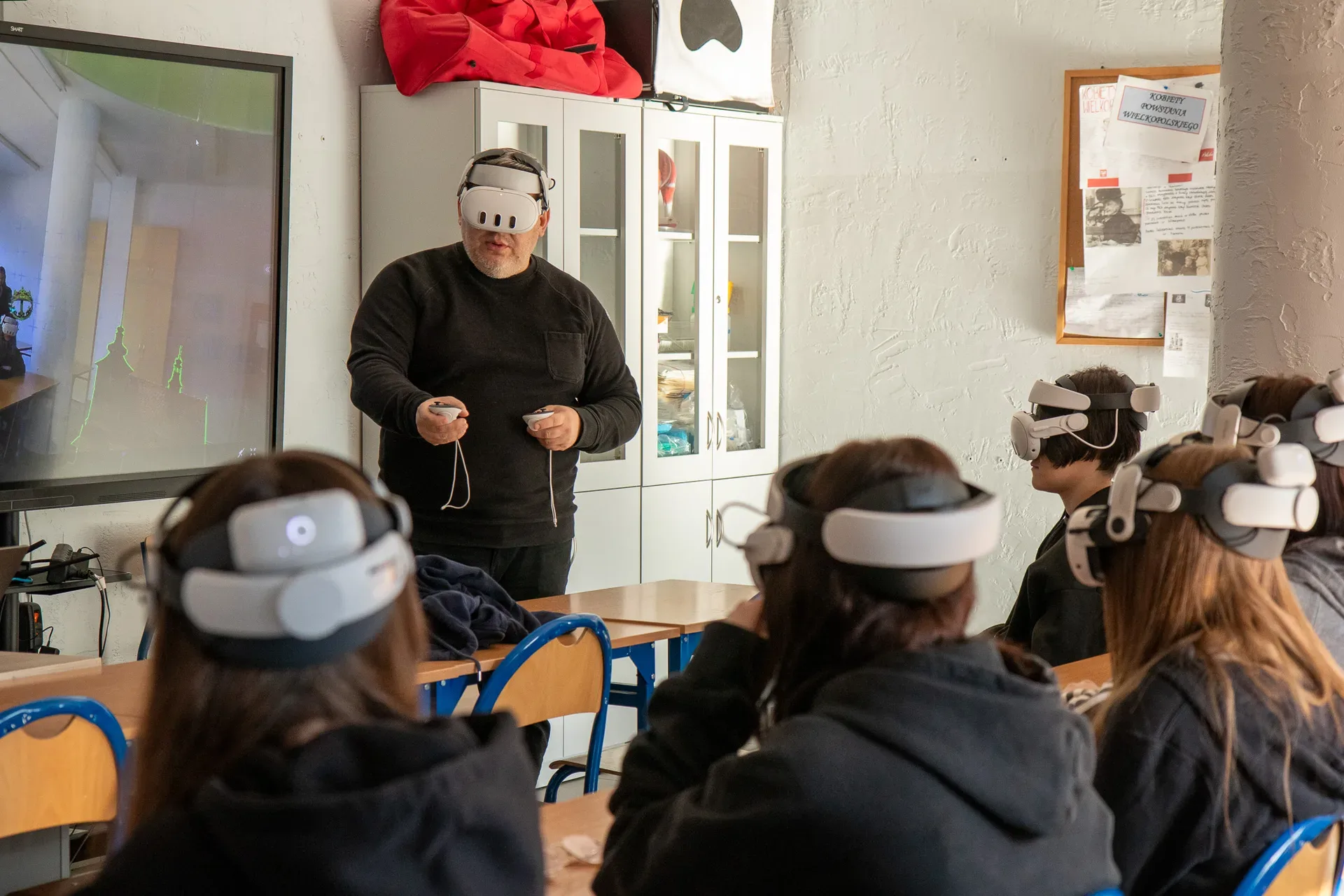
Connect the session procedure to rules for the whole fleet. The following is a proposed document scope for the organisation to approve. Each item needs an owner, a specific configuration and a way to check it. Purchasing an MDM service does not settle these decisions.
| Area | What to record | How to check it |
|---|---|---|
| Ownership | Fleet administrator, facilitator and the person responsible for decisions about participant data. | The operator knows where to report a headset that is not ready. |
| Accounts and access | Named administrator accounts, permission scope, MFA where available and access removal when roles change. | The facilitator account performs only its assigned tasks; former accounts have no access. |
| Applications | Approved sources and versions, who approves new software and rights to use it in training. | The headset has the accepted version; participants cannot change the content set if that is a requirement. |
| Network and enrollment | Access to required services, a separate provisioning network and secure handling of tokens and passwords. | Enrollment and synchronization work; participants cannot access a QR code containing network credentials. |
| Results and recordings | Collection purpose, storage locations, authorised people, retention period and approved deletion procedure. | TEST-A/TEST-B checks also cover the browser, recordings and cloud service. |
| Updates | Trial device, change window, acceptance criteria and handling of headsets returning after a long break. | The actual version on every headset used is known before the session. |
| Loss or incident | Emergency contact, removal from training and preservation of information needed to investigate. | The operator can report a simulated incident without deleting results or exposing them to others. |
| Recovery and retirement | What must be recovered, who may recover it and the order of export, account removal and reset at retirement. | Recovery is tested with fictional data; reset follows confirmation of required records. |
Record the review date and changes that require revisiting the policy: a new application, sign-in method, location or supplier. Do not promise restrictions or deletion features that the selected model and plan do not support. A missing control should lead to a change in configuration or session procedure before real data is used.
For personal data, the appropriate data controller decides the processing purpose, legal basis, retention and processor agreements, with the DPO where appointed. GDPR, particularly Articles 5, 28 and 32, covers matters including storage limitation, processor arrangements and safeguards proportionate to risk. The table helps turn those decisions into fleet operations; it does not approve the compliance of a particular deployment.
Send us your shared-headset workflow, including the apps, successive groups and what needs to remain after the activity. These details provide a basis for specifying the configuration and its acceptance criteria.

Author
Dariusz Walczak
Dariusz Walczak is responsible for marketing at Zenith XR. He manages the brand's communications and blog content.
Need specific advice?
Choose the right XR equipment for your needs
Tell us how you plan to use XR headsets. We will help you choose the right equipment for home, school or business.



Add comment