
Zenith XR
Zenith XR
Your account0Wishlist0Cart
Zenith XR Logo
Menu Kategorie
  • Shop
  • VR for Education
  • VR for business
  • Projects
  • Events
  • Blog
  • About us
  • Contact
  • Accessories
    • Batteries and power banks
    • For AR glasses
    • Cases and covers
    • Facial interfaces
    • Cables and adapters
    • Controllers and grips
    • Hygiene covers
    • Head straps
    • Prescription lenses
    • Trackers and sensors
    • Charging cases and cabinets
  • VR treadmills
  • Drones
  • VR headsets
    • Mixed reality headsets
    • Standalone VR headsets
    • Enterprise VR headsets
    • Console VR headsets
    • PC VR headsets
  • Haptics
  • Cameras
  • Consoles
  • Neurotechnology
  • AI glasses
    • AI glasses with a camera
    • AI glasses with a display
  • AR glasses
    • AR glasses accessories
      • Adapters and docks
      • External computing power
    • Industrial AR glasses
    • AR glasses with a display (HUD)
  • Uncategorized
  • 3D displays
Wishlist
Compare
Account
Zenith XR Logo
Compare

No products to compare.

Return to shop

View comparison

Compare
Wishlist

View wishlist Add all to cart

Wishlist
Log in
Login Create an account

View your orders, save addresses and check out faster.

Lost your password?

or

Don't have an account? Create an account

or with email

At least 8 characters, including at least one letter and one digit. Must be different from your email address.

Your data will be used to process orders, provide access to your account and for the purposes described in our privacy policy.

Already have an account? Log in

Log in
Cart

Your cart is empty.

Return to shop
Shopping cart (0)
Subtotal: €0,00

View cartCheckout

0 Cart
  • Shop
  • VR for Education
  • VR for business
  • Projects
  • Events
  • About us
  • Contact
  • Blog
Home Blog Guides
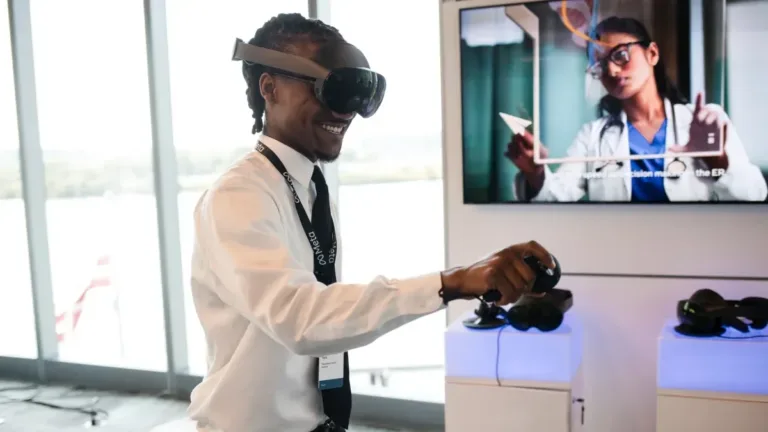
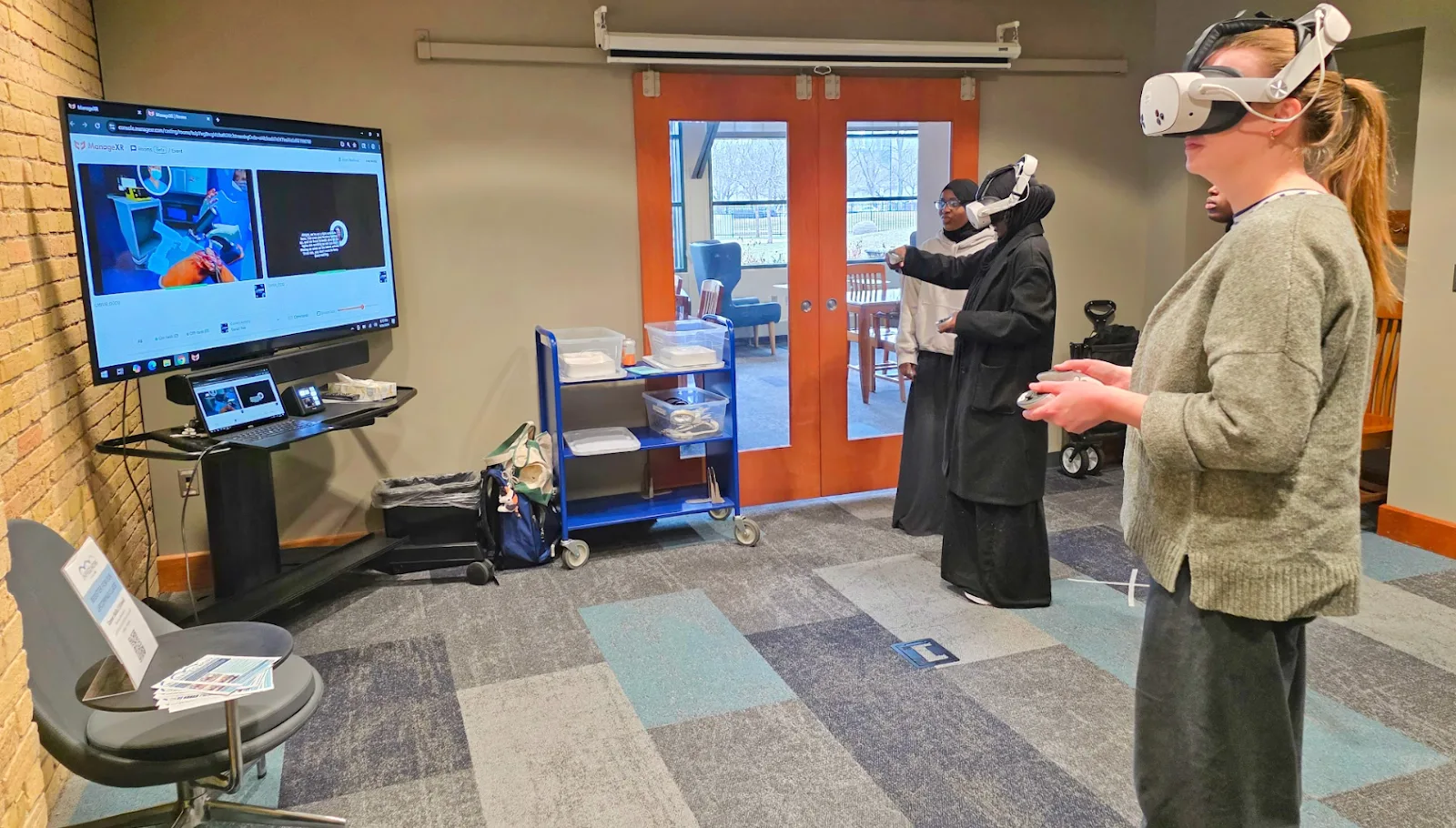
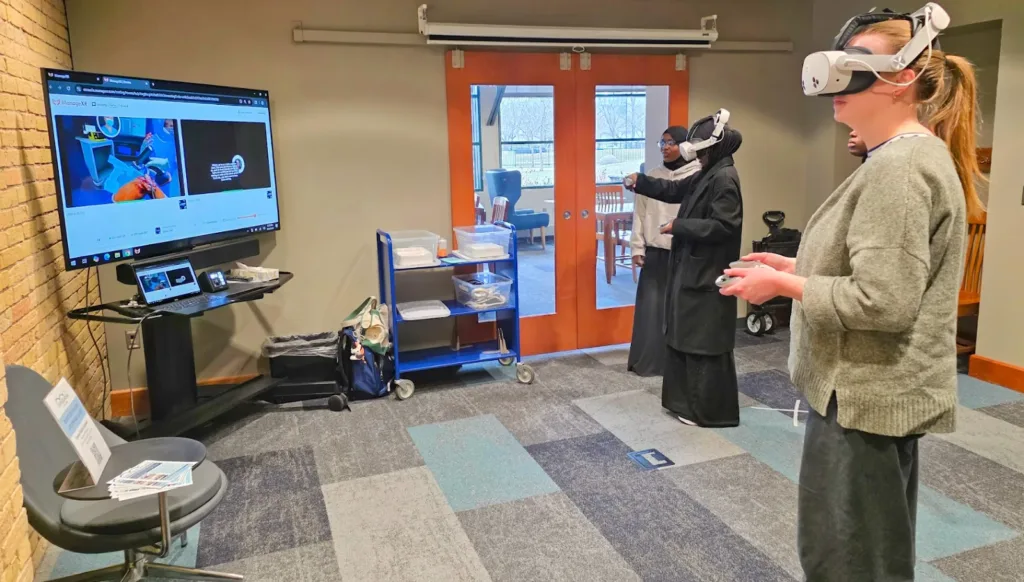
Two participants wearing VR headsets beside a simulation monitor
Guides

What happens to data when a VR session ends?
November 10, 2026 /Posted byDariusz Walczak / 95 / 0
Guides 10 November 2026 · 6 min read

What happens to data when a VR session ends?

Two participants wearing VR headsets beside a simulation monitor
MDI career training with two VR headsets and a simulation shown on a monitor. Photo source: MDI / ManageXR.

A session can end with a result saved for the trainer. The next person should not see the previous participant’s name, project or account. Check this on the same headset using two test accounts. Returning to the home screen does not tell you who can still access the data.

Separate retention from access

A pupil may need their project again next lesson. A trainer may need to retain an employee's result. The next person using the headset should not be able to open either record. Agree what must be retained separately from who can access it. A record's existence is not necessarily a fault; access to it is the relevant question.

Before choosing a handover procedure, ask the administrator and app supplier to describe five places where data may reside:

  • App data on the headset: work in progress, exercise results, participant settings and copies waiting to upload. Are these associated with an account or the whole installation?
  • System data and shared files: screenshots, recordings, downloads or recently opened files, where the chosen mode provides these features. Who can reach them outside the app?
  • Accounts and sign-in: the app account, the device account, and browser or SSO sign-in. Establish which remain active when the participant finishes.
  • The app’s cloud service: results, projects and history associated with a user or group. Which records should remain available to the trainer?
  • The device management console: configuration, administrator activity and device usage records. These are a separate dataset from a learner’s results.

Not every app uses all five. For each relevant location, record the service name, authorised roles and expected state after the session. ManageXR’s data map distinguishes device information, administrator accounts, uploaded apps and files. It describes the MDM service; establish the training app’s behaviour with its own supplier.

What ending a session does

In the ManageXR guide to Meta Shared Mode, the End Session section and FAQ say that app data stays on the device between sessions from Admin App 1.7.84. The introduction still describes clearing it. Test the version installed on your headsets. Other modes and management systems may behave differently.

The operator's instructions should identify the headset, system version, management app version and training app version. Name the separate actions: finishing the exercise, signing out of the app and ending the device session. Ask the supplier which actions are required, and in what order, to preserve the intended result and prepare the headset for another person.

Returning to a home screen or taking off the headset does not establish that sign-out has occurred. Test access from the next participant's perspective.

Rehearse with fictional data

Use a dedicated test device configured for the planned activity. Prepare two test accounts, TEST-A and TEST-B, and fictional content such as a project called “TEST-A-27”. Do not use pupil or employee details or actual assessment results. If the product does not support test accounts, arrange a demonstration in an environment prepared by its supplier.

Write down the expected outcome first: B can start their own exercise without access to A's work, while the trainer retains any result required by the activity. Success should not depend on everything disappearing by accident.

  1. Participant A completes a short exercise. They save the fictional project through the intended workflow. The trainer records where the result appears and whether it is available in the intended dashboard.
  2. The operator follows the agreed end-of-session instructions. They record the visible confirmations. The trial does not include clearing app data, deleting accounts or performing a factory reset.
  3. Participant B takes over the headset. They open the app from the beginning and try to start their own task. They inspect the visible name, project list, recent results and any available controls for returning to the previous account.
  4. The operator inspects other permitted locations. Where the configuration provides a browser, gallery or file list, they look only for the fictional TEST-A-27 marker. A missing menu button does not establish who can access the stored record.
  5. The trainer checks the retained result. An authorised account can still see the data intended to remain. B then completes a separate trial to confirm that their results do not attach to A’s account.

If the activity includes breaks, run a separate trial of removing and putting on the headset. This distinguishes resuming the same person's work from handing the device to somebody else. These are proposed tests for the actual configuration, not results of research we have conducted.

Set the handover criteria

A headset is ready for the next participant when the instructions produce a predictable outcome: the previous account is not active for them, their task starts in the right place, and any record required by the trainer has been retained. Separately confirm that accessible files and recordings do not expose the previous participant's material.

If the outcome fails these criteria, mark the device as not ready for shared use. Record versions, steps and the visible symptom using the fictional marker, then refer the issue to the administrator or app supplier. Avoid attempting an improvised fix by removing data whose purpose is unclear.

Records outside the headset also matter. ManageXR’s analytics documentation describes app and device usage information, including later uploads of records collected without a connection. Ending a participant’s activity and retaining fleet activity history are separate matters.

Keep a short trial record: configuration, outcomes for A and B, trainer access, other retained records and date. Repeat the affected scenario when sign-in or session handling changes. That does not require repeating acceptance of the entire classroom.
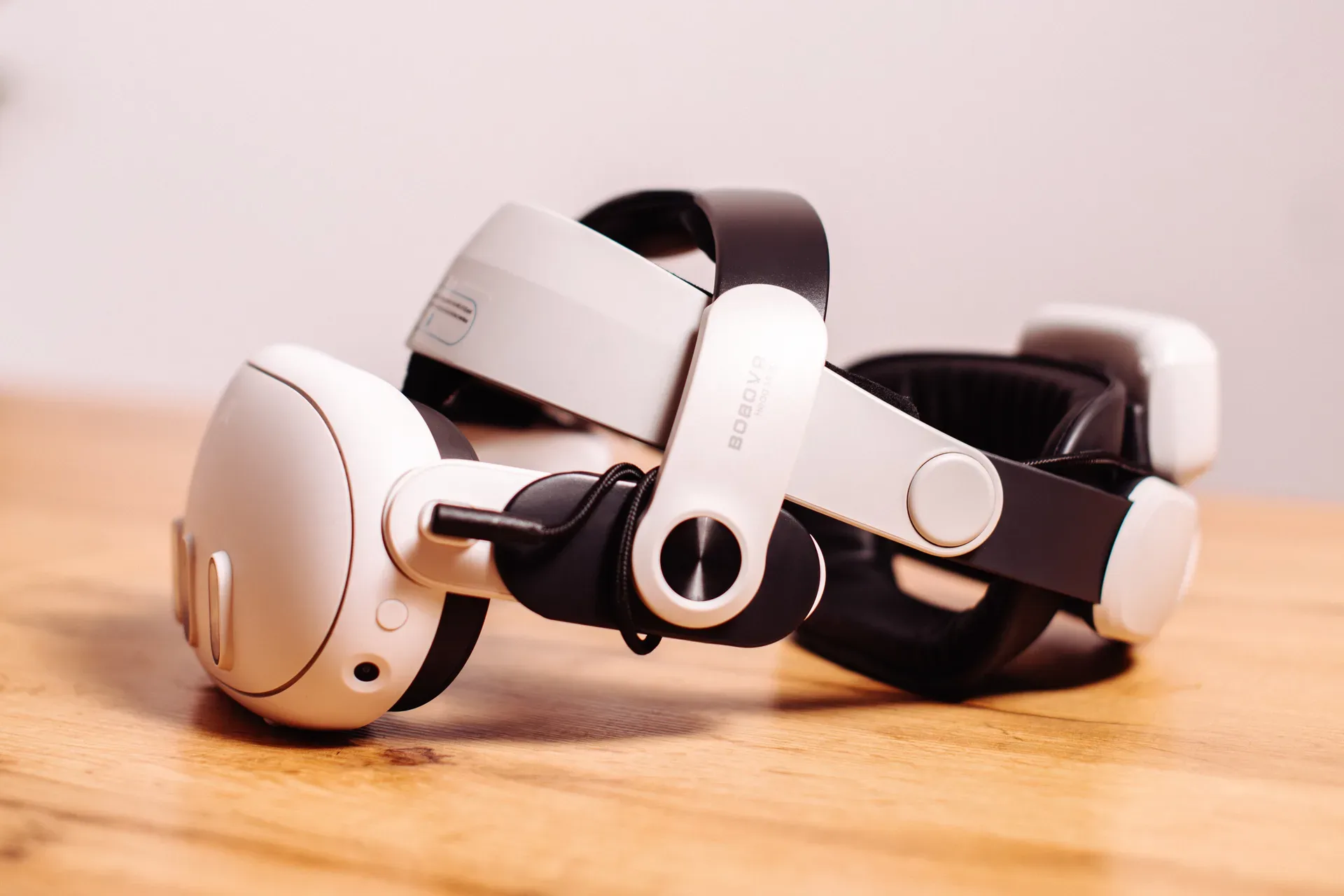
White VR headset with a head strap on a wooden table
VR headset with an accessory head strap. | Photo: ZenithXR.

When to repeat the test

After changing the app, sign-in or management settings, repeat the A/B test on one headset before returning the equipment to use. Check again what the next participant can access and whether the trainer still has the required record.

ManageXR warns that Force Install deletes app data. Before using it, decide which results need to be kept and how to recover them.
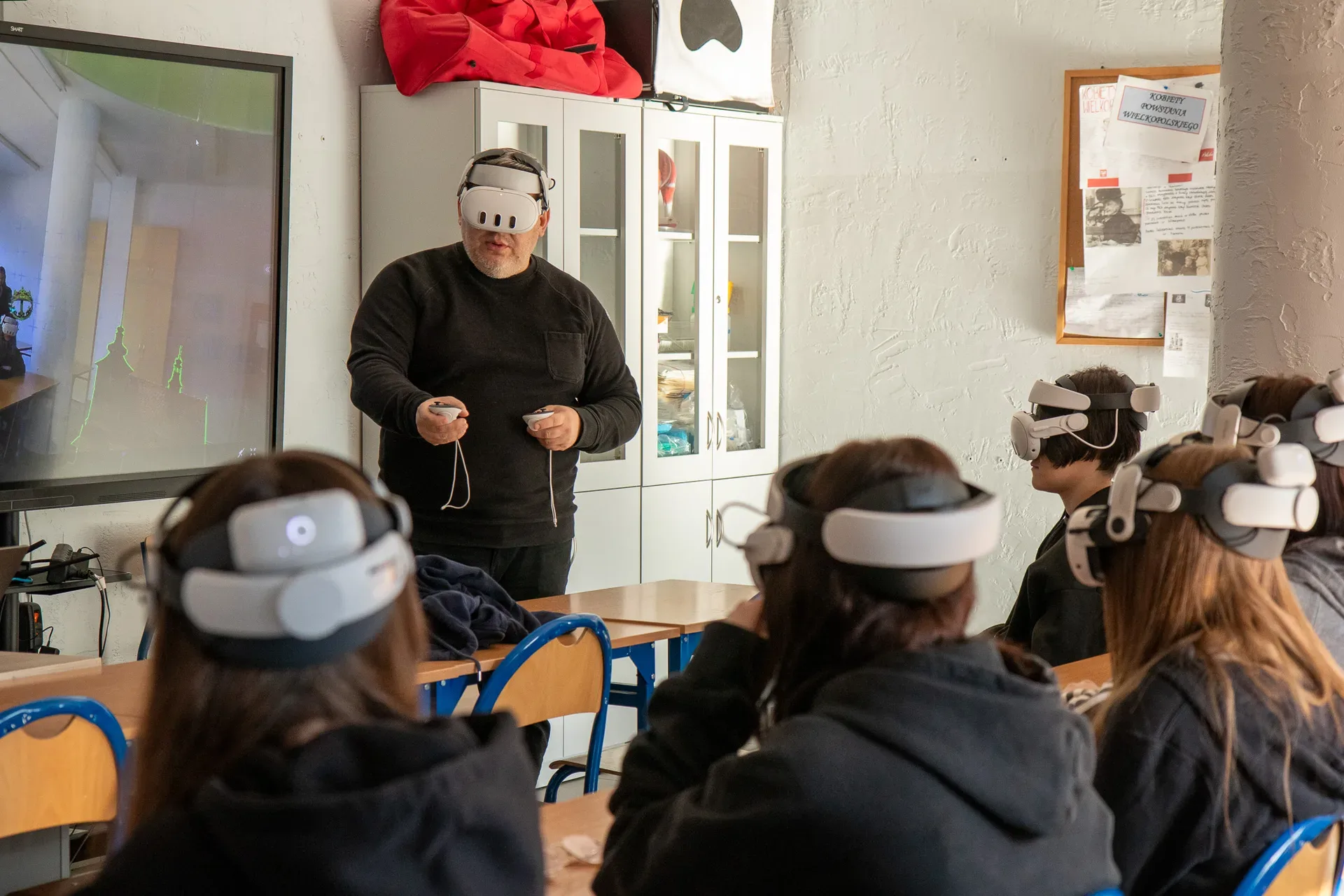
An instructor holding VR controllers briefs a seated group
A briefing during a VR workshop. | Photo: ZenithXR.

Who is responsible for access and retention

Decide who can see results and recordings, who can change headset settings and who should receive an incident report. The facilitator should be able to take a headset out of rotation without deleting data.

For personal data, the relevant controller decides the purpose, lawful basis, retention period and processor arrangements, with the DPO if one has been appointed. GDPR, particularly Articles 5, 28 and 32, covers storage limitation and safeguards appropriate to risk. The A/B test helps check access on the particular setup.

Send us your shared-headset workflow, including the apps, successive groups and what needs to remain after the activity. These details provide a basis for specifying the configuration and its acceptance criteria.

Dariusz Walczak
Author

Dariusz Walczak

Dariusz Walczak is responsible for marketing at Zenith XR. He manages the brand's communications and blog content.

All articles

Need specific advice?

Choose the right XR equipment for your needs

Tell us how you plan to use XR headsets. We will help you choose the right equipment for home, school or business.
Choose XR equipmentRequest a quote

Related articles

An open Zioxi USB-C case containing VR headsets and cablesGuides

A charging case or a cabinet for VR headsets?

5 min read
A man wearing XREAL One at a desk with a computer and keyboardGuides

Why AR glasses show no picture over USB-C

5 min read
A man wearing Meta Quest Pro beside a screen at a Meta eventGuides

How to check if a business can get funding for VR in Poland

5 min read
Quest 2 i Quest Pro: koniec no...
A white Oculus Quest 2 headset with two Touch controllers on a light surface
Rows of colourful seats in an empty IMAX cinema
IMAX zapowiada wirtualne kino ...

Add comment Cancel reply

Your email address will not be published. Required fields are marked

Categories

  • XR news (6)
  • Guides (20)

Best-Selling

  • Varjo XR-4 pakiet Offline

    Varjo XR-4 pakiet Offline

  • Varjo Base Pro licencja wieczysta

    Varjo Base Pro licencja wieczysta

  • Varjo Integrated XR System z XR-4 Focal Edition

    Varjo Integrated XR System z XR-4 Focal Edition

  • Varjo Integrated XR System z XR-4

    Varjo Integrated XR System z XR-4

Explore
Sklep
Account
More
More
  • Shop
  • VR for Education
  • VR for business
  • Projects
  • Events
  • About us
  • Contact
  • Blog
Returns and warrantySupport after your purchase
XR adviceHelp choosing your equipment
Shopping for businesses and schoolsProforma invoices, VAT invoices and quotations
Secure paymentsCard or bank transfer based on a pro forma invoice
Zenith XR

We help you choose VR headsets and XR equipment for entertainment, learning and work. We advise, put together equipment packages and help you get everything running at home, at school and at work.

  • +48 789 130 673 · phone
  • support@zenithxr.pl · email
  • Mon–Fri 09:00–17:00
ZenithXR Cezary Sobociński
ul. Henryka Sienkiewicza 3/1 · 62-200 Gniezno
NIP 7842554642 · REGON 545279537

Shop

  • VR headsets
  • Mixed reality headsets
  • AR glasses
  • AI glasses
  • Trackers and accessories
  • All products

Help

  • FAQ
  • Delivery
  • Returns (14 days)
  • Warranty
  • Contact
  • My account

For business

  • VR for business
  • Request a quote (B2B)
  • Help choosing equipment
CardBank transfer
© 2026 Zenith XR. All rights reserved.
Terms and conditions Privacy policy Returns and complaints Cookie settings

Menu

Navigation

ShopVR for EducationVR for businessProjectsEventsBlogAbout usContact

Categories

Uncategorized3D displays
Wszystko w: AccessoriesFor AR glassesBatteries and power banksCases and coversFacial interfacesCables and adaptersControllers and gripsHygiene coversHead strapsPrescription lensesTrackers and sensorsCharging cases and cabinets
VR treadmillsDrones
Wszystko w: VR headsetsMixed reality headsetsStandalone VR headsetsEnterprise VR headsetsConsole VR headsetsPC VR headsets
HapticsCamerasConsolesNeurotechnology
Wszystko w: AI glassesAI glasses with a cameraAI glasses with a display
Wszystko w: AR glassesAR glasses accessoriesIndustrial AR glassesAR glasses with a display (HUD)
Help and contact

Your account

The form will appear after you open the panel.

Go to My Account

Wishlist

Your wishlist is empty

Tap the heart on a product to come back to it later.

Browse the shop

Could not load your wishlist

Try again to check your saved products.

Open the full list

Cart

Your cart is empty

Log in, to see your saved products, or browse our suggestions below.

Return to shopView wishlist

Best sellers

meta quest 3 512gbMeta Quest 3€637,00Brilliant Labs HaloBrilliant Labs Halo€542,00White Looking Glass Go displaying a sample 3D sceneLooking Glass Go White€310,005-metre cable for Quest 3/3S5-metre cable for Quest 3/3S€14,00

Currency and Language

Language

PolskiEnglish

Delivery country

Currency

PLNEURUSD
Manage consent

We use cookies to store and access data on your device, including browsing data and identifiers. Without your consent, some features may not work as well.

Functional Always active
Technical storage or access is strictly necessary for the legitimate purpose of enabling the use of a specific service explicitly requested by the subscriber or user, or solely for the purpose of transmitting a communication over an electronic communications network.
Preferences
Technical storage or access is necessary for the legitimate purpose of storing preferences that are not requested by the subscriber or user.
Statistics
Technical storage or access that is used exclusively for statistical purposes. Technical storage or access that is used exclusively for anonymous statistical purposes. Without a subpoena, voluntary compliance by your Internet Service Provider, or additional records from a third party, information stored or retrieved solely for this purpose usually cannot be used to identify you.
Marketing
Technical storage or access is required to create user profiles for sending advertising, or to track the user on a website or across several websites for similar marketing purposes.
  • Manage options
  • Manage services
  • Manage {vendor_count} vendors
  • Read more about these purposes
View preferences
  • {title}
  • {title}
  • {title}

Help center

Essential information about orders, delivery and how to contact us.

Shipment status Check where your order is Contact Email us or call us FAQ Answers to frequently asked questions Blog Guides, rankings and news from the XR world About us Learn about Zenith XR and our approach to technology