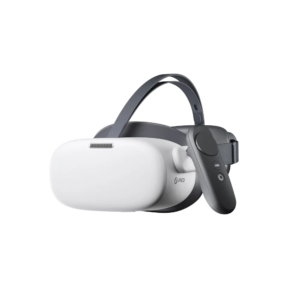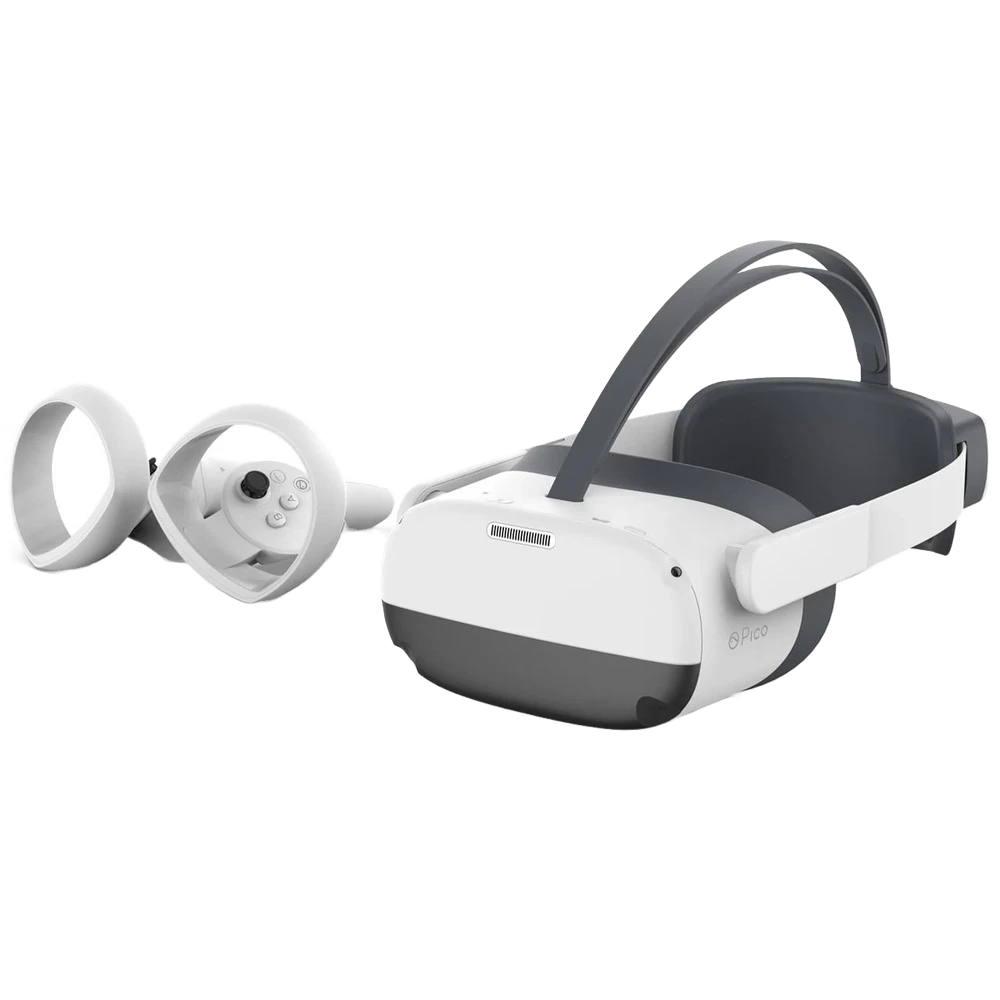


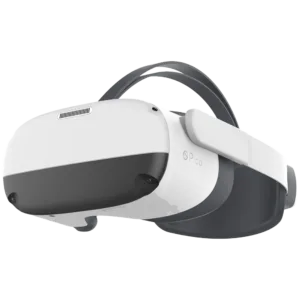
PICO Neo3 Pro is a VR headset with 6 GB of RAM, 256 GB of storage and 6DoF head tracking. Physical IPD adjustment offers settings of 58, 63.5 and 69 mm.
<trp-post-container data-trp-p...

Looking Glass 16 OLED Landscape


PICO Neo3 Pro, 6GB + 256GB
PICO Neo3 Pro is a headset for use with Virtual Reality applications. You can choose it for a company VR workstation or a lab that uses interactive content. Physical lens spacing adjustment lets you match the lens positions to your interpupillary distance. This is an important part of preparing the headset before using an application.
You can use the headset standalone or in PC VR mode via a 5-metre PICO DP cable sold separately. You can therefore choose a way to run content that suits your setup. Processing is handled by Qualcomm XR2 with eight Kryo 585 cores running at up to 2.84 GHz, supported by Adreno 650 and 6 GB LPDDR4X. The 256 GB UFS 3.0 storage holds applications and files. Android 10 defines the device's operating environment, helping you plan content preparation and compatibility before deployment.

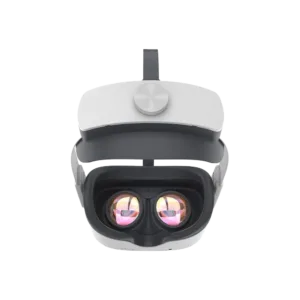
The image is displayed by a single 5.5-inch SFR TFT display with a resolution of 3664 × 1920 pixels. The optical system uses Fresnel lenses, and the field of view is 98°. Physical IPD adjustment has three positions: 58, 63.5 and 69 mm. Before starting a session, choose the setting that matches your interpupillary distance. At a shared station, you can adjust the lens positions for the next user. The headset weighs 395 g without straps, with a total weight of 673 g. When choosing a headset, take into account the weight of the entire device you will be wearing on your head.

The headset supports 6DoF head tracking, meaning both changes in position and rotation. This allows a suitably developed application to respond to your movement and the direction you are looking. You interact using two 6DoF controllers with optical tracking. You can therefore move the controllers in three-dimensional space, rather than relying solely on button presses. The device has four monochrome fisheye cameras and one RGB camera. This interaction method helps you plan how virtual objects will be handled in an application that uses tracked movements.

To connect to a network, you can use Wi-Fi 6 on the 2.4 and 5 GHz bands with 2×2 MIMO, compatible with the 802.11 b/g/n/ac/ax standards. You can choose the band to suit the available infrastructure, while Bluetooth 5.1 provides another connectivity interface. USB-C 3.0 also supports USB 3.0 OTG. The DisplayPort output requires an adapter cable. Two built-in stereo speakers play audio, so you can listen to content without connecting separate speakers. Two omnidirectional microphones with noise reduction let you transmit your voice in applications that support communication, making it easier to hold a conversation while using the headset.

No, PICO Neo3 Pro does not support eye tracking. If your application requires this feature, this model will not meet that requirement.
The headset has a 5300 mAh battery and supports QC 3.0 charging. When choosing a charging method, you can take compatibility with this standard into account.
Yes, PC VR mode requires a 5-metre PICO DP cable purchased separately. The headset can also operate in standalone mode, so a cable to connect it to a computer is needed when you choose PC VR.
Full technical specifications grouped by topic.
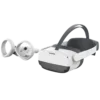 PICO Neo3 Pro, 6GB + 256GB
We use cookies to store and access data on your device, including browsing data and identifiers. Without your consent, some features may not work as well.