


Brak produktów w koszyku.
Meta Quest 3 or Quest 3S: which version to choose for home, school and business
Meta Quest 3 or Quest 3S: which version should you choose for home, school or business?
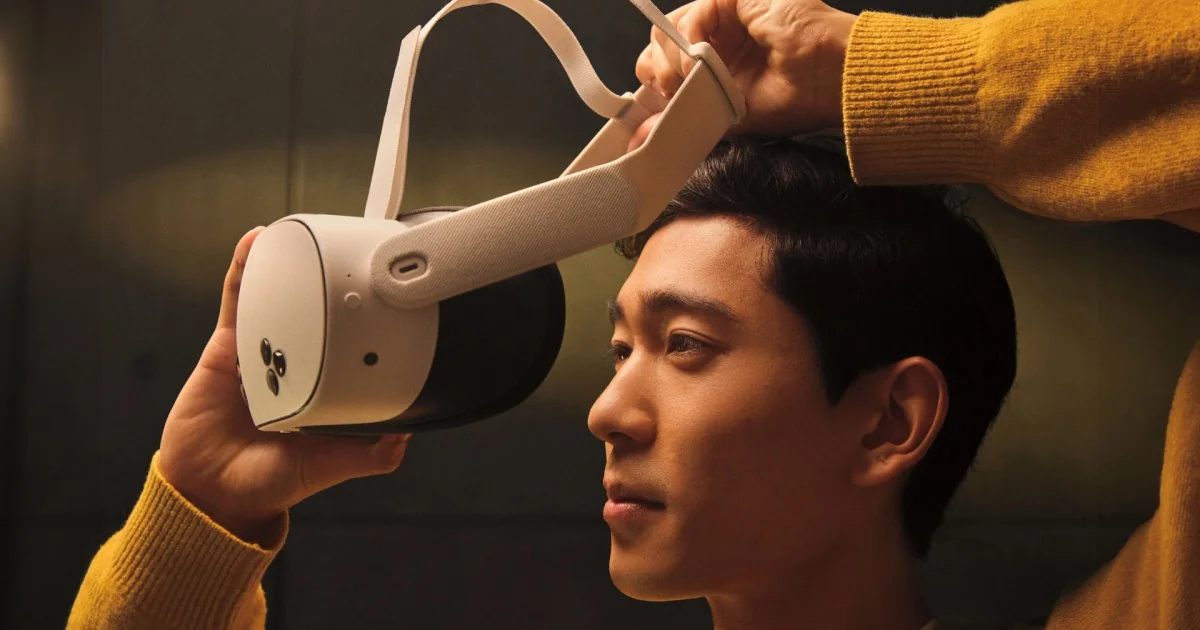
Quest 3 and Quest 3S have the same processor, the same RAM, the same app store and the same colour passthrough. They differ in image quality, storage and the way lens spacing is adjusted. Assess these differences in the apps you intend to use. Below, we compare what you can actually see and feel, beyond the specifications table.
Comparison by the Numbers
| Specification | Meta Quest 3S | Meta Quest 3 |
|---|---|---|
| Storage | 128 or 256 GB | 512 GB |
| Resolution per eye | 1832×1920 | 2064×2208 |
| Lenses | Fresnel | pancake |
| Field of view | 96° | 110° |
| Interpupillary distance (IPD) adjustment | 58–68 mm | 58–71 mm (smooth) |
| Processor / RAM | Snapdragon XR2 Gen 2 / 8 GB | Snapdragon XR2 Gen 2 / 8 GB |
| Refresh rate | 72–120 Hz | 72–120 Hz |
| Ambient view (passthrough) | colour | colour |
| Hand tracking, controllers included | yes, yes | yes, yes |
| PC connection | USB-C, Wi-Fi | USB-C, Wi-Fi |
| Product page | Quest 3S | Quest 3 |
Data from product pages in our store. Both models work standalone, without a computer, and both can be connected to a PC to play SteamVR titles.
What Quest 3 offers
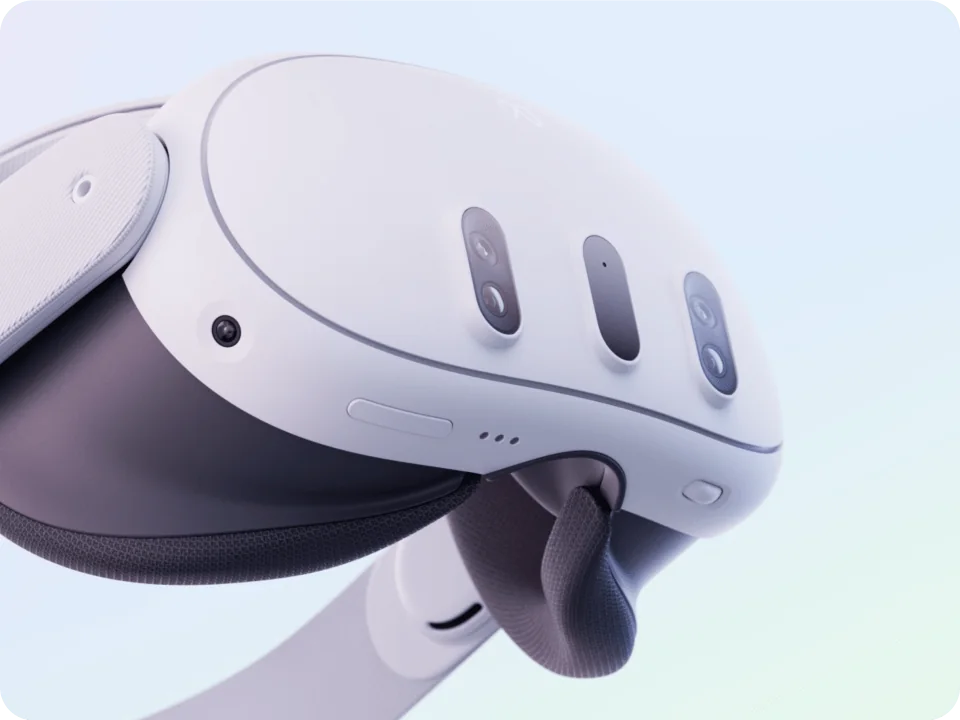
- Pancake lenses. Quest 3 has pancake lenses, while Quest 3S uses Fresnel lenses. Their resolution and field of view also differ. Before choosing, compare text readability and how the headset fits your eye spacing; lens type alone does not guarantee a sharp image across the entire field of view.
- Higher resolution and wider field of view (110° instead of 96°). Less of a “binoculars” effect.
- Smooth interpupillary distance adjustment up to 71 mm. This is convenient for people with a wider interpupillary distance and for teams where multiple people use the goggles; in the 3S model, the adjustment range is 58–68 mm.
- 512 GB. Large games take up over a dozen gigabytes; the 128 GB in the base 3S fills up quickly if you install a lot of titles.
Both models have Snapdragon XR2 Gen 2, 8 GB of RAM and access to the Meta Horizon library. Choosing Quest 3 primarily adds different optics, higher resolution and 512 GB of storage; it does not mean getting a different processor.
When Quest 3S is enough
- My first VR headset at home, mainly for games and fitness. Your choice depends on how much image sharpness outside the centre of the lenses matters to you.
- Kits for schools and businesses containing 8–20 units, provided your chosen education or training platform supports Quest 3S. Check the supported headsets, account management and licence terms; the processor alone does not determine app compatibility.
- When most of the time is spent on PCVR (using the headset as a display for a computer): compare image quality and fit on both models. A PC connection does not remove differences in lenses or resolution. Also check the Meta Horizon Link requirements for your computer and connection.
When to choose Quest 3
- Movies, virtual screens, text editing, presentations For customers: sharpness and field of view make a difference right from the start.
- One headset for years to come for adult users who will notice the difference in image quality.
- A lot of installed apps (512 GB) or a reluctance to manage storage.
- Company presentations and eventswhere first impressions matter most.
Storage options: 128, 256, or 512 GB
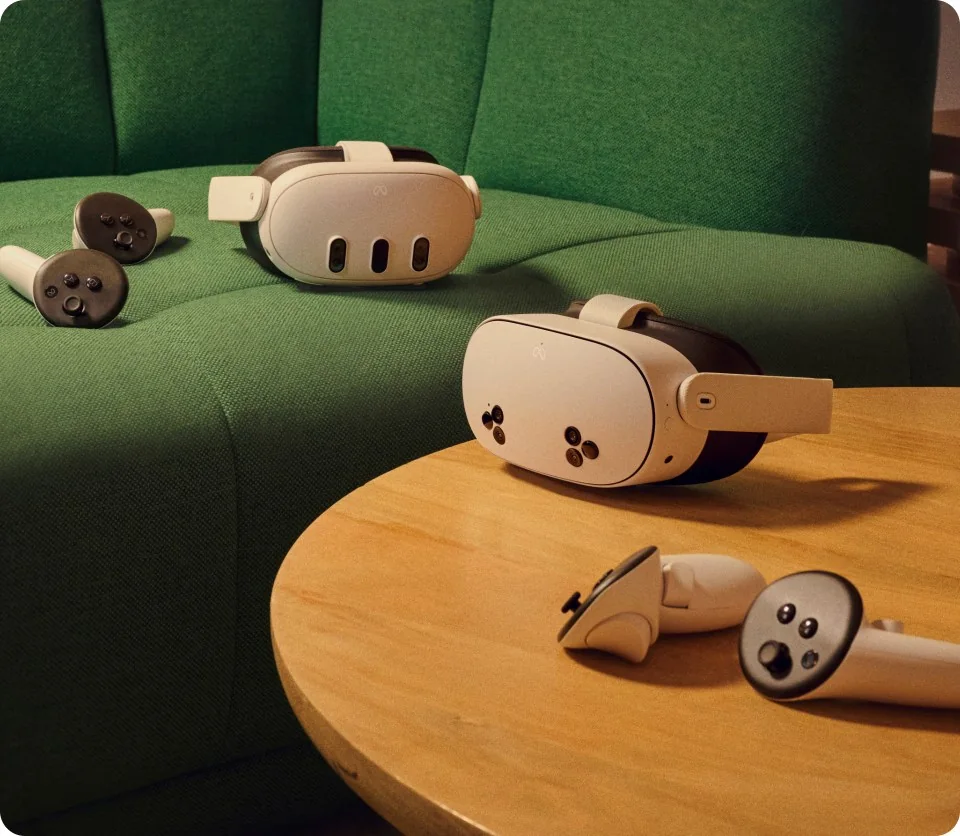
Choose storage for the apps you want installed at the same time. Check the space required on each game's or education platform's page, then allow for your own videos and updates. App count alone does not tell you how much storage you need. Compare the 128, 256 and 512 GB options with your planned library; use the same app list for every headset in a school kit.
Accessories worth adding to both
Before buying accessories, check the fit of the stock strap. Choose any extra strap, facial interface and case for your headset model and the complete kit; for PCVR, check the connection and cable requirements. Find current products in the category VR headset accessories. For sets of several units: ZenithXR transport and charging case for 4–10 headsets.
Quest 3 and 3S head straps: M3 Pro, S3 Pro or no battery?
BOBOVR M3 Pro uses a removable B2 battery; S3 Pro uses B100 and adds adjustable forehead airflow. Both fit Quest 3 and Quest 3S. B2 and B100 are not interchangeable in their standard mounts; choose a spare battery and charger for the specific system. M3 Pro with B2 is a different product from the newer M3 Pro+ with BM60.
See BOBOVR M3 Pro with a B2 battery
See BOBOVR S3 Pro with a B100 battery and airflow
If you do not need extra power, compare the stock strap with BOBOVR E3, which has no battery. E3 has two removable 35 g counterweights. No battery does not necessarily mean the lowest weight: assess the complete kit, fit and freedom of movement. S3 Pro airflow is directed at your forehead, and extra runtime depends on the app and headset settings.
See BOBOVR E3 without a battery
Choose a case for the headset with its strap attached
BOBOVR C3 fits Quest 3 or 3S with an M3 Pro or S3 Pro strap. Before buying, also check the attached battery, facial interface and other accessories. Compatibility with the headset alone does not confirm that the whole kit fits. Product pages show the current price, availability and included items.
See the BOBOVR C3 case for the complete kit
M3 Pro compatibility and battery system: BOBOVR documentation
S3 Pro battery and airflow: BOBOVR documentation
PC VR and simulators: Quest or Pimax Crystal Light?
Quest 3 and Quest 3S run compatible native apps without a computer. For PC VR, however, they need a Windows PC with a suitable configuration. Meta Horizon Link streams video over a compatible USB cable or Wi-Fi connection. Check the current list of supported graphics cards and the requirements of your simulator; buying a headset does not replace a capable PC.
Pimax Crystal Light is a PC headset, not a standalone device. The manufacturer specifies DisplayPort 1.4a, USB 3.0 and power, with setup through Pimax Play on Windows. On a laptop, also check whether the required video output connects to the dedicated graphics card and which adapter is supported. A GPU name or the presence of USB-C alone does not confirm compatibility.
For a simulator, compare cockpit readability, fit, available ports and the cost of the complete setup. Higher headset resolution does not guarantee smooth performance: results depend on the game, PC and rendering settings. Before ordering, confirm the exact Crystal Light option and included items, including controllers and required accessories.
See the current Pimax Crystal Light offer
PC and cable requirements: Meta Horizon Link documentation
Crystal Light requirements: Pimax documentation
Choosing a headset for a specific simulator? In your enquiry to ZenithXR, include the game, GPU, processor, RAM, laptop model or available ports, and the budget for the complete setup. This lets us check compatibility before preparing a quote.
Ask about a compatible PC VR setup
VR fitness at home: the app and complete kit cost
For active games and workouts in a native Quest app, you do not need PC VR or a cable to a computer. Consider Quest 3S on a limited budget, and compare Quest 3 for its optics and readability. First check whether your chosen app supports the model and is available for your account in Poland. FitXR lists Quest 3 and 3S in its guide; it is an app example, not a promise of access to every fitness service.
Budget for the headset, your chosen app or subscription, and the accessories you actually need. FitXR requires a valid subscription or trial; terms and price depend on the offer and country. Do not assume workout software is included with the headset. Check product pages for current hardware prices and availability.
For movement, assess strap and facial-interface stability, fit with prescription glasses, and the weight of the complete kit. An extra battery adds equipment and weight, so choose it for your sessions. Set up the play area according to the headset and app instructions; passthrough does not replace removing obstacles. Check comfort for yourself before a longer workout.
Choosing a headset for the app: FitXR guide
Subscription and usage requirements: FitXR terms
Verdict
For home use to get started and for multi-station setups: Quest 3S. For working with images, presentations, and as your only headset for several years: Quest 3. If you are choosing between the 3S 256 GB and Quest 3, compare the lenses and the storage your apps need: Quest 3 combines pancake optics with 512 GB of storage.
FAQ
Is the Quest 3S slower than the Quest 3?
Both have a Snapdragon XR2 Gen 2 processor and 8 GB of RAM. That does not mean identical image quality or settings in every app: their optics and resolution differ. Check the requirements of the apps you plan to use.
Do Quest 3 games work on the Quest 3S?
Quest 3S supports the Quest 3 library of games and apps. Before buying, check the supported devices on the specific app’s store page; education platforms may have separate requirements and licences.
Do you need a computer for the Quest 3 or 3S?
No. Both work standalone. A computer is only needed for PCVR (SteamVR) games, which you connect to via a USB-C cable or Wi-Fi.
Which model is best for schools?
Quest 3S uses the same app library as Quest 3. Quest 3 is worth considering for a lab where image sharpness matters. Start by checking the requirements of your educational platform.
Does the Quest 3S support color passthrough?
Yes, both models have color passthrough and mixed reality apps.
Which headset should you choose for a child?
Most often, Quest 3S with an account managed by a parent. For details about age and safety rules, see: our guide to VR headsets for children.
See the related guides: choosing a classroom VR kit.
Not sure which version to choose for a specific use case? Contact us, and we’ll advise you before you buy. For school and business packages, we’ll prepare a quote with an invoice.

Author
Dariusz Walczak
Dariusz Walczak is responsible for marketing at Zenith XR. He manages the brand's communications and blog content.
Need specific advice?
Choose the right XR equipment for your needs
Tell us how you plan to use XR headsets. We will help you choose the right equipment for home, school or business.




Add comment