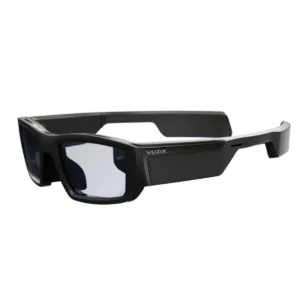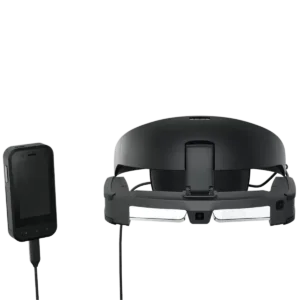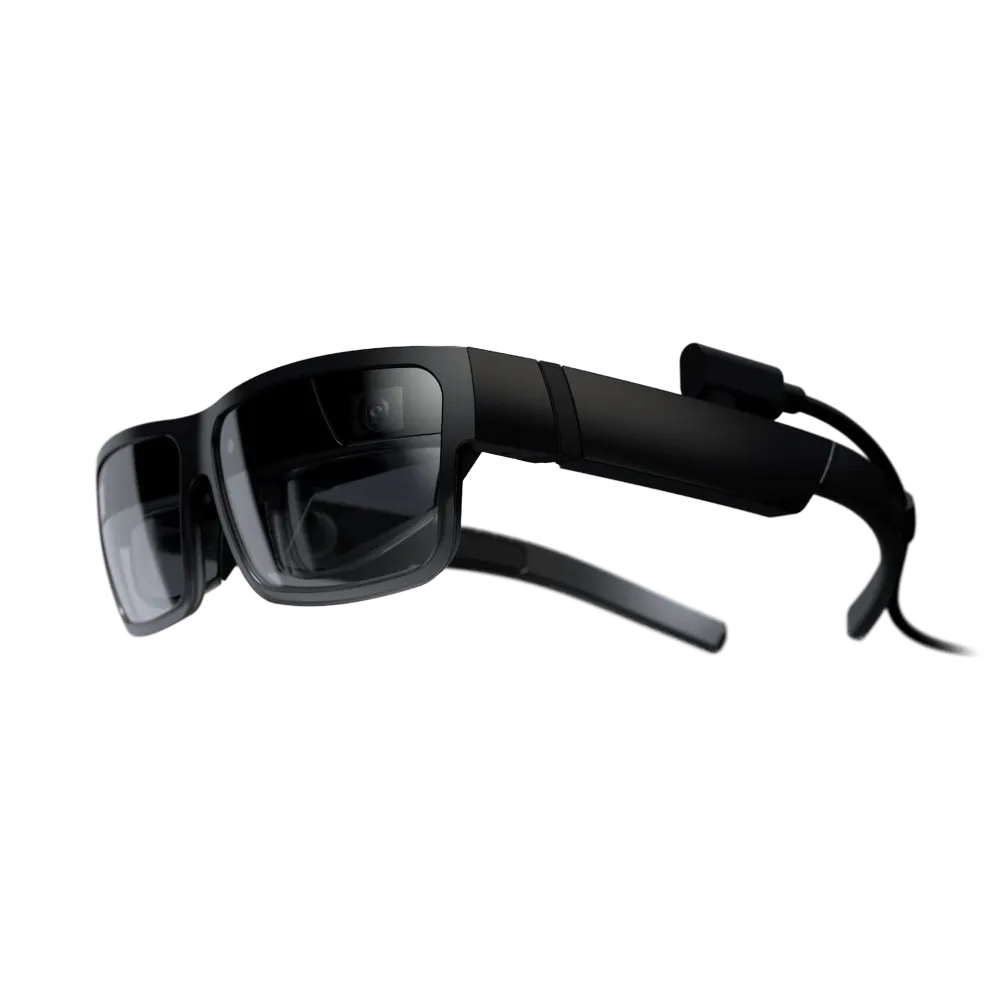
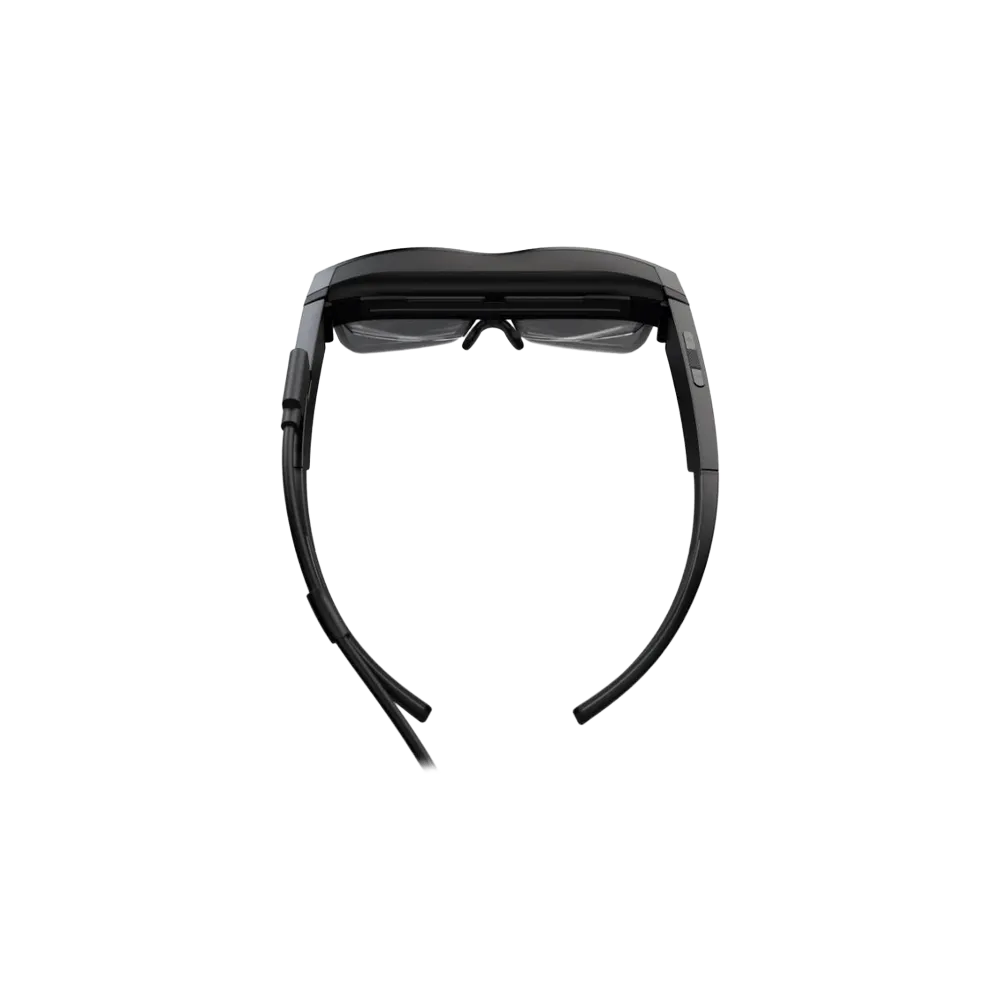
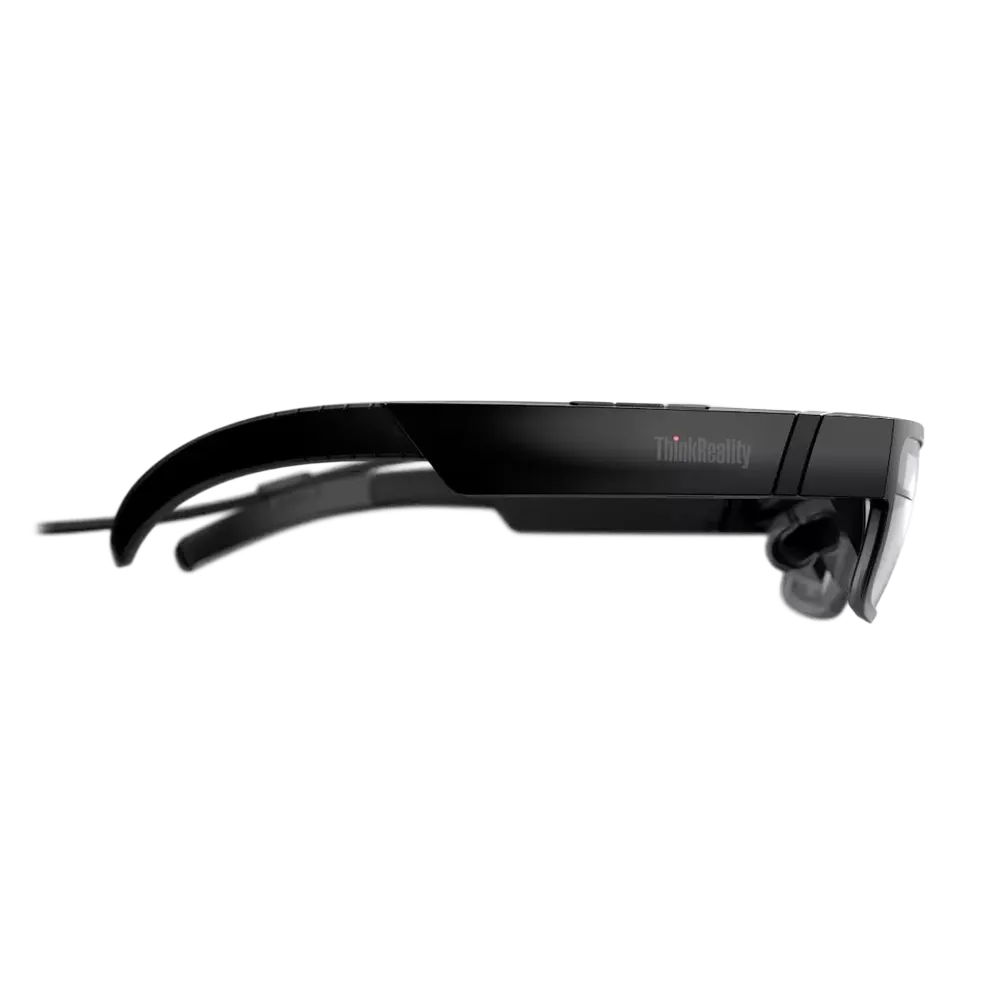
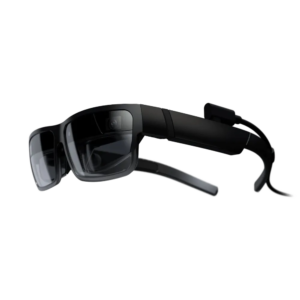
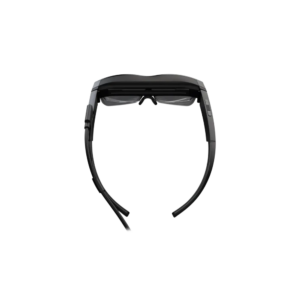
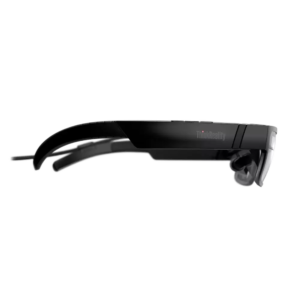
Lenovo ThinkReality A3 are AR glasses for working with digital content. Connection capabilities and requirements depend on the edition and host device.
<trp-post-container data-trp-p...

Looking Glass 16 OLED Landscape


Lenovo ThinkReality A3
Lenovo ThinkReality A3 are augmented reality glasses for working with information in your field of view. Depending on the edition, they support computer-based work or industrial applications with a compatible phone. You can choose a configuration to suit the workstation and your team’s workflow while taking the host device and software requirements into account.
PC Edition lets you set up your workspace on a compatible computer using Lenovo Virtual Display Manager and up to 5 virtual displays. This lets you arrange applications and documents separately in the glasses’ display when there is no room on your desk for more monitors. The connection uses detachable USB-C cable compatible with DisplayPort 1.4. Compatibility depends on the host configuration, so check your computer and its ports before purchasing. The device has Qualcomm XR-1 SmartViewer.

The image has 1080p per eye, pixel density 45 PPD and refresh rate 60 Hz. Display brightness is 200 nits. Two fisheye cameras are used for 6DoF tracking, allowing the system to account for changes in head position in space while using AR content.

When an application uses a view of the surroundings, it can use the 8 MP RGB camera. Its video modes include 1080p at 30 fps, 730p at 30 fps, and 480p at 60 or 30 fps, so you can choose a mode that suits the task supported by the software. Voice communication is supported by three noise-cancelling microphones, while audio is played through integrated stereo speakers. Camera and communication features are available in software that supports them.

Foldable design with cosmetic and industrial frames allows the configuration to be matched to the workplace and makes it easier to put the glasses aside after use. Fit options in several sizes help adjust the frame for an individual, which matters when more than one employee uses the equipment. The housing has a protection rating of IP54; the glasses meet the requirements of ANSI Z87.1. The choice of frame should match the requirements of your workstation.

No. The glasses draw power via USB-C from a connected computer or compatible phone.
Yes. The optional prescription lens insert mounts on the nosepiece.
PC Edition works with a compatible computer and Lenovo Virtual Display Manager. Industrial Edition uses select Motorola phones and ThinkReality software; these solutions may require a license.
Full technical specifications grouped by topic.
Voice, gesture, object and image recognition; head and eye tracking; barcode scanning; HDCP. Availability depends on the software
+ / − buttons: brightness or volume. PC Edition: select the function with the middle button; Industrial Edition: configure Select in A3 Companion
Foldable design with cosmetic and industrial options; three nosepiece sizes and three temple tip sizes.
PC Edition: compatible computer with USB-C; up to 5 virtual displays with Lenovo Virtual Display Manager. A supported computer configuration is required
Industrial Edition connects to select Motorola phones; a Qualcomm Snapdragon 800 series processor or newer and DisplayPort are required. ThinkReality solutions may require a software licence.
Industrial Edition: ThinkReality Cloud Portal and the UDC, TR Home, A3 App Space, Hub and AR Cast apps
 Lenovo ThinkReality A3
We use cookies to store and access data on your device, including browsing data and identifiers. Without your consent, some features may not work as well.