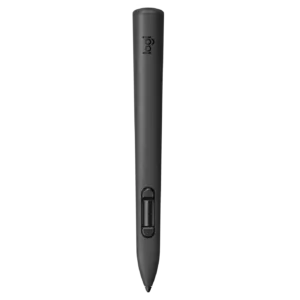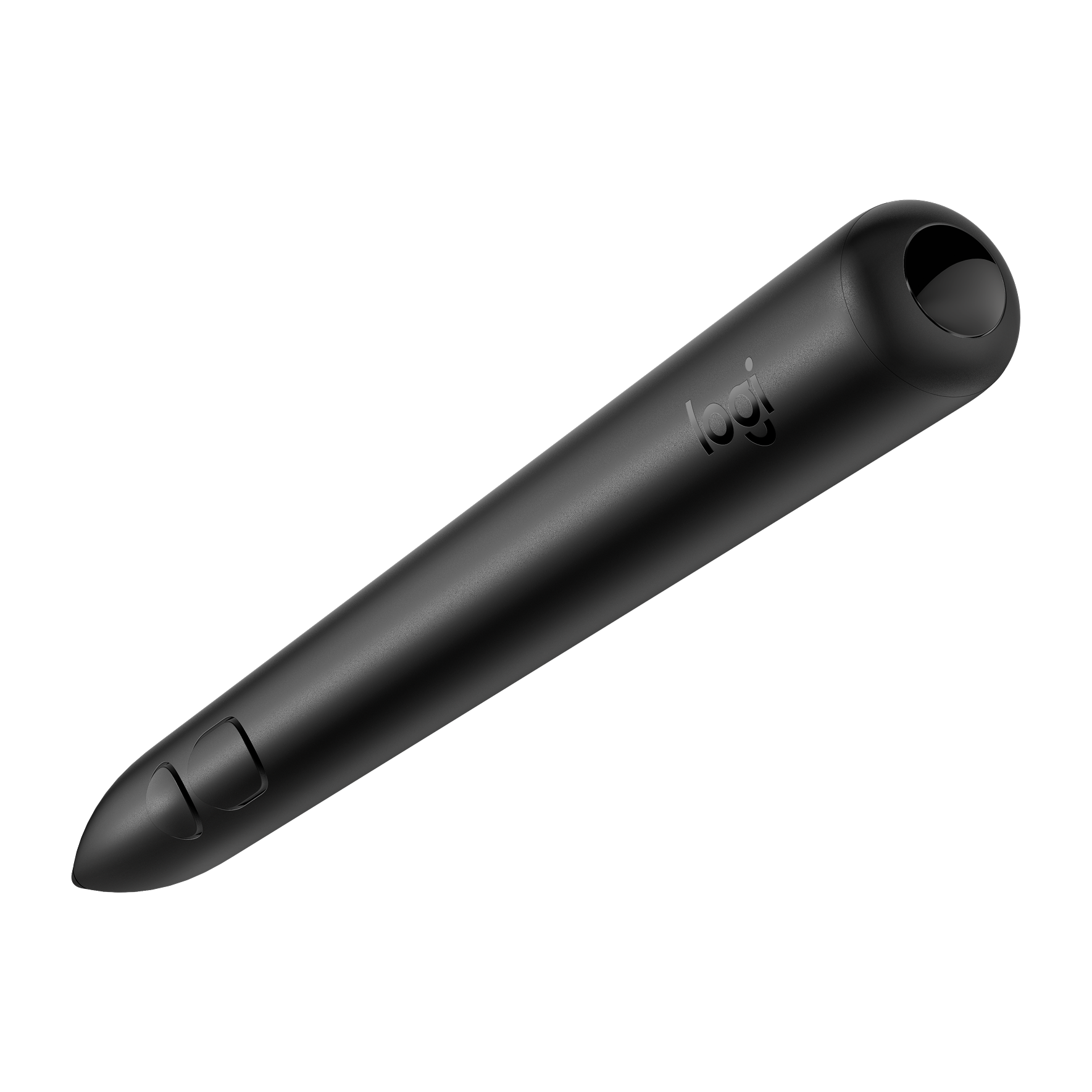
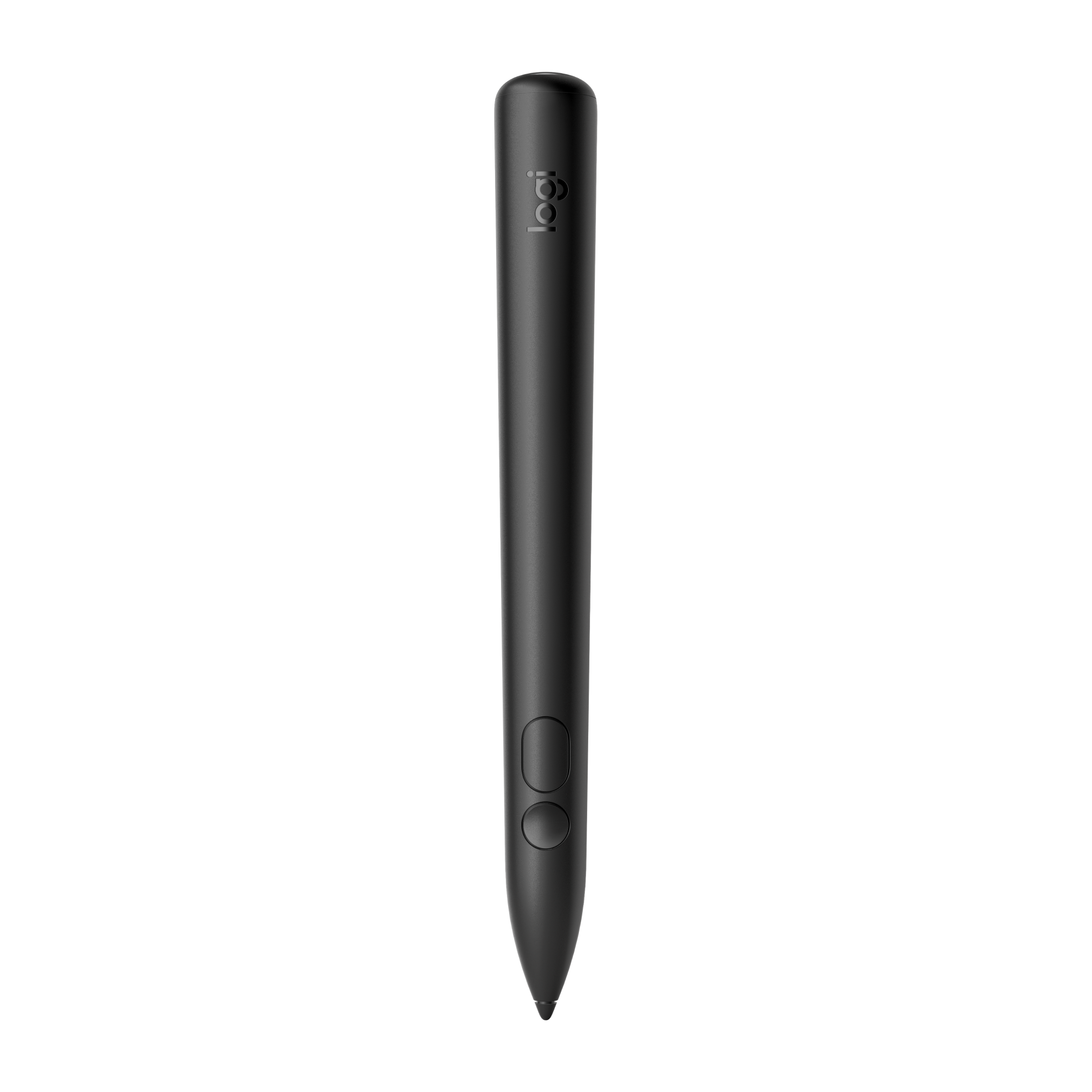

Logitech Muse is a spatial digital stylus for Apple Vision Pro, combining 6DoF tracking, haptic feedback and pressure controls.
<trp-post-container data-trp-p...

Looking Glass 16 OLED Landscape


Logitech Muse for Apple Vision Pro
Logitech Muse is a spatial digital stylus for Apple Vision Pro. It is an accessory for working with spatial content. Choose it when you want to draw with a physical tool.
Tracking in 6DoF with low latency reflects the position and rotation of the stylus in space. Move it in different directions and change its orientation instead of limiting movement to a flat surface. This control method suits spatial content, where both the position and angle of the tool matter. The Bluetooth Low Energy 5.3 connection provides wireless communication, so no cable runs between the stylus and the headset during use.

A force-sensing button and pressure-sensitive tip let you provide input based on how firmly you press. You are not limited to changing the position of the tool. Use pressure as an additional interaction method in applications that support it. Real-time haptic feedback adds tactile feedback while you work. It combines hand movement, pressure and the physical response of the stylus in a single tool.

Replaceable tips with different widths and glide feel let you adjust how the tool feels as it moves. If you prefer a different drawing feel, replace the tip while keeping the same stylus. The body measures 16.5 cm high and 1.77 cm deep, and the stylus weighs 30.8 g. These specifications help you assess its size before buying. Its construction uses PC and POM. You can compare the size of this physical tool with the drawing tools you already use.
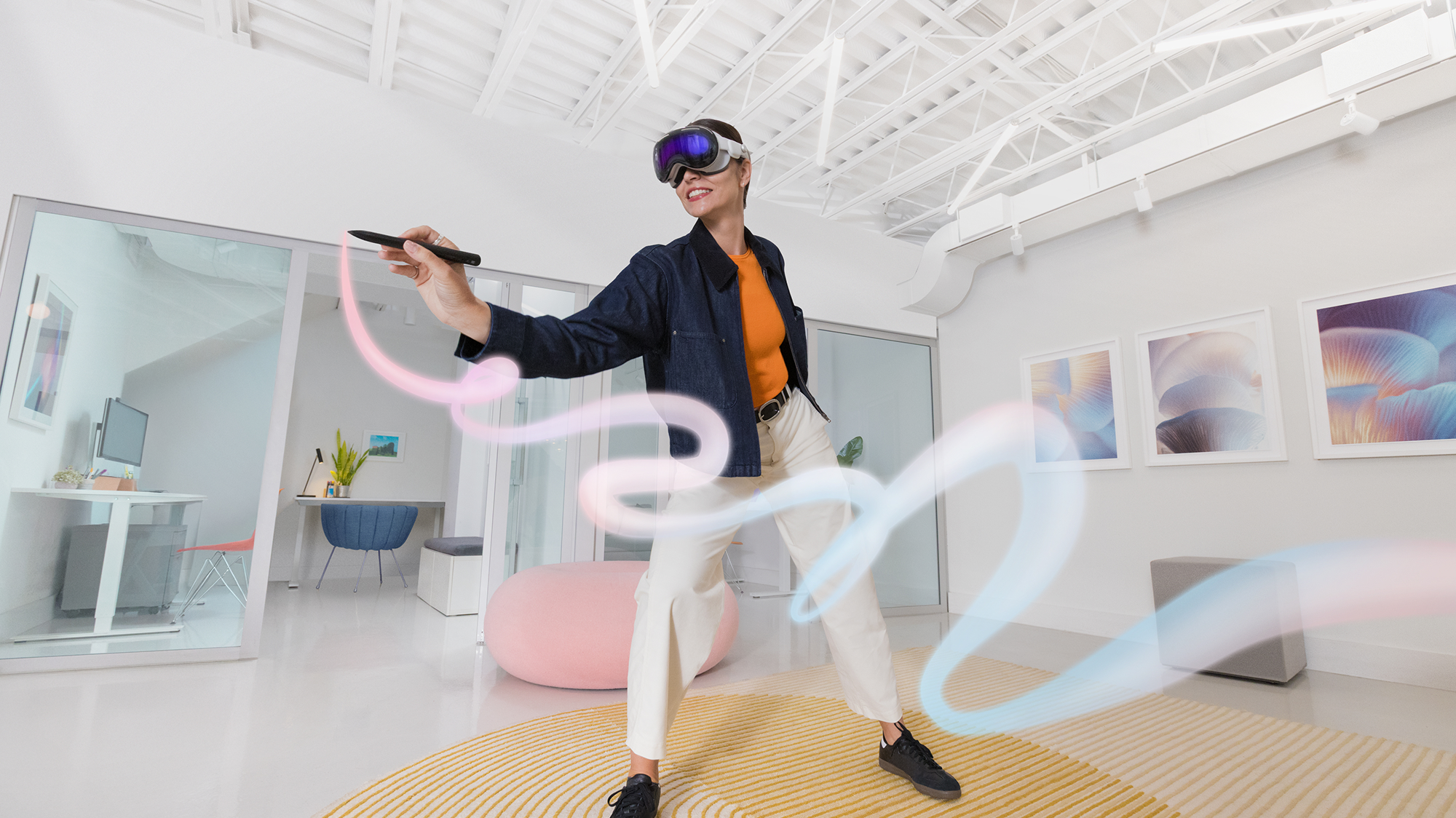
Muse works with Apple Vision Pro, and the system requirement stated at launch is visionOS 26. When setting up your station, allow for both the compatible headset and the required system version. The stylus is battery powered and charged over USB-C, so you need a charging cable to prepare it for use. The cable is not included. Plan to get a cable separately so you can charge the product when it arrives and recharge it when needed.
Muse works with Apple Vision Pro. The system requirement stated at launch is visionOS 26.
The stylus has a battery that charges over USB-C. A charging cable is not included, so you need a separate cable.
Yes. The tips are replaceable and differ in width and feel as they glide. Choose a tip that suits the way you prefer to move the tool.
Full technical specifications grouped by topic.
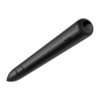 Logitech Muse for Apple Vision Pro
We use cookies to store and access data on your device, including browsing data and identifiers. Without your consent, some features may not work as well.