


Brak produktów w koszyku.
24 students, 6 headsets: a 45-minute VR lesson plan
24 students, 6 headsets: a 45-minute VR lesson plan
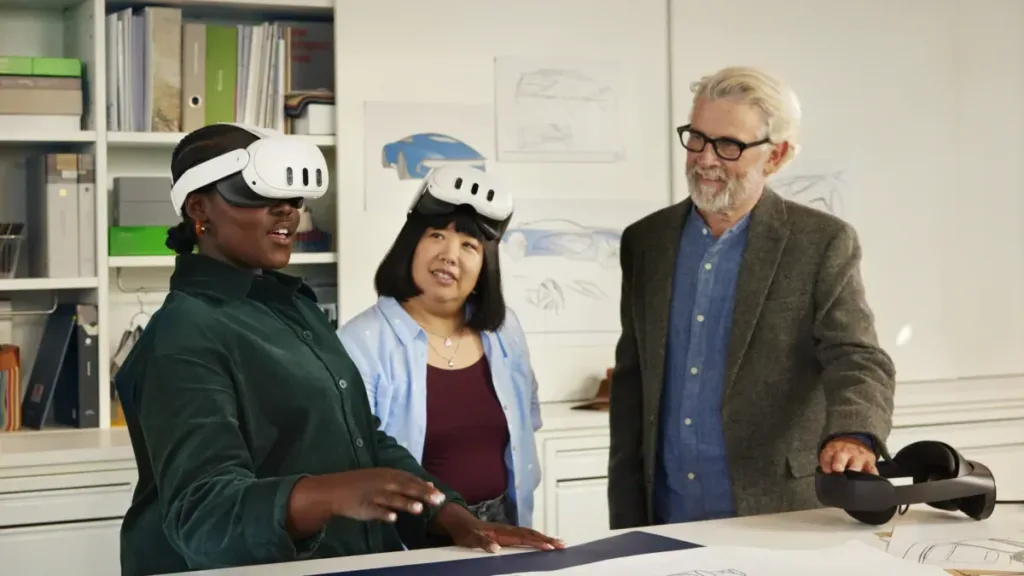
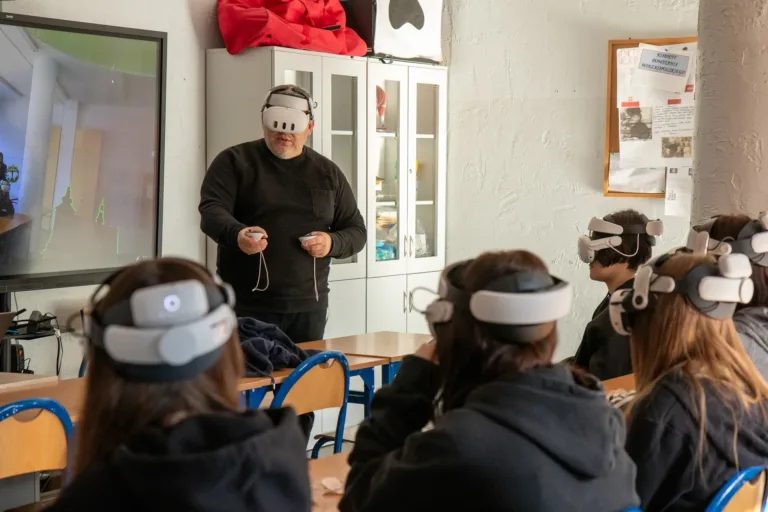
There are 24 students in the classroom and six VR headsets in the charging cabinet. Everyone needs to explore the same model and have time to discuss it before the bell. The difficult part is deciding what the other eighteen students will do while six are in VR.
Here is a four-station lesson built around a plant cell. It is an original planning example that can be adapted to other subjects. It is not an account of a lesson we have delivered, or a promise that every class will finish within these timings.
Start with one question
The class investigates this question: “How does the position of a cell structure help us understand its function?” A spatial model shows how structures relate to each other. A diagram helps students name them, while a short source text explains what they do.
Choose one model in your existing application that contains the structures needed for this lesson. Prepare a printed equivalent too. A student who does not use a headset should be able to answer the same question using the illustration and source material.
Four stations, four groups
Divide the class into groups A, B, C and D, with six students in each. Every group starts at a different station and visits all four. Each task needs to work independently: students starting with the text should not need an answer available only at the VR station.
Explore the model in VR. Each student looks at the selected part of the cell, locates three structures and describes their positions relative to one another. The task ends when the observations are complete, even if some time remains.
Annotate a printed diagram. Students label the same structures and identify something that a flat illustration shows less clearly than a spatial model.
Read a short source text. The group matches structures to functions. Students justify one answer with a sentence based on the teacher’s material.
Identify an unanswered question. Students choose a claim that cannot be confirmed simply by looking at the model. They write down what information is missing and where they could find it.
The teacher stays at the VR station. The other groups have instructions and resources they can use independently. If the number of students wearing headsets exceeds what the teacher can supervise, the activity needs a second adult or a smaller group. A station layout alone does not solve that problem.

A sample 45-minute timetable
- 0–5 minutes: Introduce the lesson question, tasks and station rules.
- 5–9 minutes: Allocate groups, demonstrate the controls and prepare the first headset group.
- 9–37 minutes: Four seven-minute rounds, including the task and handover to the next group.
- 37–45 minutes: Compare observations as a class, then write a short individual response.
Each seven-minute round includes fitting the headsets, completing the activity, removing the equipment and preparing it for the next student. Actual time in VR will be shorter. Cleaning and fitting times depend on the equipment and participants. If these tasks take up most of the round, the timetable is too tight. Spread the topic across two lessons or shorten the headset activity.
Before teaching the lesson, rehearse one complete group handover. Use what you learn to adjust the plan, rather than rushing students. If the class is new to VR, a separate introductory session is more useful than sacrificing the discussion at the end.
Prepare the room before students arrive
All six headsets should have the same part of the application ready. Complete installation, sign-in and downloads in advance. Put a short, single-task instruction at each station and mark where controllers should be placed. A separate A–B–C–D rotation sheet will help groups move without confusion.
This plan assumes the school has already selected suitable hardware, software, accounts and licence arrangements for its students. For Meta Quest, the manufacturer's Safety Center sets out requirements for age, supervision, space and breaks. A seven-minute round is a timetable choice, not health guidance. Students should not be made to finish a headset activity, and an equivalent task without VR remains available.
Make room for the discussion
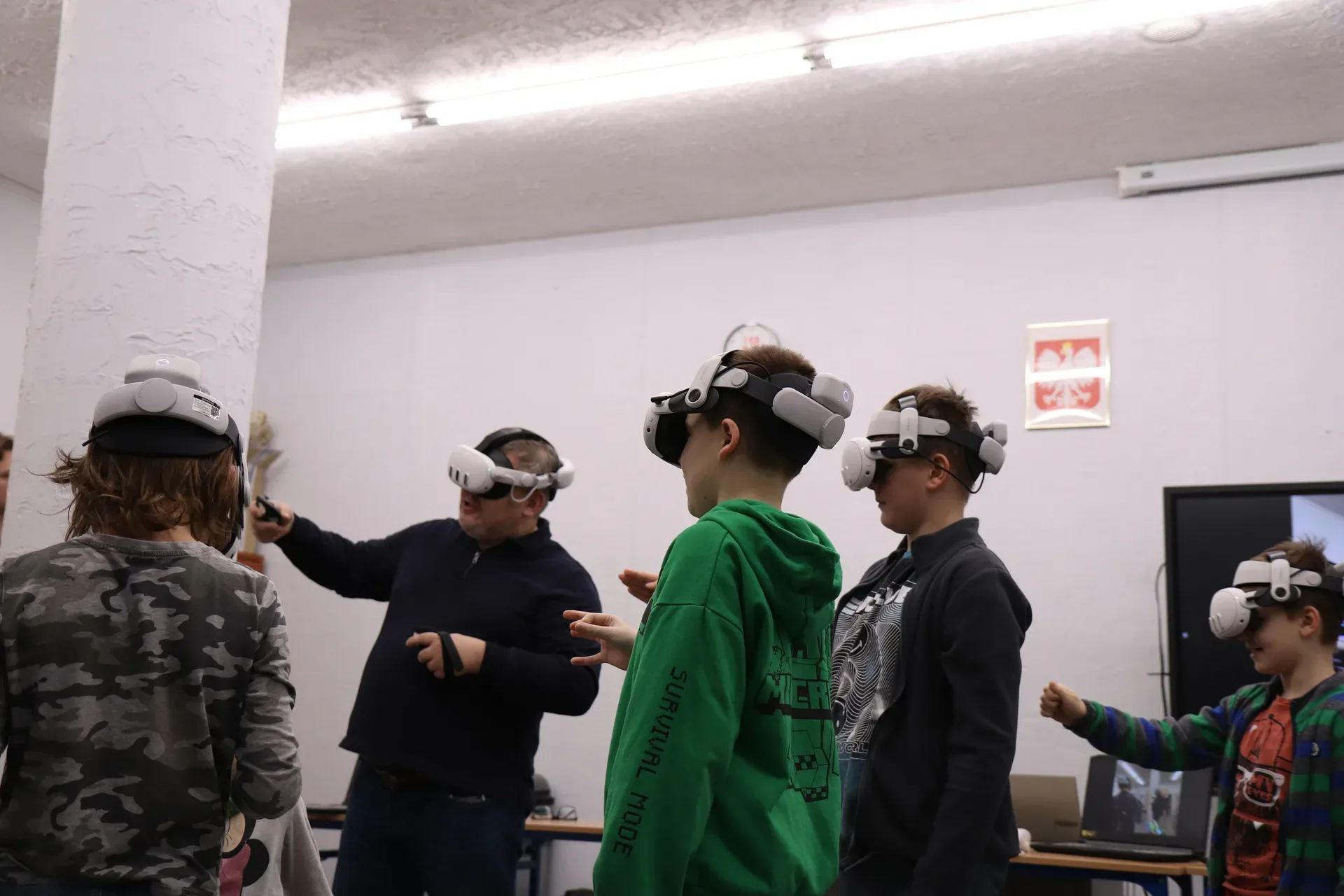
Ask each group to share one observation and one limitation of the model. Does it show the structures to scale? Are the colours realistic, or are they there to help distinguish parts? What did students learn from the text, and what became clearer when they changed their viewpoint?
Each student then writes an individual answer to the lesson question. This leaves something specific to revisit in the next class. “I enjoyed it” tells you little about what a student understood.
If you are still equipping the room, our separate guide to choosing classroom VR headsets covers devices, applications and charging. Visit VR for education to request a setup based on your class size and teaching plans.

Author
Dariusz Walczak
Dariusz Walczak is responsible for marketing at Zenith XR. He manages the brand's communications and blog content.
Need specific advice?
Choose the right XR equipment for your needs
Tell us how you plan to use XR headsets. We will help you choose the right equipment for home, school or business.


Add comment