
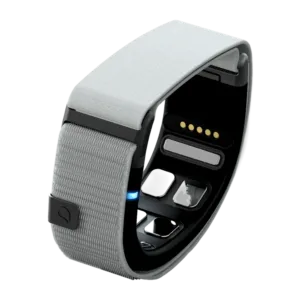


A gesture control wristband that works as a Bluetooth HID mouse or keyboard. Initial setup requires Windows 10/11 or macOS 14+. Compatibility must be checked for the device and app.
<trp-post-container data-trp-p...

Looking Glass 16 OLED Landscape


Mudra Link
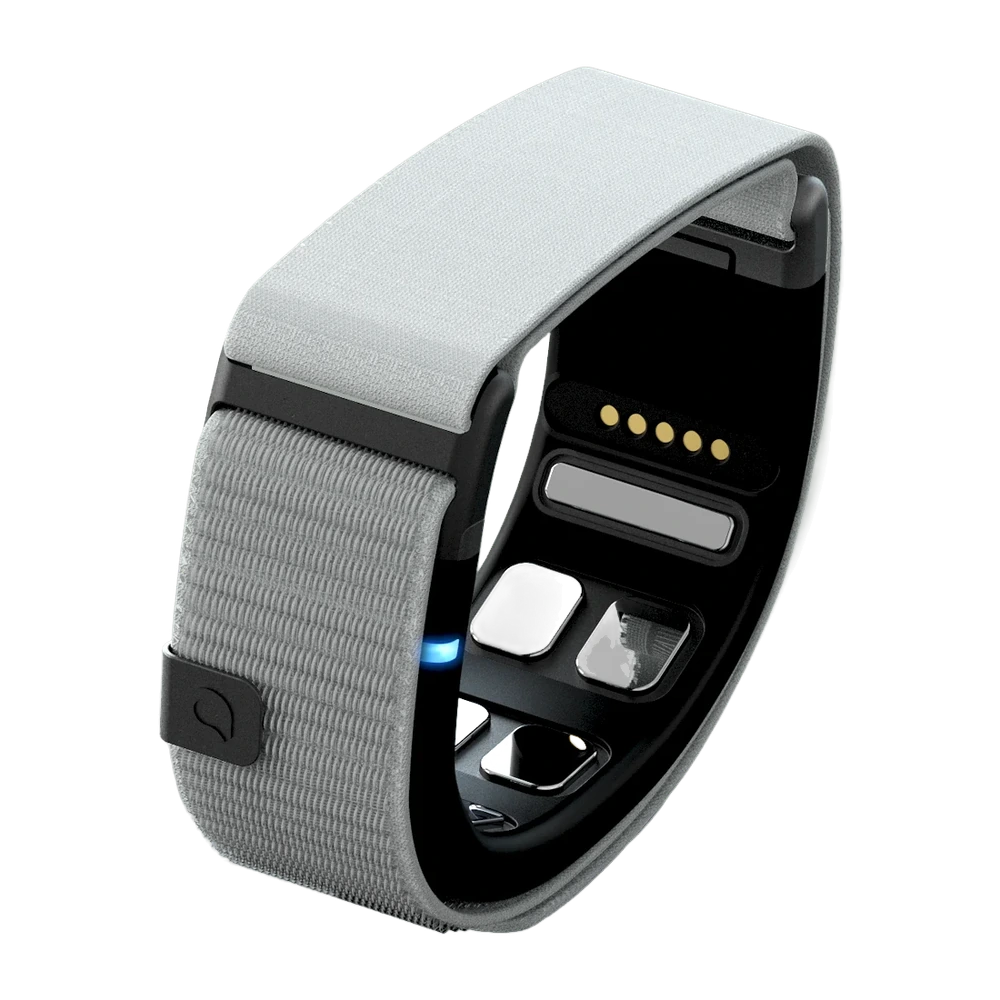
Mudra Link lets you send mouse and keyboard commands using hand gestures. It connects via Bluetooth to a device that supports HID. It can complement a setup with a computer or XR glasses when you want to control the interface without holding a remote.
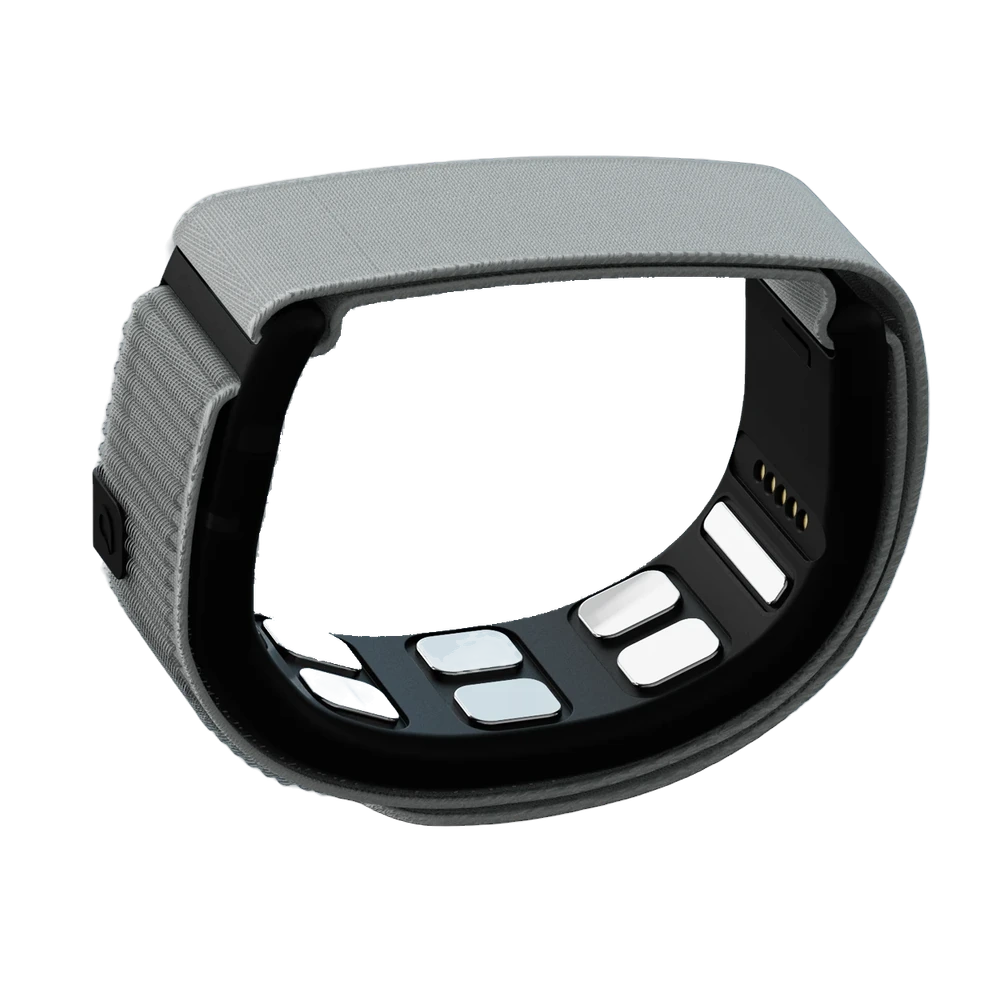
Three SNC sensors detect electrical signals associated with muscle activity at the wrist using sEMG. The software recognises the pattern and maps it to a command, such as a click. An additional accelerometer and gyroscope form a 6DoF IMU. This is an interface based on movement and muscle activity that does not read thoughts. Start with a few gestures needed for a specific application and practise them before a demonstration. An IMU alone does not imply compatibility with the spatial controllers used in VR games.

The Mudra Link app guides you through the initial connection, hand selection and correct wristband positioning. It lets you practise gestures and assign commands in mouse or keyboard mode. For setup, you need Windows 10/11 or macOS 14 or later. Once the device is set up, the software does not need to keep running. When changing the mappings, return to the settings to adjust the controls for the next task. In a lab, also account for the ability to install the software on the instructor's computer.

Compatibility is based on support for a Bluetooth HID mouse or keyboard, rather than just the Bluetooth logo. The wristband uses Bluetooth Low Energy. The manufacturer provides separate instructions for computers, phones, TVs and XR devices; some require additional settings. For Xreal Beam Pro a separate pairing guide is available. Before equipping the entire lab, carry out the intended task in the target software: controlling the system cursor does not confirm that all application features work.
Mudra Link weighs 36 g and has an adjustable nylon strap. It is 22 mm wide and 10 mm thick including the strap. The manufacturer specifies an IP56 protection rating and states up to 8 hours of active use and a full charge in 80 minutes. Actual battery life depends on usage. Adjust the wristband according to the setup instructions: ensuring contact between the sensors and your wrist is part of preparing the device. Before a longer session, also allow time for charging.
No. Mudra Link is a standalone wristband. It is a different product from Mudra Band, which is designed for Apple Watch.
No. It is needed for initial setup and changing settings. Once configured, the wristband sends commands to a compatible device via Bluetooth HID.
There is no universal compatibility of this kind. Mudra Link sends interface commands; the specific game or app must support them. Before purchasing, confirm that your intended use is supported.
Only mouse mode is available on Meta Quest. Keyboard mode is not supported due to system limitations. This does not mean it can replace Touch Plus in every game.
Full technical specifications grouped by topic.
App for Windows 10/11 or macOS 14 and later; required for initial setup and configuration changes
 Mudra Link
We use cookies to store and access data on your device, including browsing data and identifiers. Without your consent, some features may not work as well.