


Brak produktów w koszyku.
VR headsets for children: minimum age, safety and which model to choose
VR headsets for children: what age are they suitable from, are they safe and which should you choose?
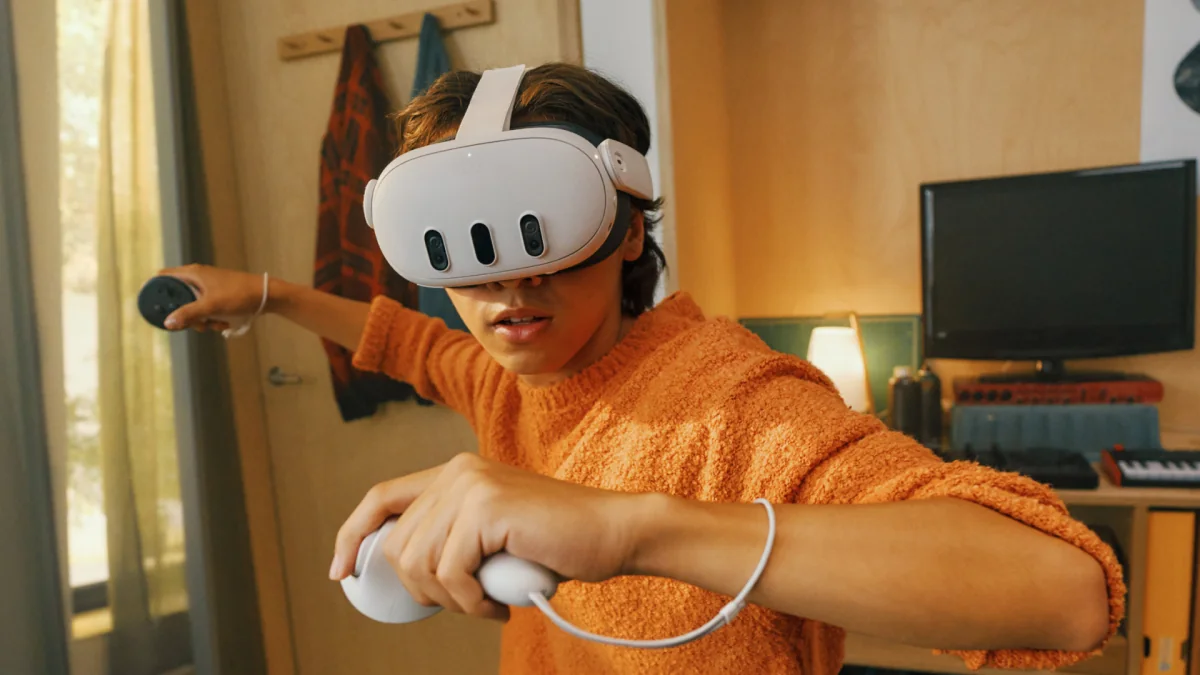
Parents often ask about age before choosing a headset, and rightly so: manufacturers set age requirements and headsets must fit a child correctly. This guide explains the manufacturer’s rules and practical considerations for school and home use. Following safety guidance reduces risk but cannot eliminate it.
Minimum age: what manufacturers say
- Meta Quest 3 and Quest 3S: Meta distinguishes parent-managed accounts for children aged 10–12, teen accounts for ages 13–17 and adult accounts. The child's account belongs to the child and is created and managed by the parent. Teen accounts have age-appropriate privacy defaults and available supervision tools. Check current requirements for the region, model and selected app.
- PICO 4 Ultra: the manufacturer manual does not recommend use by children aged 12 or younger; it specifies adult supervision for older users.
- PlayStation VR2: Sony states that the headset is not for children under 12. Check other models' rules separately.
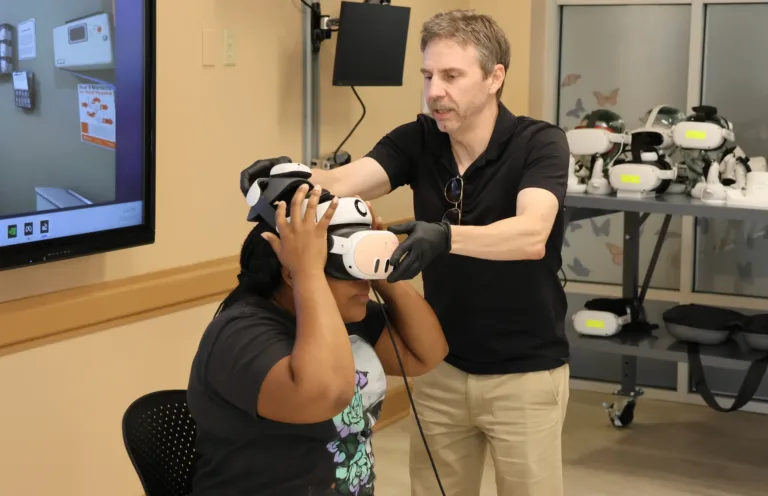
- At school: taking part in a lesson or a short demo does not replace device age requirements and instructions. Before a lesson, check the model, app, access method and fit for the student.
Device age requirements, account type, headset fit and app access are separate criteria. Parental approval of an app does not change the hardware instructions. A game must be available to the child's account and appropriate for their age; also check social features and the exact app's settings.
Sources for age and account rules
- Meta: child, teen and adult accounts
- Meta: age categories and app restrictions
- PICO 4 Ultra: European manual, age notes on page 3
- Sony: PS VR2 age requirements
Does VR harm your eyesight?
Do not assume VR has no effect on every child’s eyesight. Headset fit, age, content and individual response matter. For vision conditions or persistent discomfort, consult an eye specialist. During use, watch for:
- Eye strain after a long session, just like when using a phone or tablet held close to your eyes. Tip: 15–20 minutes, then take a break and look into the distance.
- Motion sickness (Nausea, dizziness) during fast-paced games when the image moves but your body doesn’t. Children are particularly susceptible to this. Tip: Start with apps where you stay in one place (exploring, drawing, sports without “riding”), and choose teleportation mode instead of smooth movement.
- Incompatible interpupillary distance (IPD). The headset is adjustable, but the lower limit is around 58 mm. Younger children often have a smaller interpupillary distance, which results in a blurry image and faster fatigue. That’s why manufacturers don’t recommend VR for the youngest children.
If your child wears glasses, check whether they fit under the headset (the Quest 3 and 3S have space and clearance for this), or consider prescription lenses that clip into the headset.
Rules That Really Work
- A child's account managed by the parent. For ages 10–12, prepare the correct Meta account with the child's actual age and approve app access. Check privacy, time and contact settings; feature availability also depends on the app. For a teenager, choose the available supervision tools.
- Time: short sessions and frequent breaks, following the manufacturer’s instructions and the child’s response; no universal limit fits everyone.
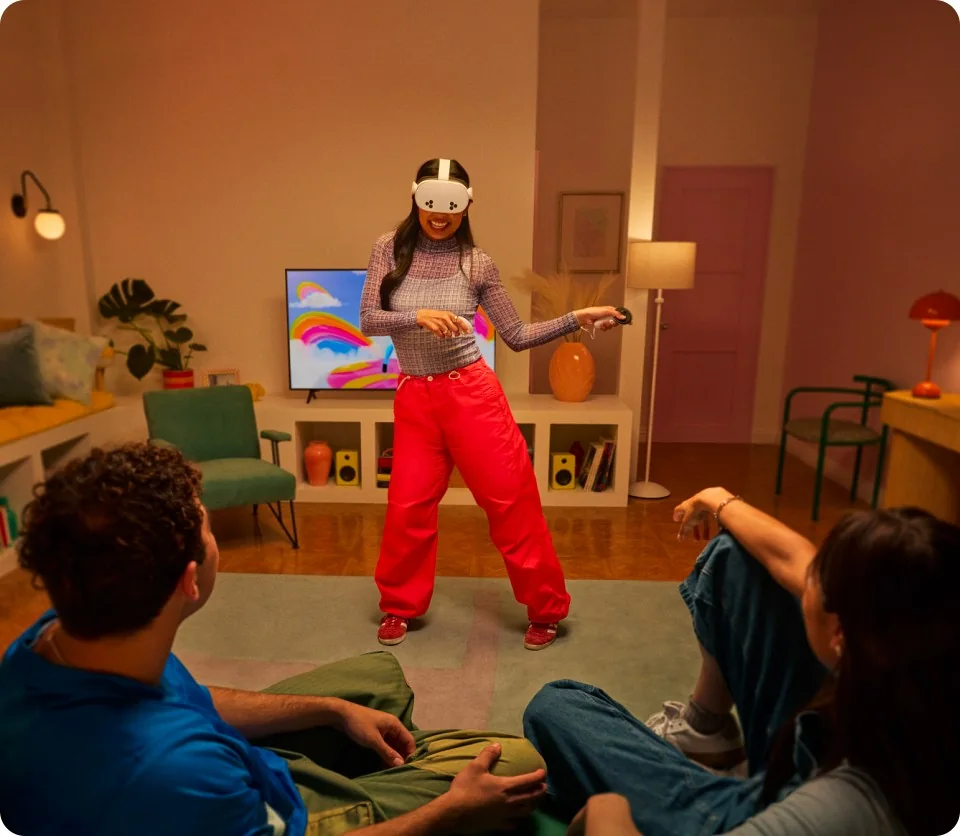
- Space: 2×2 meters of clear floor space, with no table or glass doors within arm’s reach. The safety boundary in the goggles (virtual grid) must be enabled.
- Content: games and apps appropriate for the child’s age. To start with: exploring the world, anatomy, space, 3D drawing, rhythm games, and sports games.
- Adult supervision during every headset session. The child may not see their surroundings or recognise hazards.
- Hygiene: Replaceable face pad; wipe the lenses with a dry microfiber cloth (not wet, not in direct sunlight).
Which VR headset for a child: a comparison
For home use, choose a VR headset that is standalone, without a computer: simpler to use and with no cable for a child to trip over.
| Model | IPD adjustment | Pros | Things to watch out for |
|---|---|---|---|
| Meta Quest 3S | 58–68 mm | the same processor as Quest 3, a huge library of games and educational apps, family accounts | Fresnel lenses: less sharpness at the edges than on the Quest 3; 128 GB of storage fills up quickly |
| Meta Quest 3 | 58–71 mm | sharper image (pancake lenses), 512 GB, wider 110° field of view | check how well the headset and IPD adjustment fit your child |
| PICO 4 Ultra | 58–72 mm | no Meta account required, high resolution of 2160×2160, 12 GB RAM | the manufacturer does not recommend use by children aged 12 or younger; check the manual, apps and available supervision settings |
For a child who meets Meta's requirements, you can compare Quest 3S and Quest 3, then check the correct account, access to the exact app and headset fit. Compare optics and budget in the Quest 3 versus Quest 3S guide. Do not treat PICO 4 Ultra as an alternative for a 10–12-year-old: its manual has different age requirements.
Accessories that make sense (and those that don’t)
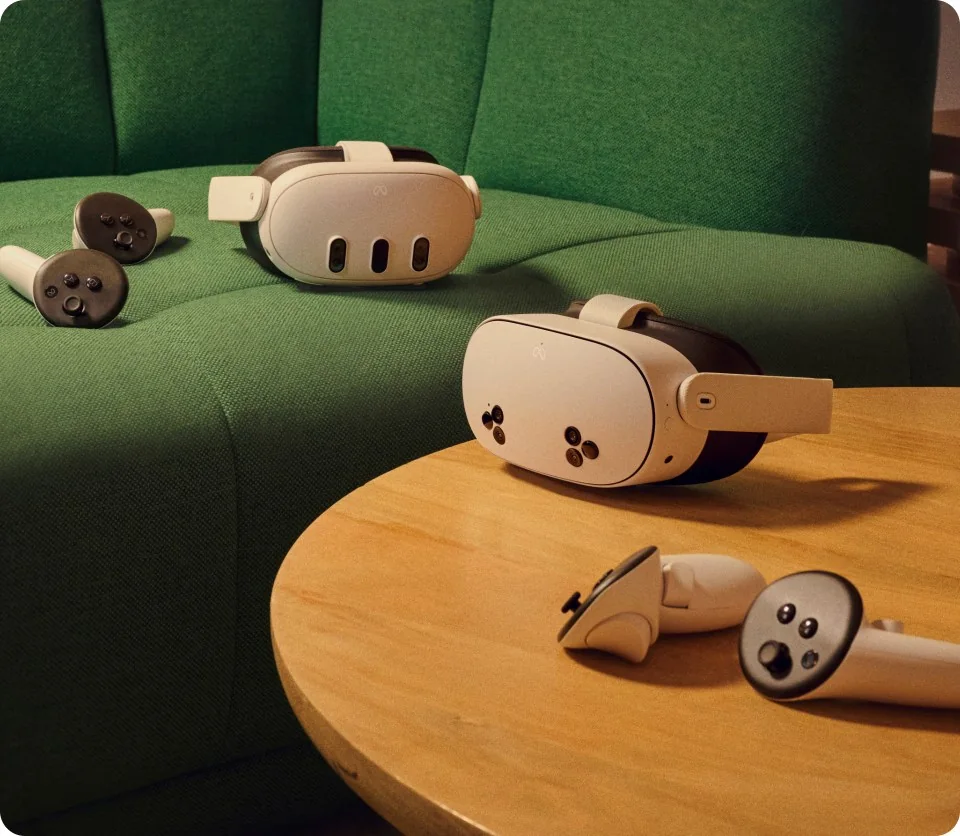
These make sense: an adjustable strap instead of the stock fabric one (the headset stops slipping off a small head), a silicone face pad (easy to wash), case for storage. For Meta goggles, we have straps BOBOVR from KIWI Design, as well as cases and pouches. There’s no point in getting these right away: treadmills, haptic vests, expensive headphones. You can buy them later if VR stays in your home for the long haul.
Birthday gift: what to keep in mind
Start preparing the gift by checking age requirements, fit and availability of the selected apps. The parent prepares the correct child account, approves content and sets available limits and privacy controls. Update and configure the headset beforehand; the time required depends on the kit and connection. Before the first session, prepare the play area, check supervision and show the child how to stop using it.
FAQ
At what age can children start using VR goggles?
It depends on the model and its manual. Meta provides parent-managed accounts for children aged 10–12 and a separate teen category for ages 13–17; check regional and app requirements. PICO 4 Ultra is not recommended for children aged 12 or younger, and PS VR2 is not for children under 12. A school lesson does not replace device requirements.
Are VR headsets harmful to children?
No use can be guaranteed risk-free. Follow age requirements, fit the headset, choose suitable content, supervise the child and take frequent breaks. Eye pain, blurred vision, nausea or dizziness mean the session should stop. Persistent symptoms require medical advice.
Can a child who wears glasses use VR?
Yes, in many cases, provided the child meets the age requirements and the headset fits correctly. Glasses must fit without pressure or contact with the headset lenses. Quest 3 has an adjustable facial interface depth; Quest 3S uses the included glasses spacer. Compatible prescription inserts are another option. Discuss eyesight concerns with an eye specialist.
Which VR headset is best for a 10-year-old?
Quest 3S and Quest 3 can be considered after checking current Meta requirements, the correct parent-managed child account, a compatible app and headset fit. Not every store app is available for this age. PICO 4 Ultra and PS VR2 have different requirements, so they should not be offered as equivalent choices for a 10-year-old.
How much time per day can a child spend in VR?
There is no single limit suitable for every child. Start with short sessions, take frequent breaks and follow the manufacturer’s instructions. A parent should set daily and weekly limits, monitor the child’s response and stop use if there is discomfort.
Does VR require a computer?
Standalone headsets such as Quest 3, Quest 3S and PICO 4 Ultra run compatible apps without a computer. An internet connection over Wi-Fi is needed for tasks including setup, app downloads and updates. Some apps require an ongoing internet connection.
See the related guides: the Quest 3 and Quest 3S comparison · choosing a classroom VR kit.
Do you have a question about a specific model or about VR for a child with a vision impairment? Contact us, and we’ll advise you before you buy.

Author
Dariusz Walczak
Dariusz Walczak is responsible for marketing at Zenith XR. He manages the brand's communications and blog content.
Need specific advice?
Choose the right XR equipment for your needs
Tell us how you plan to use XR headsets. We will help you choose the right equipment for home, school or business.



Add comment