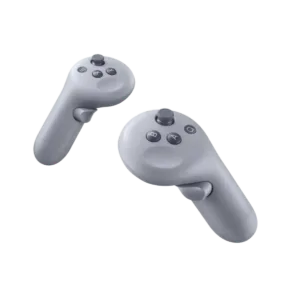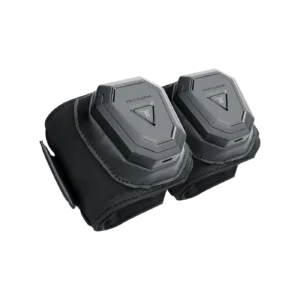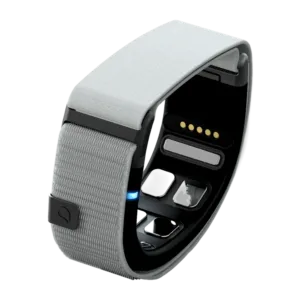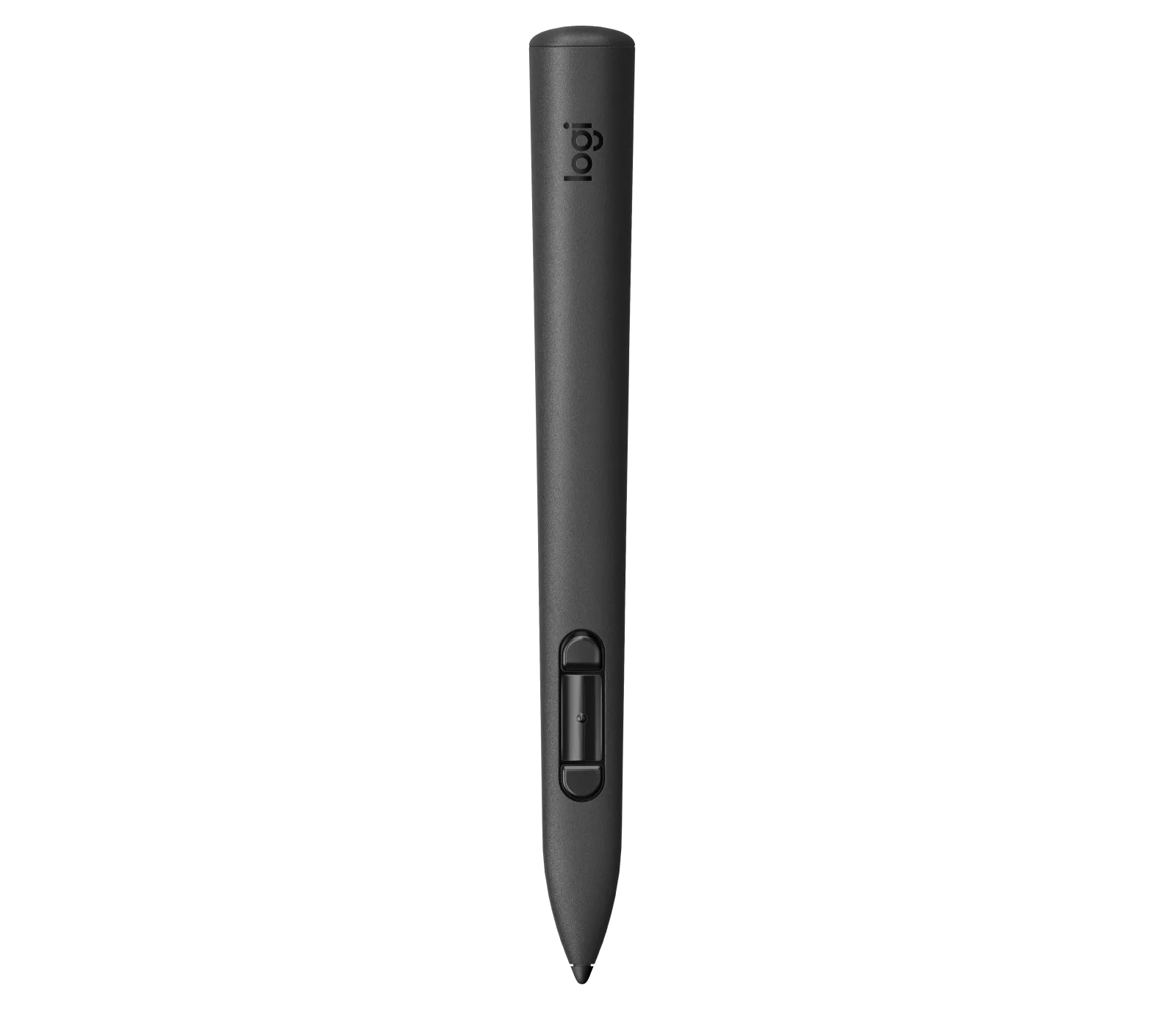


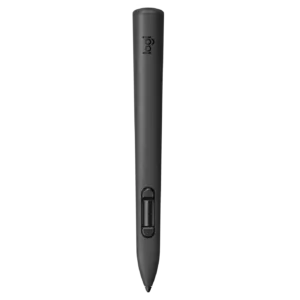
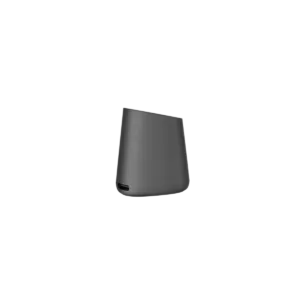
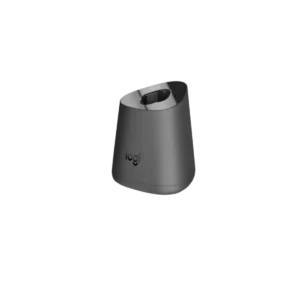
MX Ink stylus with 6DoF tracking and pressure sensitivity, compatible with Meta Quest 2, 3 and 3S. A charging dock and two spare tips are included.
<trp-post-container data-trp-p...

Looking Glass 16 OLED Landscape


Logitech MX Ink + charging dock
Logitech MX Ink is a 6DoF stylus that replaces conventional Meta Quest controls with the natural movement of a pen or graphics tablet stylus. It is suitable for sketching, highlighting, annotation and modelling in 2D and 3D space. The stylus works with Meta Quest 3S, Meta Quest 3 and Meta Quest 2, and the kit also includes a Logitech MX Inkwell charging dock.
Figure uses tracking 6DoF, meaning it detects both position and orientation in space at the same time. This lets you work on flat surfaces and in three dimensions within an MR environment – whether modelling, adding annotations or manipulating 3D objects. Greater control over small movements than with a conventional controller held in your whole hand gives you more precise lines and smoother gestures.

MX Ink lets you sketch, take notes and mark elements on flat surfaces or directly in mixed reality. Depending on the app, this single accessory supports concept design, visualisation, modelling and revisions. It is designed for people who want to create in three dimensions as well as on a screen.

Figure supports pressure sensitivity, so the applied force affects line thickness or the intensity of an interaction with an element in the app. The tips are replaceable – two are included, one fine and one broad – increasing the device's service life and letting you adapt it to your working style, particularly for regular creative or educational use.

Logitech MX Ink works with Meta Quest 3S, Meta Quest 3 and Meta Quest 2. Pairing is completed through the Meta Quest app. Once paired, the stylus can be used alongside the Quest controllers without constantly switching devices. Setup is quick and simple, so you can begin working in your chosen app straight away.
Meta Quest settings let you tailor the stylus to your preferences: change button mappings, select right- or left-handed operation, and adjust the pressure curves for the tip and analogue button. Different apps require different controls, and MX Ink can be adapted to the task at hand.
The stylus is compatible with Meta Quest 3S, Meta Quest 3 and Meta Quest 2. Pairing is handled through the Meta Quest app.
The box contains: Logitech MX Ink, Logitech MX Inkwell charging station and 2 spare tips (thin and wide).
Yes. Once paired, the stylus works alongside the Quest controllers, with no need to switch repeatedly between devices.
Yes, the Meta Quest settings let you choose right- or left-handed use and customise button mappings and pressure curves.
Full technical specifications grouped by topic.
 Logitech MX Ink + charging dock
We use cookies to store and access data on your device, including browsing data and identifiers. Without your consent, some features may not work as well.