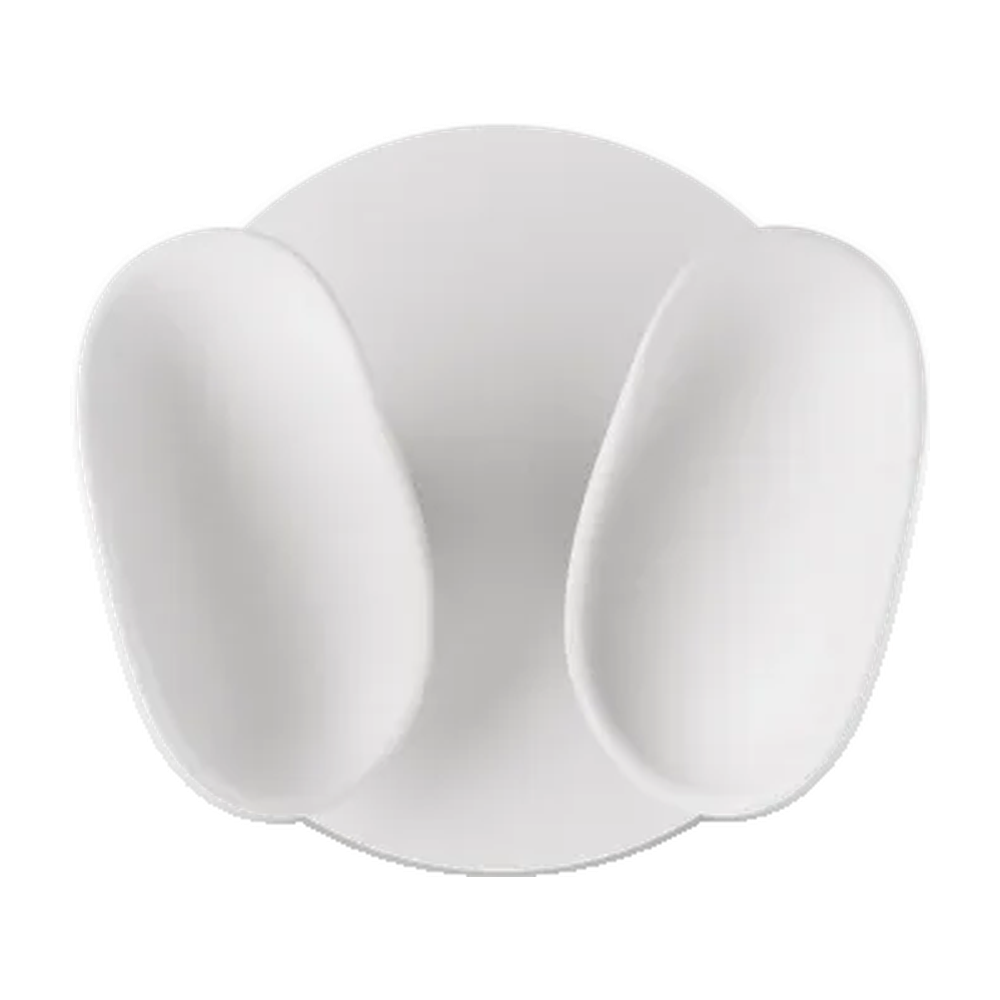


Meta Quest 3 Compact Charging Dock charges the headset and two Touch Plus controllers simultaneously. It requires a separate USB-C power adapter rated at 18 W or higher.
 <trp-post-container data-trp-p...

Looking Glass 16 OLED Landscape


Meta Quest 3 Compact Charging Dock
Meta Quest 3 Compact Charging Dock is a compact dock for Meta Quest 3/3S headsets and Touch Plus controllers. It helps keep your equipment ready between sessions. It is suitable for headset use at home, at school, or at work.
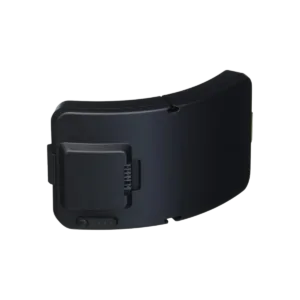
Charging the headset and two Touch Plus controllers simultaneously lets you get your equipment ready for the next session in one place. Place the controllers in the contoured charging slots, then connect the headset with a USB-C cable and set it beside the dock. Two rechargeable lithium-ion controller batteries are included: each has a capacity of 167 mAh, a voltage of 3.85 V and an energy rating of 640 mWh. They replace the controllers’ standard batteries. Once they are installed, you can check the controllers’ battery levels directly in the headset. The headset and controllers themselves are not included.
The LEDs next to the controllers glow orange while charging and turn green when charging is complete. A separate LED on the headset itself shows its charging status. An LED flashing orange and green beneath a controller indicates an error, such as an incorrect battery or improper placement in the charging slot. If this happens, check that the included rechargeable battery is installed and reposition the controller. This indicator helps you spot a problem before your next session, rather than assuming that a controller left on the dock is charging.
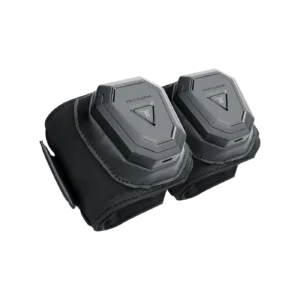
Meta Quest 3 and Meta Quest 3S, along with their Touch Plus controllers, are compatible with this dock. The controllers can have wrist straps or Active Straps attached. The included rechargeable batteries do not fit Quest 2 controllers, so check which model you own before purchasing. The Moonstone White housing measures 144 × 140 × 74 mm and weighs 480 g. When planning your setup, also allow room for the headset beside the base and access to its USB-C port.
USB-C power adapter rated at 18 W or higher is required to power the dock; 45 W is recommended. You can also use a compatible USB Power Delivery adapter rated at 18 W or higher. The adapter is sold separately, so include it when putting together your setup. The USB-C power cable is 1.8 m long, and the USB-C headset charging cable is 32 cm long. These lengths help you plan where to place the dock in relation to the power outlet and headset.
You need a USB-C power adapter rated at 18 W or higher; 45 W is recommended. A compatible USB Power Delivery adapter will also work, but you need to buy it separately.
This signal indicates an error. Check the battery type and how the controller is positioned in the dock.
Yes, you can check the controllers' battery levels directly in the headset. This makes it easier to see whether they are ready before a session.
Full technical specifications grouped by topic.
Controller LEDs: orange while charging, green when fully charged; flashing orange and green indicates an error. The LED on the headset shows its status.
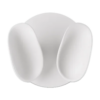 Meta Quest 3 Compact Charging Dock
We use cookies to store and access data on your device, including browsing data and identifiers. Without your consent, some features may not work as well.