


Brak produktów w koszyku.
PICO 4 Ultra Enterprise or Meta Quest 3 for business: which should you choose for training, fleet management and presentations?
PICO 4 Ultra Enterprise or Meta Quest 3 for business: which should you choose for training, device fleets and presentations?
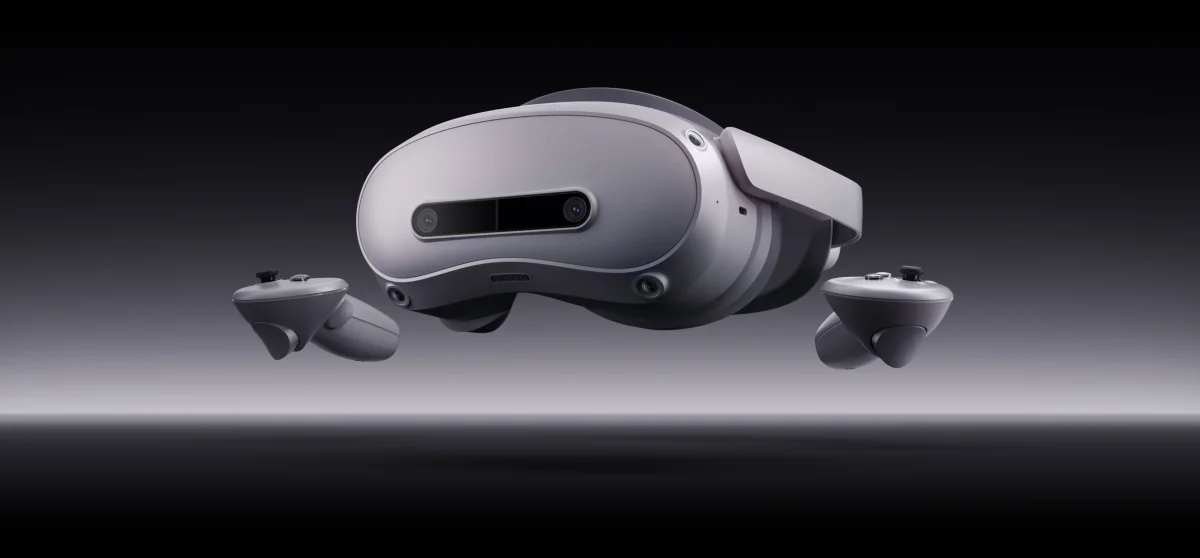
When buying headsets for a business, image specifications become secondary. The first questions are: does an employee need to create a personal account, who will install the application on twenty devices at once, does the licence permit commercial use, and how much does one station cost including charging? Below, we compare four models in our range from this perspective.
Comparison
| PICO 4 Ultra Enterprise | PICO 4 Ultra | Meta Quest 3 | Meta Quest 3S | |
|---|---|---|---|---|
| Storage / RAM | 256 GB / 12 GB | 256 GB / 12 GB | 512 GB / 8 GB | 128 or 256 GB / 8 GB |
| Resolution per eye | 2160×2160 | 2160×2160 | 2064×2208 | 1832×1920 |
| Lenses | pancake | pancake | pancake | Fresnel |
| Field of view | 105° | 105° | 110° | 96° |
| Refresh rate | 90 Hz | 90 Hz | 72–120 Hz | 72–120 Hz |
| Interpupillary distance adjustment | 58–72 mm | 58–72 mm | 58–71 mm | 58–68 mm |
| Processor | Snapdragon XR2 Gen 2 | Snapdragon XR2 Gen 2 | Snapdragon XR2 Gen 2 | Snapdragon XR2 Gen 2 |
| Passthrough | colour | colour | colour | colour |
| PC operation | yes (USB-C, Wi-Fi) | yes | yes | yes |
| Business version | yes, with fleet tools | no | through the Meta for business programme | through the Meta for business programme |
Data from the product pages. A shared processor does not confirm training app compatibility. Before choosing a headset, check with the app supplier which models and system versions are supported, how the app is installed, which accounts are required and the licence for business use. A pilot should test the intended app on the chosen model.
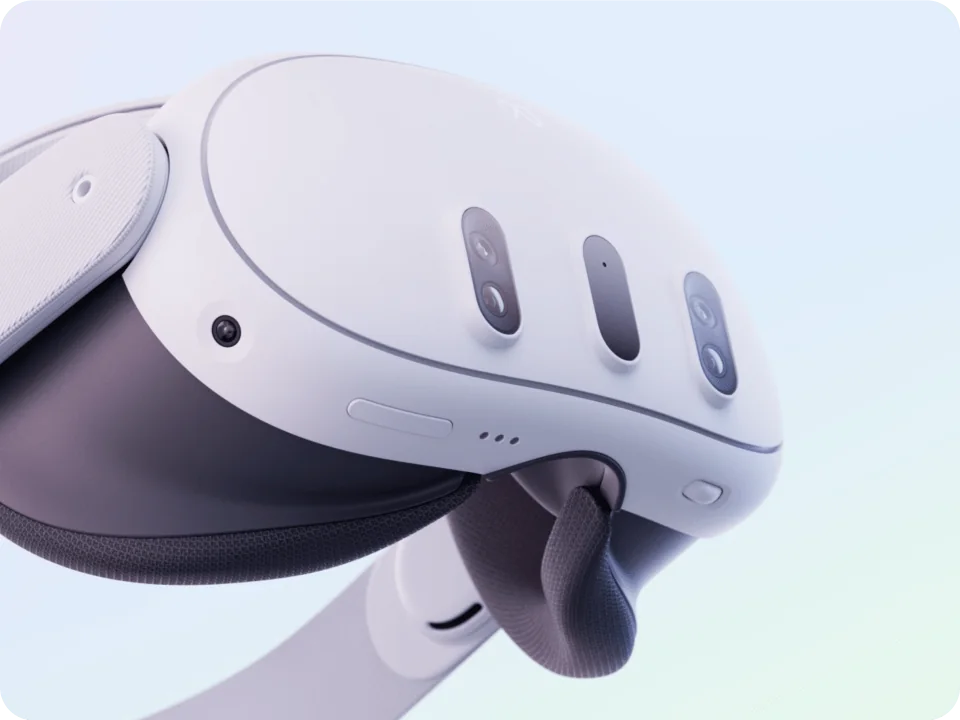
How does the Enterprise version differ from the standard version?
The image specifications and processor are identical. You pay for three things: operation without personal user accounts, device fleet management tools and a licence permitting commercial use. For a single demonstration station, this is excessive. For eight headsets used by different shifts of employees, it is the difference between one dashboard and eight phones used for manual configuration.
Tool scope and licence terms vary between manufacturers and change over time, so before an order we confirm them with the distributor and include them in the quotation.
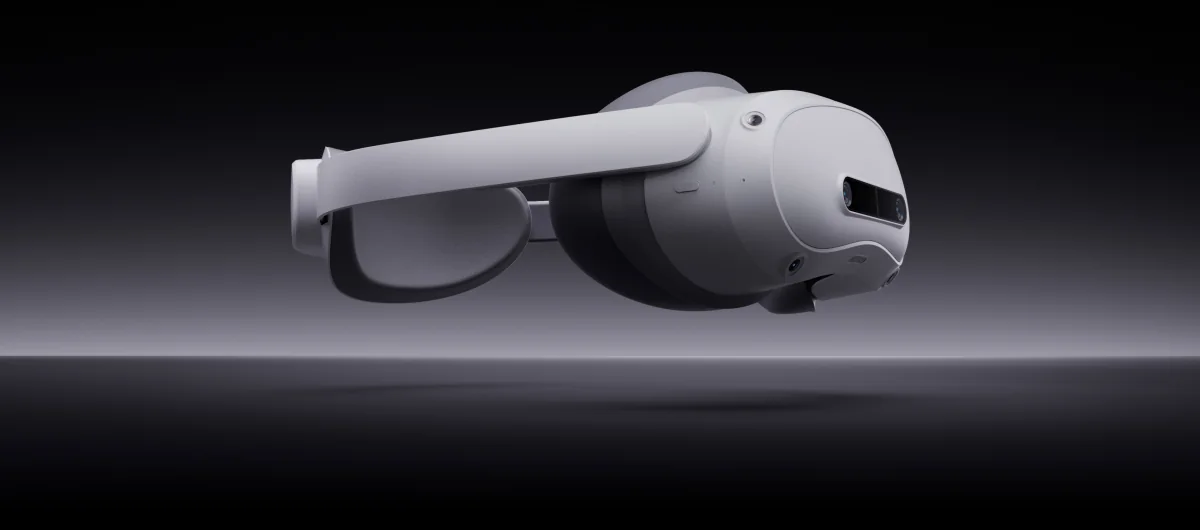
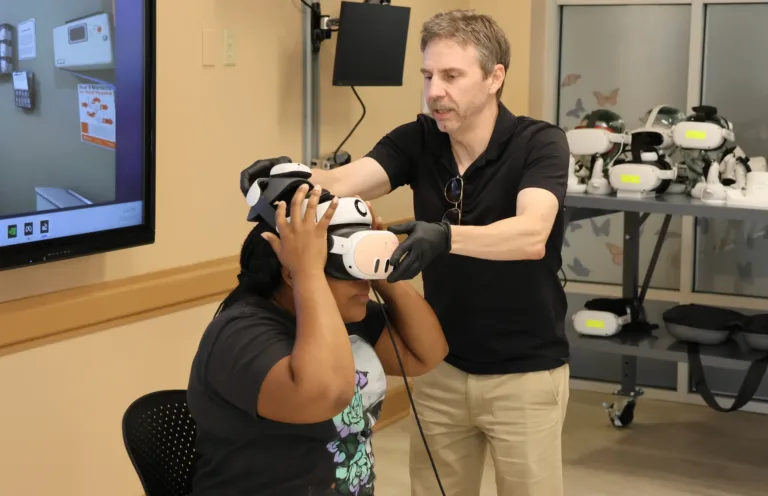
Training and fleets of 8 to 20 headsets
This is where manageable equipment wins. The order of decisions:
- Ask the training application developer which devices it supports. This narrows the list faster than any specification table.
- Check whether each participant needs an account. With dozens of people rotating each month, personal accounts become an administrative problem; business versions avoid this.
- Calculate the cost per station, not per headset. Add hygiene interfaces, a spare strap and charging to the device price: ZenithXR transport and charging case for 4–10 headsets or Zioxi cabinet for 20 headsets.
An example eight-station setup includes headsets, a case and hygiene accessories. Quest 3S and Quest 3 have the same processor but differ in optics and storage. Choose the model to suit the app’s requirements and the importance of image sharpness in that training session.
Presentations and showrooms
The customer puts on the headset for five minutes and forms an impression immediately. Image sharpness deserves particular attention here: Quest 3 (pancake lenses, 110° field of view, 512 GB for large models) or PICO 4 Ultra (2160×2160 per eye, 12 GB RAM). Reserve Quest 3S for stations where quantity matters.
Design and 3D models: check the headset, stylus and app
Viewing a 3D model does not mean you can edit it with a stylus. Logitech MX Ink is designed for Meta Quest 2, Quest 3 and Quest 3S. Headset compatibility does not mean every app supports the stylus; do not extend that compatibility to PICO.
Before ordering a kit, choose the app, confirm MX Ink support and check the business licence terms. In a pilot, test importing your own model, its file format, editing or annotations, and exporting the result. Also establish whether the workflow runs on the headset or requires a computer and an additional connection.
Check the included items in the Logitech MX Ink with charging dock offer. The stylus name alone does not include a headset, app or extra accessories. In your enquiry, specify the headset model, app, file types and number of workstations so the quote covers a compatible kit.
See Logitech MX Ink with a charging dock
Compatible headsets and kit options: Logitech datasheet
Operation without user accounts
This is the question businesses ask most often, and rightly so: when training dozens of people, nobody wants to create accounts or collect consents for personal devices. Business versions are designed to run under the organisation's account rather than an employee's. We check configuration details and the scope of data collected by the manufacturer for each deployment. Your legal team or data protection officer should assess this, while we provide the manufacturer's documentation.
When to choose PICO or Meta
- PICO 4 Ultra Enterprise when training is regular, the fleet grows beyond a few units and your application developer supports it. Most of the added value is in management, not image quality.
- Meta Quest 3 when the application library and image quality in presentations matter, and the fleet is small.
- Meta Quest 3S : when preparing 8–20 stations with a shared app library; the same processor as Quest 3.
- PICO 4 Ultra (standard) when you want a 2160×2160 image at one or two stations without fleet management.
Read more about organising training, headsets per group and hygiene in our guide to VR training equipment for business.
FAQ
How does PICO 4 Ultra Enterprise differ from the standard PICO 4 Ultra?
No difference in specifications: the same processor, the same 2160×2160 resolution and the same pancake lenses. The difference is in the business layer: operation without personal accounts, fleet management tools and a commercial licence.
Do employees need their own accounts?
Not with business versions. Devices use the organisation's account, and the application is launched for the whole group.
Will the training application run on every one of these models?
Not always. The list of supported devices depends on the application developer, so start your hardware selection with them.
What should a training station include?
In addition to the headsets, include hygiene interfaces, a spare strap and charging: a case for 4–10 headsets or a cabinet for 20. Also check the app’s requirements and the licences needed for device management.
Do you need a computer for training?
Not for most procedural training; all four models work independently. A computer is required for simulators with demanding graphics.
Which model should you choose for 20 stations?
Quest 3S is worth considering for a shared app library, and PICO 4 Ultra Enterprise for fleet management and use without personal accounts. Support from the app you intend to use is the deciding factor.
See the related guides: AR glasses for maintenance and manufacturing.
Describe the training scenario and number of stations, and we will prepare a pilot set with a net quotation: request a quote. All business models: enterprise headsets.

Author
Dariusz Walczak
Dariusz Walczak is responsible for marketing at Zenith XR. He manages the brand's communications and blog content.
Need specific advice?
Choose the right XR equipment for your needs
Tell us how you plan to use XR headsets. We will help you choose the right equipment for home, school or business.




Add comment