


Brak produktów w koszyku.
RealWear, Vuzix or Epson: AR glasses for servicing, manufacturing and logistics
RealWear, Vuzix or Epson: AR glasses for servicing, manufacturing and logistics
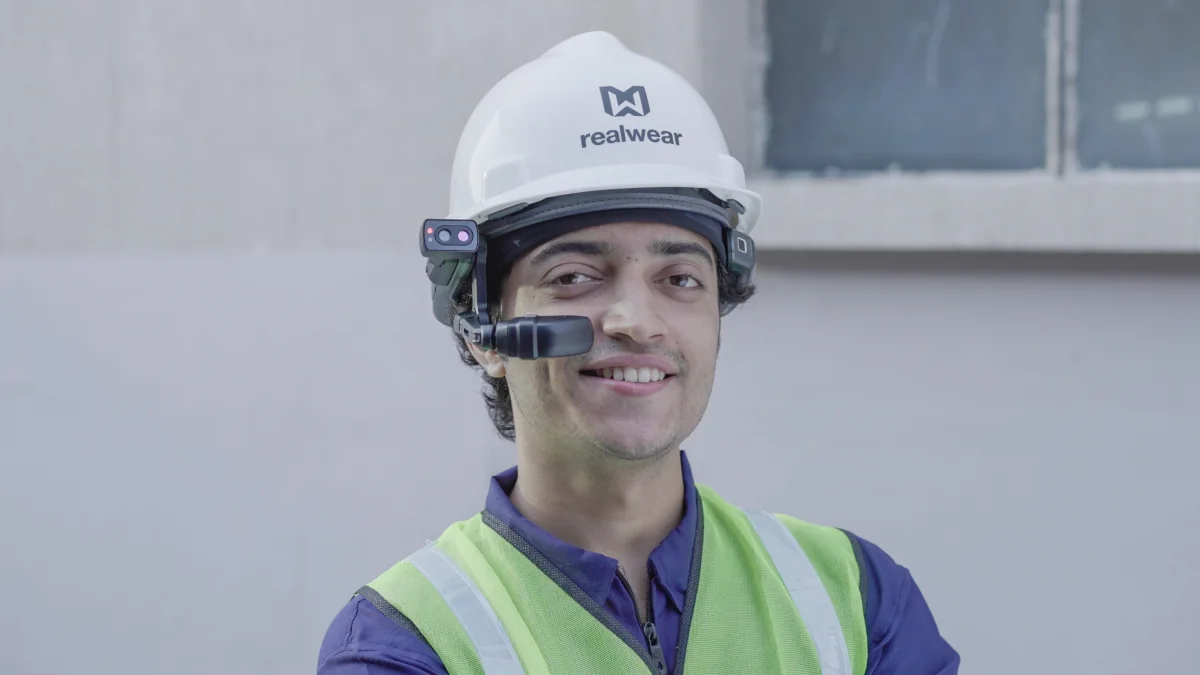
Choose industrial AR glasses for a specific task: remote expert support, assembly instructions or order picking. Compare how they display information, app compatibility and the complete setup required at the workstation. Below are models from our catalogue and requirements to confirm before requesting a quote.
Three types of AR glasses for work
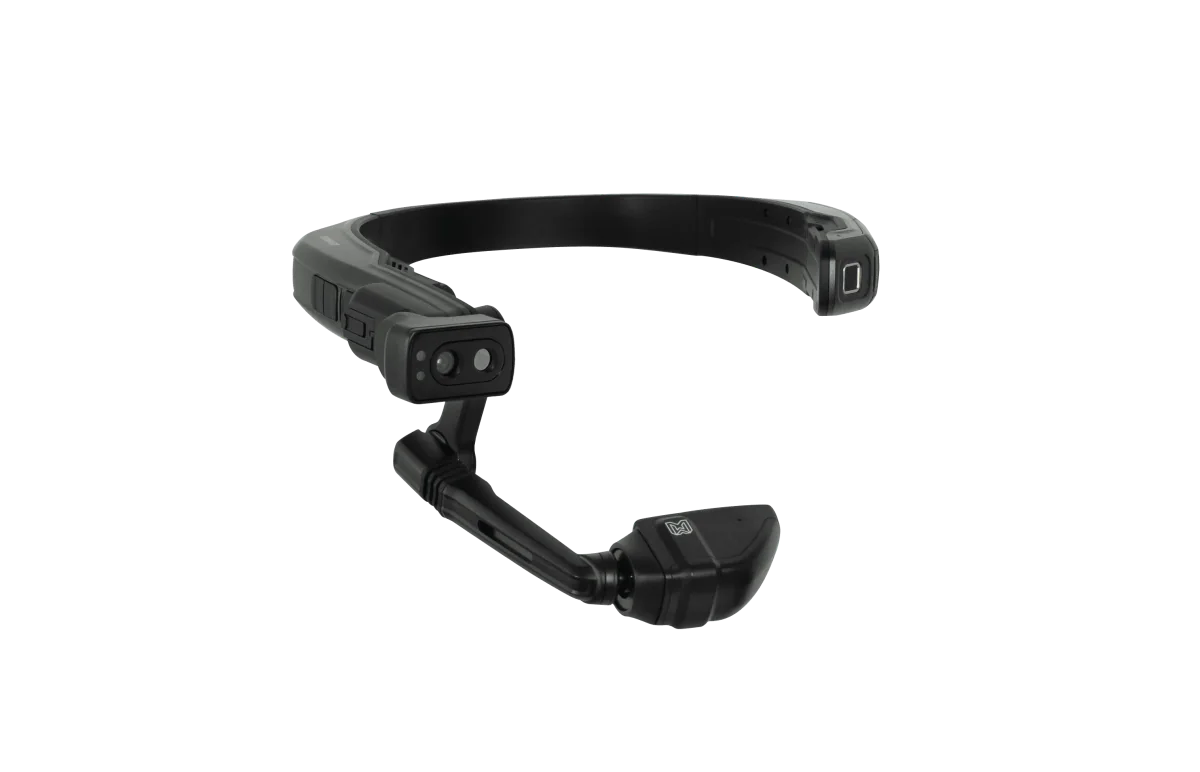
- A head-worn computer with a small screen in front of one eye (RealWear). It displays instructions or a video call; it does not place a spatial overlay on a machine. Voice control and durability help technicians, but conditions for the specific model and app still need checking.
- Glasses with a see-through display (Vuzix Blade 2, Epson Moverio). You can see your surroundings and information from an app. A transparent screen does not automatically anchor a 3D instruction to a particular component. Durability, power and image positioning depend on the setup.
- Host-connected devices and computers for warehouse work. Vuzix M400C requires a compatible host device; Vuzix LX1 can display picking tasks. Barcode reading and warehouse data exchange require compatible software and integration.
Model comparison
| Model | Type | Display | Camera | Ruggedness | Controls | Weight |
|---|---|---|---|---|---|---|
| RealWear Navigator 520 | head-mounted computer, monocular | 1280×720, 24° | yes | dust, water, drops (according to the manufacturer) | voice in noise up to 100 dB, buttons | 270 g |
| RealWear Navigator 500 | head-mounted computer, monocular | 854×480, 20° | 48 MP, 1080p/60 | IP66, MIL-STD-810H | voice up to 100 dBA | 270 g |
| RealWear HMT-1 | head-mounted computer, monocular | 854×480, 20° | yes, stabilisation | IP66 | voice (also in Polish) | — |
| Vuzix LX1 | glasses with a barcode scanner | OLED >2000 nit | 12 MP, 1080p/60 | outdoor use, replaceable battery | voice, buttons | — |
| Vuzix M400C | USB-C accessory for a host device | OLED 640×360, 16,8° | 4K, 12,8 MP | IP67 | touch, voice, buttons | 68 g |
| Vuzix Blade 2 | see-through glasses (waveguide) | 480×480, 20°, 2000 nit | 8 MP | for indoor work and light field use | touch, voice | 90 g |
| Epson Moverio BT-45CS | see-through glasses (Si-OLED) | 1920×1080, 34° | 8 MP | rugged design for field use | BO-IC400 controller, buttons | 185 g |
| Epson Moverio BT-40SN | see-through glasses (Si-OLED) | 1920×1080, 34°, 1000 nit | 13 MP (in the controller) | office and light field use | controller with Android 9 | 95 g |
The table uses product listings as a starting point for comparison. Glasses weight does not automatically include a battery, controller, helmet or accessories. Check the part number and kit revision before ordering. Manufacturers list RealWear HMT-1 and Vuzix M400C as discontinued models; a catalogue listing does not confirm a new shipment, spare-part availability or the remaining support period.
Servicing and maintenance: remote expert
Task: a technician at the machine shows the expert a camera feed and receives instructions. On-screen annotations, document sharing and recording depend on the app. During a pilot, check image quality, speech clarity, latency and operating time in an actual session.
Choice: RealWear Navigator 500 or 520 for viewing information on a small screen and using voice control. Navigator 520 has the larger HyperDisplay; choosing the newer model does not establish app compatibility. Check command language, camera support and battery swapping for the selected version. Test the advertised noisy-environment speech recognition where the technician will actually work.
Before buying, check the exact remote-support app, licences for the technician and expert, operating-system version and corporate account. For example, Vuzix Remote Assist for Teams requires administrator consent; broader deployment includes configuring the corporate Azure environment. Also check workstation Wi-Fi, firewall rules and guest-access policies. A mention of Teams or Zoom in a glasses description does not establish a working connection.
Manufacturing and assembly: step-by-step instructions
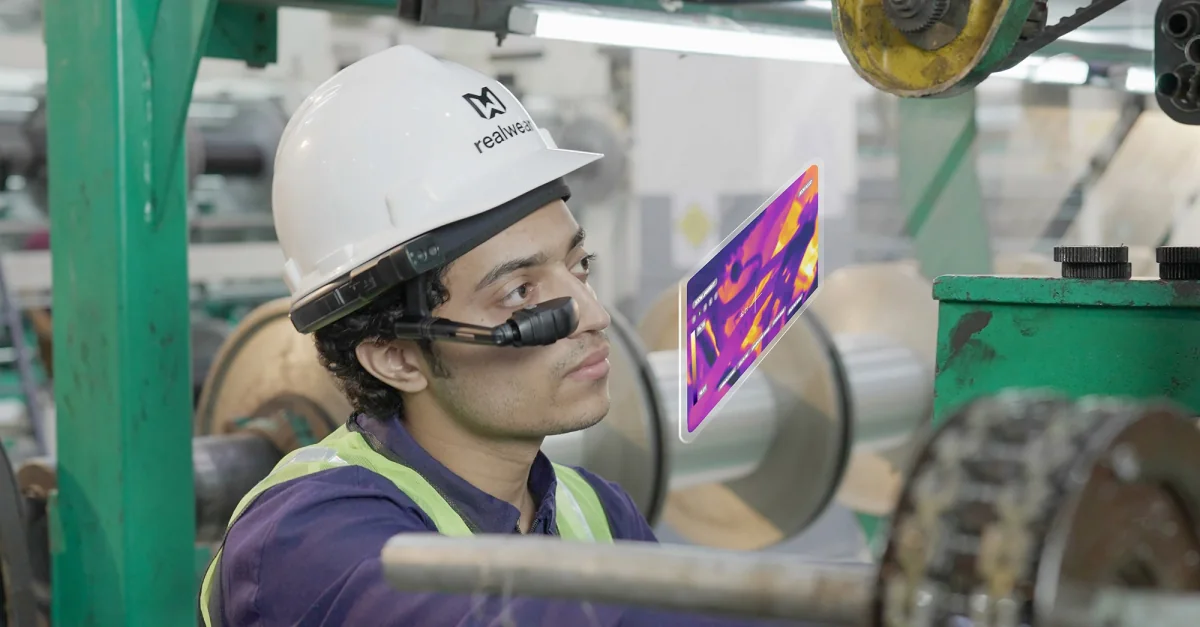
Task: a worker performs successive actions and confirms completion. Define one real instruction, how each step is confirmed and how the result is saved in the company system. Anchoring guidance to a machine component requires suitable software, tracking and calibration; the display alone does not provide that function.
Choice: RealWear for reading on-screen instructions and confirming steps by voice; Epson Moverio BT-45CS or Vuzix Blade 2 for viewing information on a see-through display. BT-45CS uses a connected controller; do not treat the glasses alone as an independent computer. For BT-45C/BT-45CS, Epson requires a USB-C video source with DisplayPort Alt Mode. Check app access to the camera and microphone as well as video from the host.
Logistics and warehousing: order picking and scanning
Task: picking orders, scanning codes and confirming locations without putting boxes down.
Choice: Vuzix LX1 for picking tasks and warehouse instructions, with an app that works with the existing WMS or ERP. Before requesting a quote, establish supported barcodes, how they are read, integration requirements and a charging plan. Vuzix M400C requires a compatible USB-C host and software; do not assume every phone or terminal is compatible. A camera does not amount to a ready-to-use scanning system.
Workplace training and audits
Task: a new employee learns a procedure, while an auditor documents the condition of a machine with photos and video.
Choice: camera and comfort. RealWear Navigator 500 (48 MP) for documentation; Epson BT-40SN (95 g, GPS, plug-and-play mode) for training in offices and light field conditions where full ruggedness is not required.
What to consider during deployment
- Power throughout the shift. Measure operating time with the intended app and camera. Plan spare batteries, a charger and power for the host or controller. A replaceable battery helps maintain continuity but does not guarantee a specific number of hours.
- Noise. Test voice control at the workstation, not in the office. RealWear specifies 100 dB.
- Helmet, protective eyewear and mounting. Match clips to the specific helmet, device model and other protective equipment. RealWear and Epson instructions describe different mounting methods. Kit acceptance includes fit, cable routing and maintaining the required field of view.
- Fleet management (MDM). For fleets of several devices or more: remote application installation, kiosk mode and restrictions.
- Pilot acceptance. Choose one real task and set criteria: a successful call, readable instructions, operation with the required protective equipment and a saved result. Compare time and errors for the same task; a hardware demonstration alone does not establish savings.
Choosing a setup and running a pilot
What to include in a complete setup
- The exact model, part number and compatible host or controller.
- Mounting for the helmet or headband in use, following manufacturer instructions.
- Batteries, chargers, cables and a plan for replacement during work.
- Device-side and expert-side software, accounts and required licences.
- Network access, administrator consent, fleet management and recording policies.
- Configuration, training and acceptance criteria agreed before launch.
Work in a hazardous explosive atmosphere requires a device variant and complete setup with the appropriate approval. IP66 or drop resistance does not replace that confirmation. RealWear describes Navigator Z1 as intrinsically safe and states that not every accessory is suitable for hazardous-area use.
For a quote, provide the workstation task, number of users, intended app and working conditions. The complete setup includes hardware, mounting, power, licences and account configuration. Pilot, integration and training scope must be agreed in the offer; they are not automatically included with the glasses.
Manufacturer documentation
- RealWear: Navigator 520 and HyperDisplay
- RealWear: mounting and accessories
- RealWear: Navigator Z1 and accessory limitations
- RealWear: identifying models and HMT-1 discontinuation
- Vuzix: administrator requirements for Teams
- Vuzix: LX1 and warehouse-system integration
- Vuzix: support for discontinued models
- Epson: BT-45CS and USB-C connection requirements
- Epson: BT-45C/BT-45CS user guide
FAQ
How do industrial AR glasses differ from consumer models (XREAL, Viture)?
Choose hardware for the task, app and workstation conditions. Consumer display glasses usually show content from a host. For industrial devices, check the camera, controls, mounting and durability individually; not every model has IP66/IP67, a replaceable battery or the same features.
Do AR glasses work with gloves and a hard hat?
Voice control or buttons can make operation with gloves easier. Mounting depends on the glasses model, helmet and clips. Check fit with the protective equipment in use and test commands at the workstation; do not assume every helmet is compatible.
Do I need specialist software?
Yes, you need software compatible with the specific model and corporate account. Teams or Zoom require the correct version or integration, licences and sometimes administrator consent. Assembly instructions and picking also require prepared content and connection to the existing system.
How long does deployment take?
Timing is agreed after checking hardware, app availability, accounts and integration requirements. First verify one real call or instruction at the intended workstation. Do not assume a fixed timeline for every deployment or skip the corporate administrator's preparation.
What warranty and support are available?
Confirm warranty, spare parts and support for the specific part number and supplier. Separate the manufacturer warranty from configuration, training and service agreed in the offer. For a discontinued model, also check continued spare-part and support availability.
See the related guides: AR glasses as an additional screen · PICO Enterprise or Meta Quest for business.
Current models and accessories: industrial AR glasses models.
Looking for AR glasses for a specific workstation? Describe the task, conditions (noise, dust, gloves) and number of workstations, and we will prepare a recommendation and quotation.

Author
Dariusz Walczak
Dariusz Walczak is responsible for marketing at Zenith XR. He manages the brand's communications and blog content.
Need specific advice?
Choose the right XR equipment for your needs
Tell us how you plan to use XR headsets. We will help you choose the right equipment for home, school or business.



Add comment