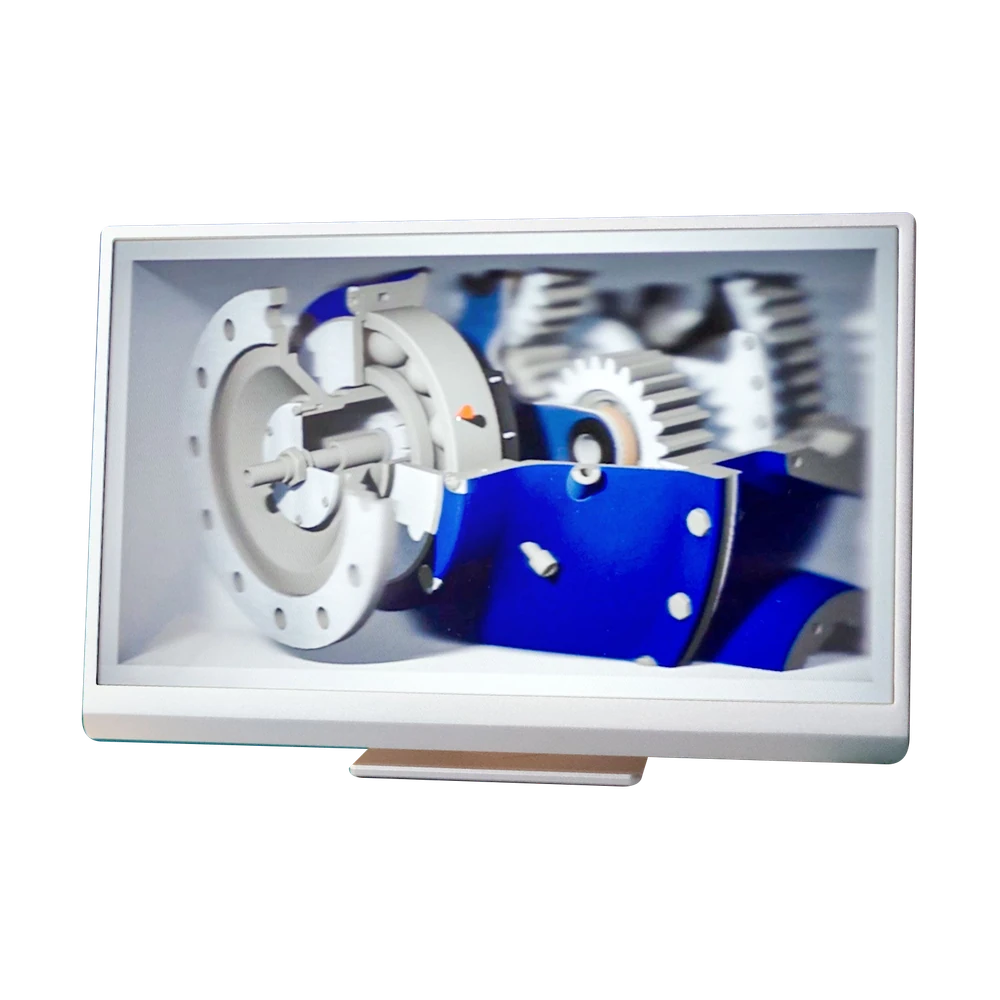
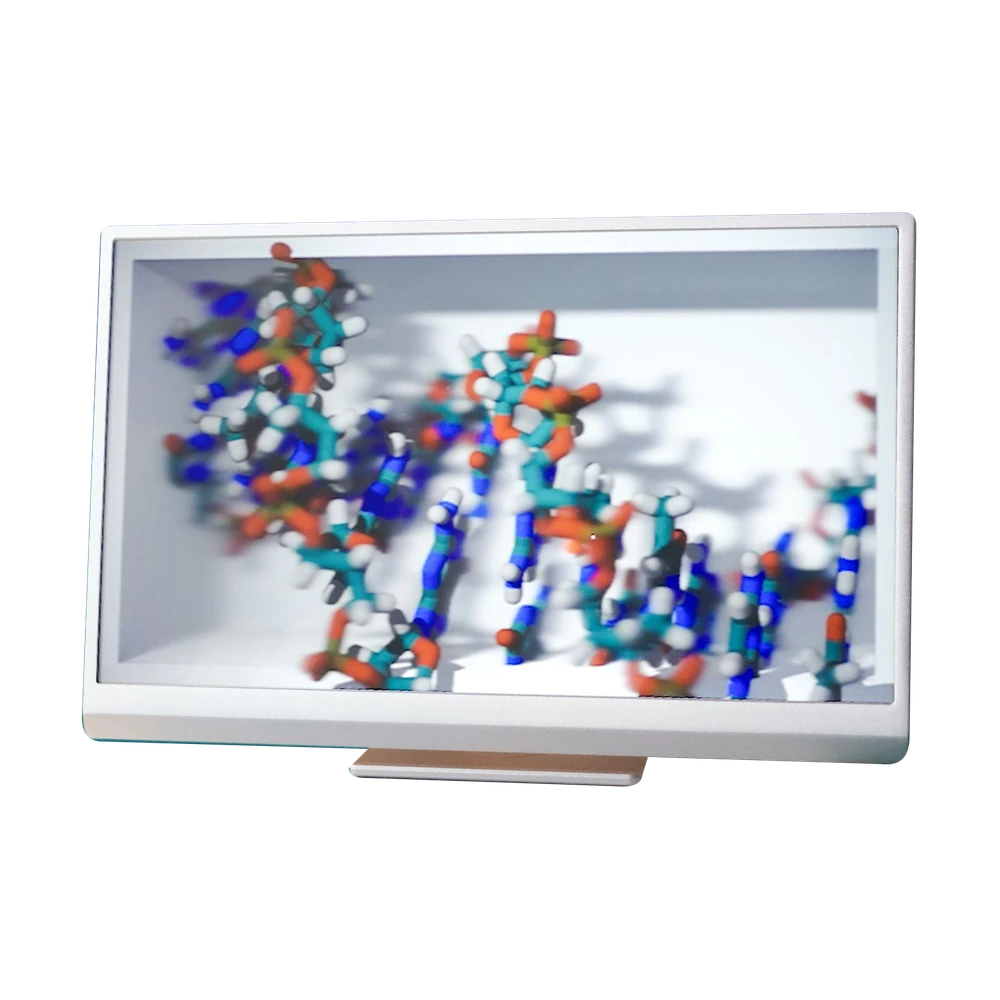

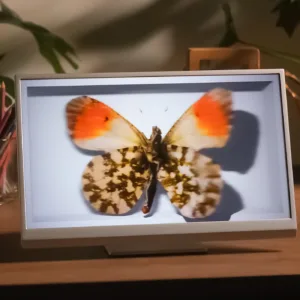
16-inch OLED light field display in the horizontal Landscape variant. Displays prepared 3D content without a headset; requires a compatible computer, software and external power. Manufacturer SKU: lkg-16inch-oled-lands.
<trp-post-container data-trp-p...
Looking Glass 16 OLED Landscape


Looking Glass 16 OLED Landscape
Looking Glass 16 OLED Landscape is a light field display for viewing spatial content without a headset. This variant operates in landscape orientation and requires a compatible computer. It is suitable for use as part of a setup for model presentations, design work or app demonstrations, once the content has been prepared and its licences checked.
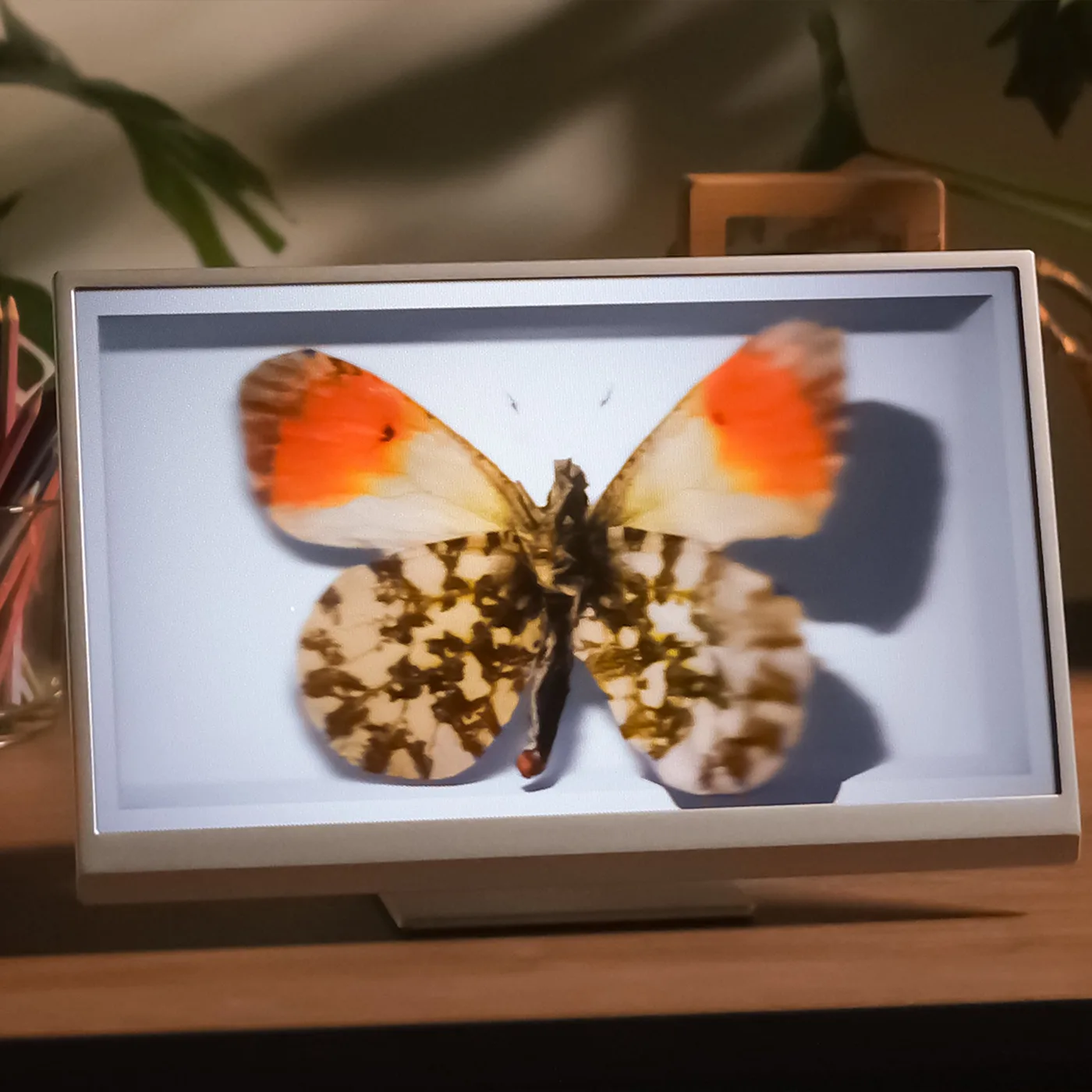
The 16-inch OLED panel displays different perspectives of the same scene. As you change your viewing position, the view of the object changes, creating a sense of depth without stereoscopic glasses. The display provides up to 100 views and a 60 Hz refresh rate.
The 3 840 × 2 160 resolution describes the entire panel, not each individual view. Landscape is a specific horizontal version of the device. This orientation must be maintained when ordering and preparing scenes; the Portrait version has a different product code.

The display has no built-in computer or operating system. Images are supplied by a compatible PC or a Mac with Apple Silicon, while Looking Glass Bridge and a suitable application are used to run 3D content. Power is supplied by the included power adapter. The device has no built-in battery.
The computer's USB-C port must support Alt Mode to transmit video over that connection. An alternative setup uses HDMI and a USB-C cable connected to the computer, alongside a separate power supply. A matching USB-C socket alone does not confirm that the setup is compatible.
Model Viewer supports GLB, glTF, FBX, OBJ, STL and PLY files. It lets you set up a model view, rotate the model and adjust it for the spatial display. Custom apps can be developed using plugins for Unity, Unreal or other supported environments.
Before a presentation, it is worth previewing the intended scene on the device. Small details, the object's position relative to the screen plane and lighting affect how clearly the presentation can be viewed. The photos on this product page show example content; a flat image does not reproduce the effect seen by the viewer.

The package includes a desktop stand and wall-mounting instructions. The installation must allow space for the computer, cables and power supply, and the viewers' positions must be determined. We do not assume that every 3D model will be clearly visible from any distance and at every angle.
When using an OLED display for extended periods, avoid displaying static elements for many hours, especially at high brightness. The manufacturer warns about image retention and burn-in. Software and content licensing must be confirmed separately: the general Software and Content terms provide for personal, non-commercial use by default, unless otherwise agreed in writing.

No. This product page covers the 16-inch OLED Landscape light field display, manufacturer SKU lkg-16inch-oled-lands. Specifications or terms from the separate HLD product family must not be applied to it.
This model has no built-in computer or operating system. It requires a compatible image source, connection and software; it is not a standalone frame that plays content from its own storage.
We do not state that this service is included in the standard package. The scope of presentation preparation, rights to the materials and computer requirements must be agreed for the specific deployment.
Full technical specifications grouped by topic.
Risk of image retention and burn-in when static elements are displayed for extended periods, especially at high brightness.
Personal and non-commercial use by default under the general Software and Content terms; commercial use requires an appropriate licence or a written agreement.
 Looking Glass 16 OLED Landscape
We use cookies to store and access data on your device, including browsing data and identifiers. Without your consent, some features may not work as well.