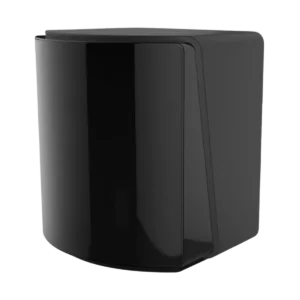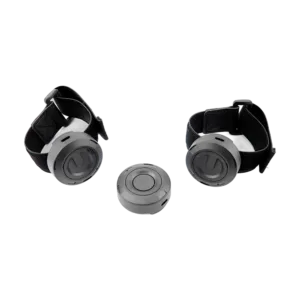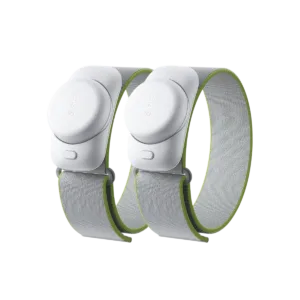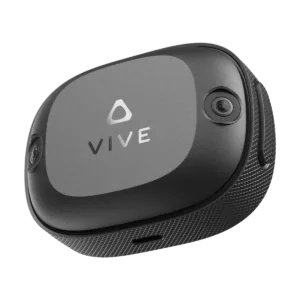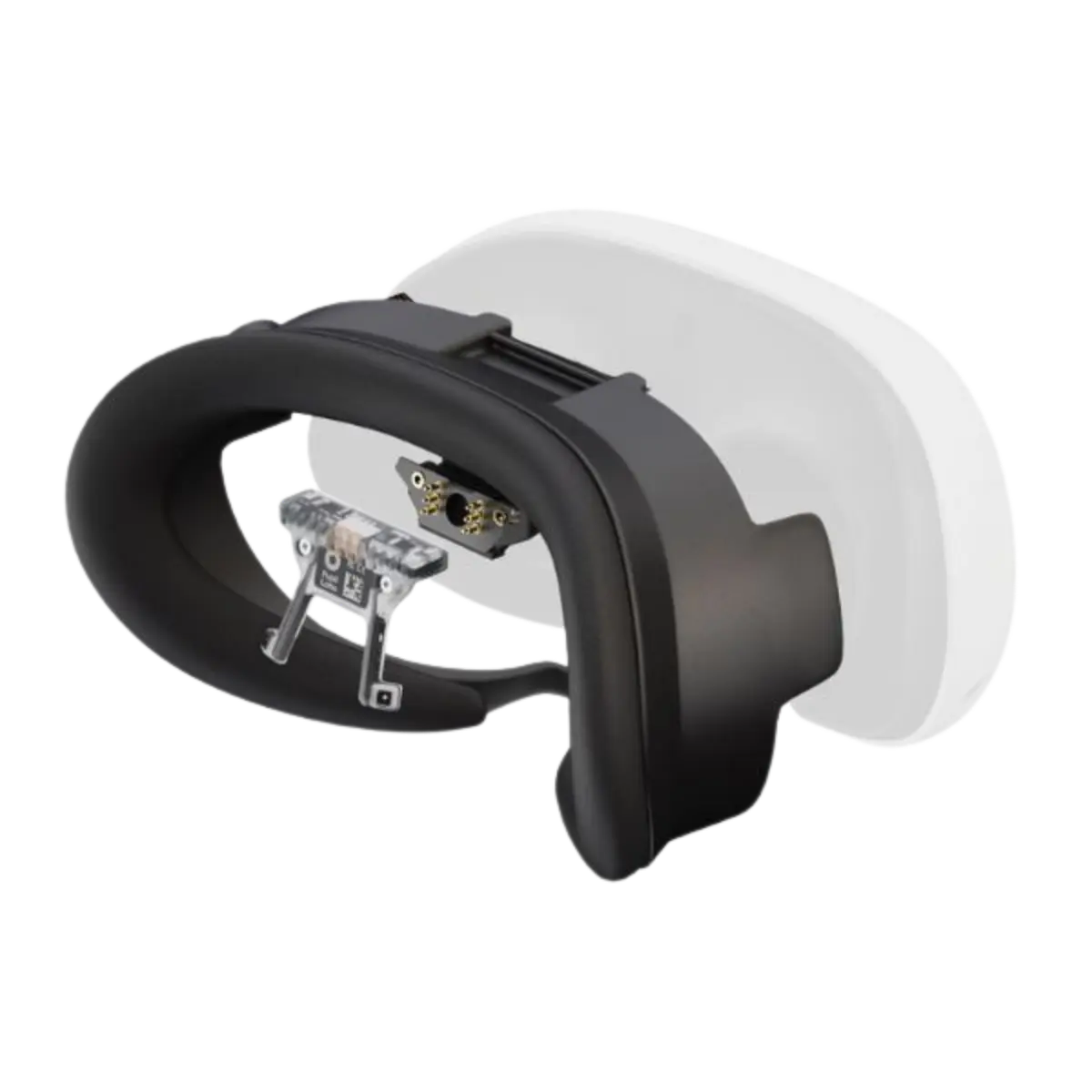


The Pupil Labs Neon module for Meta Quest 3 tracks both eyes without calibration and streams real-time data ready for Unity integration.
 <trp-post-container data-trp-p...

Looking Glass 16 OLED Landscape


Eye-tracking module for Meta Quest 3 by Pupil Labs
The Pupil Labs Neon module for Meta Quest 3 records the movement of both eyes simultaneously and does not require calibration before use. It is designed for VR app developers, researchers and UX teams who need accurate real-time gaze data. Its modular design and Unity integration deliver data to your project in real time.
Neon system tracks movement both eyes at once and works without calibration before use, so you can get straight to work. Data is delivered in real time and can be used in development environments such as the Unity engine, making it easier to build interactive VR projects. The modular design lets you adapt the module to your Meta Quest 3 setup without unnecessary compromises.

The module uses cameras and Infrared lighting, to track your eye movements. The system analyses pupil position and light reflections to generate real-time data on gaze points, blinks and pupil diameter. Using its own infrared light source allows it to work independently of the lighting conditions in your room.

Visual tracking data will be used directly in VR projects and research through integration with engines such as Unity and real-time access through a programming interface. As a developer, you can link gaze data to application logic and build interactions based on where the user looks. Live data access also lets you record and analyse it in external tools, making further development easier.
The module is suitable for research, user behaviour analysis and the development of gaze-controlled interfaces. You can use it in VR projects that require accurate gaze data, as well as for usability testing and assessing how users interact with an interface. It is also useful wherever precise attention and concentration tracking matters, including research and education projects.
The device records the direction of sight, fixations, blinks and pupil diameter, providing the complete set of data needed to analyse user behaviour and interactions. You can record and analyse this information to identify attention patterns and understand how an app is used. This helps you refine your project's interfaces and optimise the user experience using real data rather than assumptions.
The Neon XR integration described here requires a compatible Neon Companion Device, the Neon Companion app and a Unity project with the Neon XR Core package. The module connects to the Companion Device via USB-C; the Unity project receives data over the network. Check that your Companion Device and application are compatible.
When comparing VR eye-tracking systems, check supported headsets, data transfer, application engine integration and workstation requirements. A system for your own Unity project requires different preparation from a ready-made research application.
Describe your research objective, headset, application and data recording needs in your enquiry. This helps establish workstation requirements before choosing equipment.
No, the Neon system requires no calibration before use, so you can get straight to work, even when switching users.
Yes. The system uses its own infrared light source, so it operates independently of the room's lighting conditions.
The module provides real-time data through a programming interface and works with engines such as Unity, allowing the data to be used directly in your VR projects.
Full technical specifications grouped by topic.
 Eye-tracking module for Meta Quest 3 by Pupil Labs
We use cookies to store and access data on your device, including browsing data and identifiers. Without your consent, some features may not work as well.