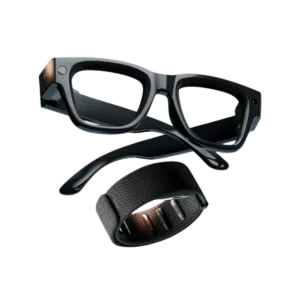


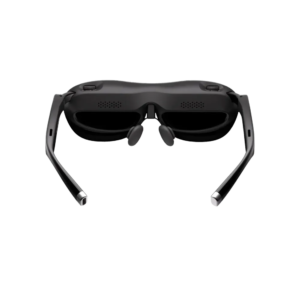
Rokid AR Joy 2 lets you view content directly in front of your eyes. See how it fits the way you work and enjoy entertainment.
<trp-post-container data-trp-p...

Looking Glass 16 OLED Landscape


Rokid AR Joy 2
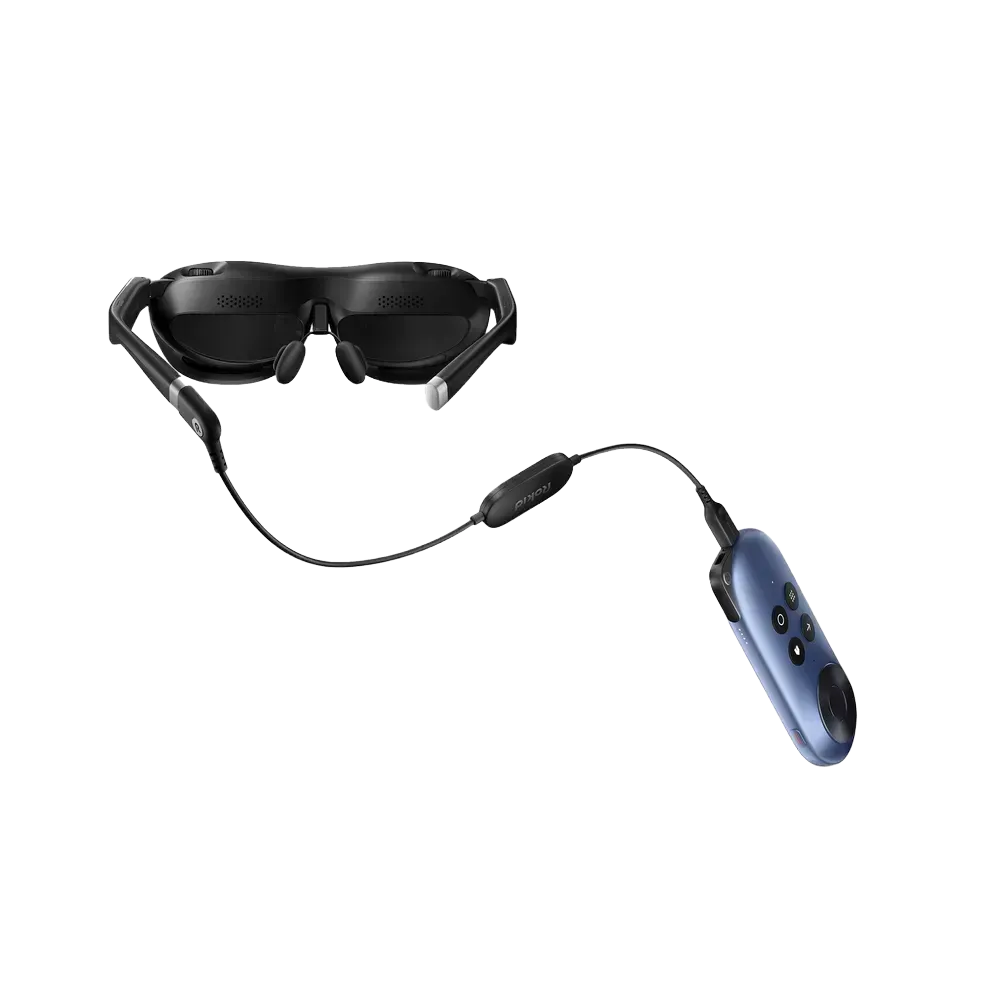
Rokid AR Joy 2 pairs the Max 2 glasses with the original Rokid Station. You view the image through the glasses and control content and volume using the station’s buttons. You can also connect Max 2 to another compatible device with video output over USB-C.
Images in the Max 2 glasses are produced by 0.68″ Sony Micro-OLED panels. With the included original Rokid Station, you get 1920×1080 per eye; 1920×1200 resolution requires a compatible source, such as Station 2. The field of view is 50°. Brightness up to 600 nits and 100,000:1 contrast help distinguish bright and dark areas of the image. The glasses support refresh rate from 60 to 120 Hz; available mode depends on the connected device.

The Max 2 glasses alone weigh 75 g without the station, so you do not carry the weight of the entire set on your face. The temples have soft and rigid sections and a flexible rubber rear section, and the hinge is made of titanium alloy. Built-in adjustment from 0.00 D to minus 6.00 D lets you adjust the image for myopia within this range. For vision conditions outside it, including farsightedness or astigmatism, you need an additional corrective lens.

The original Rokid Station connects to the glasses with a Micro HDMI to USB-C cable. The station has a directional button, OK, Home, Back, Apps, Settings, Power, and volume controls, which provides physical controls for basic actions. If you want to use the glasses directly with another host device, you need USB-C 3.1 with video output support. Before purchasing, check for this feature in your device's specifications, as the presence of a USB-C port alone does not confirm compatibility. You can find more information on choosing a video source in our guide to using AR glasses instead of a monitor.

Rokid AR App is used to transfer supported files to compatible Rokid AR devices. Available app features depend on the connected device. On the side of the Max 2, there is built-in microphone. It is useful with voice-enabled apps, but the microphone alone does not mean the glasses have built-in voice commands.
Yes, if the computer has USB-C 3.1 with video output support. A USB-C port without this function is not enough.
The built-in adjustment covers the specified range of myopia. For astigmatism or a prescription outside this range, an additional corrective lens is required.
The Max 2 do not have basic built-in voice commands. You can use installed voice AI apps.
Full technical specifications grouped by topic.
 Rokid AR Joy 2
We use cookies to store and access data on your device, including browsing data and identifiers. Without your consent, some features may not work as well.