


Brak produktów w koszyku.
VR headsets for schools: how to choose a classroom kit (hardware, apps, charging and management)
VR headsets for schools: how to choose a classroom set (hardware, apps, charging and management)
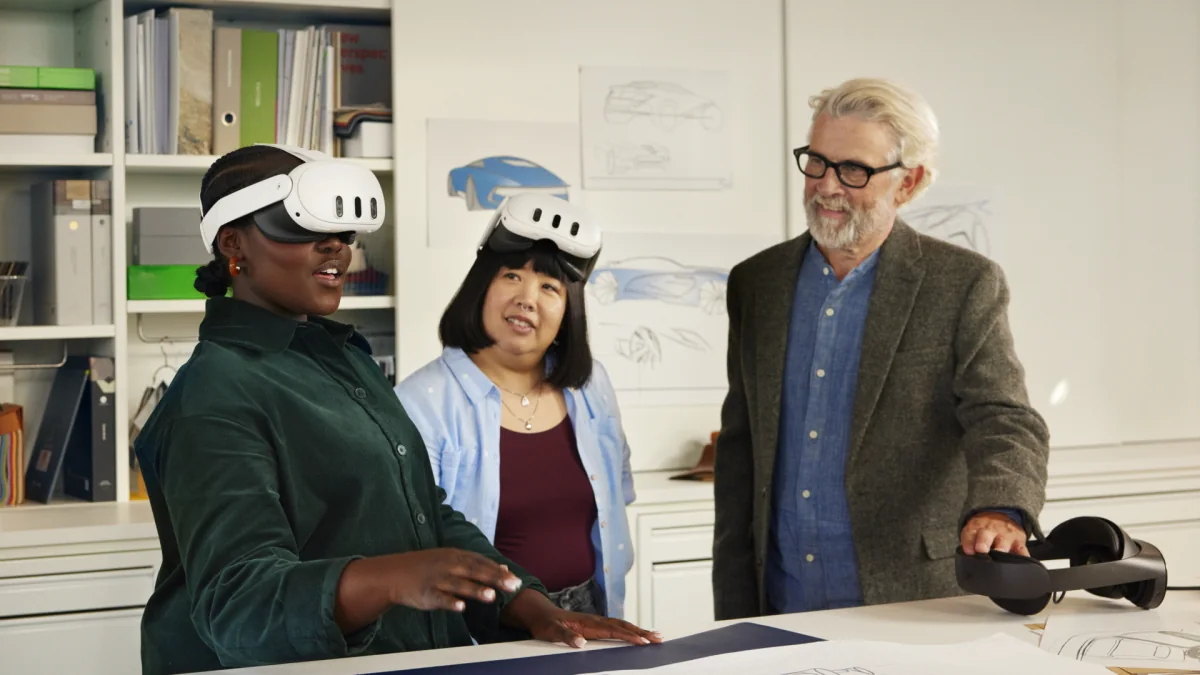
A school buys VR headsets differently than a gamer does. It’s not about buying a single pair with the best graphics; what matters is whether 8, 12, or 20 headsets can be distributed to students in 5 minutes, whether a lesson can be conducted without any glitches, whether they can be recharged before the next class, and whether they can be locked away. This guide walks you through the decisions in the order in which principals and coordinating teachers make them. We base it on our own VR classes conducted in elementary schools and cultural centers, as well as on the questions institutions ask before making a purchase.
First: what will the school use VR for?
The answer determines everything that follows. The three most common scenarios:
- Subject lessons (geography, biology, history, physics, languages). Students wear headsets for 10–15 minutes; the rest of the lesson is with the teacher. Required: ready-made materials in Polish, a simple setup, and plenty of headsets available at once.
- Workshop or extracurricular club (computer science, 3D design, creating custom scenes). Fewer headsets, but more powerful ones, sometimes paired with a computer.
- Demonstrations and events (open houses, virtual tours, team-building). Portability, carrying case, fast charging.
Most elementary schools start with Scenario 1. In this case, the following factors are more important than technical specifications: the number of headsets, battery life, charging, and whether the teacher can see what the students are doing.
How many VR headsets per class
A class usually has 20–28 students. Practical options:
- Set of 8–10 headsets and work in pairs or rotating groups. One group uses VR while the other completes a paper-based task or discusses what they have seen. This is a common way to start using VR and can be better for teaching than 25 headsets at once, because the teacher can manage the group.
- Set of 15–20 headsets For larger schools and labs where VR is a regular part of classes. Requires a charging cabinet and a management system.
- 1–4 headsets For an extracurricular club or computer lab.
Always include one spare pair of goggles for every 8–10 pairs. One pair that’s dead or dirty shouldn’t hold up the lesson.
Which type of VR headset: standalone, without a computer
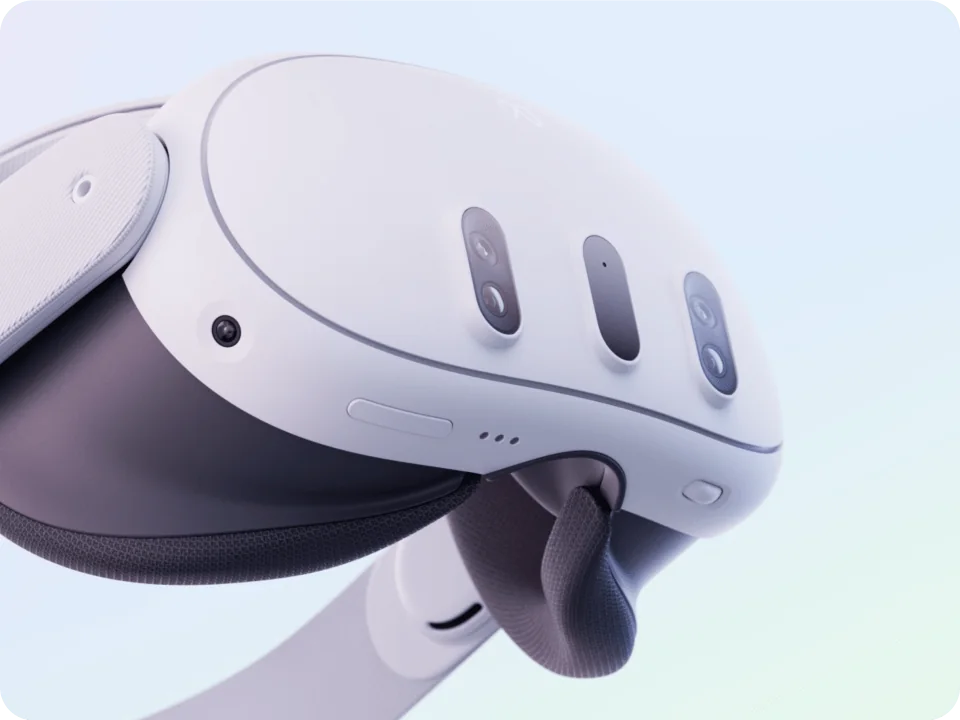
For lessons, choose VR headsets that are standalone: They have their own processor, battery, and memory; they do not require a computer or cables. You turn them on, put them on, and they work. Computer-based goggles (PCVR) have better graphics, but each workstation requires a computer with a powerful graphics card, a cable, and space. This doesn’t make sense in elementary school; it might make sense in a technical high school or a design studio.
Before comparing models, check participant ages, device requirements and account setup. Meta distinguishes a parent-managed account for a child aged 10–12, a teen account for ages 13–17 and an adult account. PICO does not recommend PICO 4 Ultra for children aged 12 or younger. A teacher being present or using MDM does not replace the manufacturer’s requirements.
Standalone models to compare after checking age requirements, apps and the school setup (data from our product pages):
| Model | Storage | Resolution per eye | Who are they for in schools? |
|---|---|---|---|
| Meta Quest 3S | 128 or 256 GB | 1832×1920 | for classroom sets: the same processor as Quest 3, colour passthrough |
| Meta Quest 3 | 512 GB | 2064×2208 | Sharper image (pancake lenses), plenty of memory; labs, upper-grade classes, demonstrations |
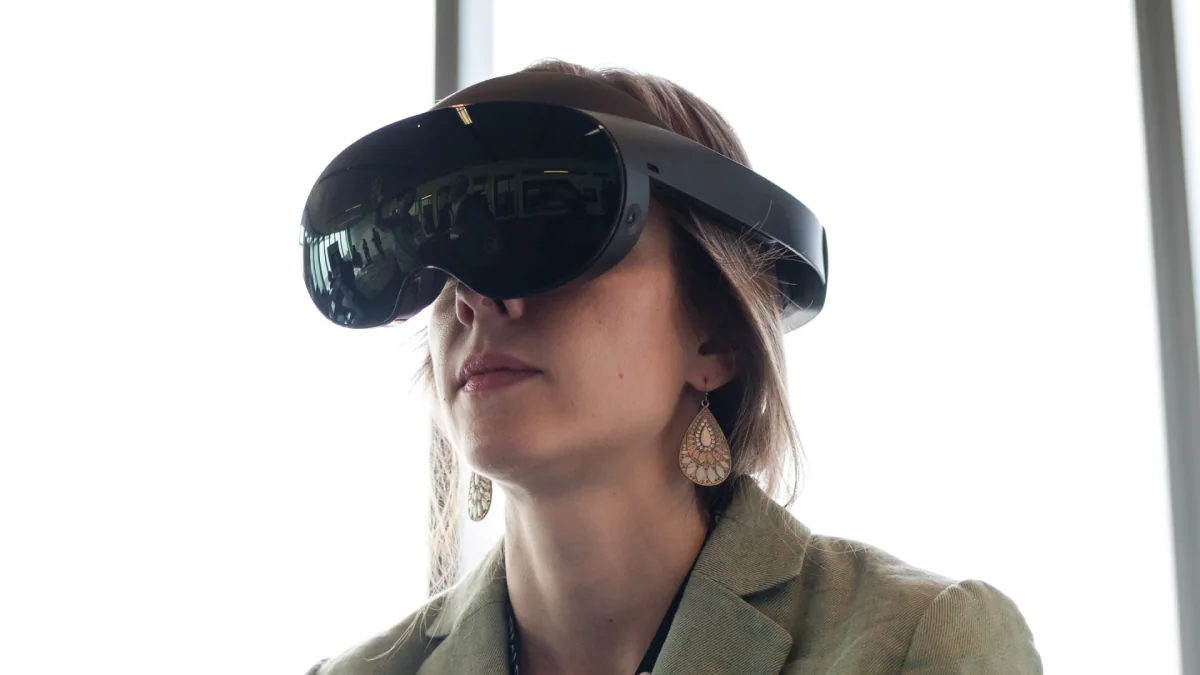
| PICO 4 Ultra | 256 GB | 2160×2160 | An alternative that doesn't require a Meta account; 12 GB RAM, 90 Hz; the Enterprise version includes fleet management tools |
What to look for when choosing:
- Accounts and operating mode. For Quest, distinguish personal accounts from organization management and app logins. Confirm the available modes, age requirements and licenses for your school before ordering. PICO Enterprise has different management tools from the consumer version. The MDM name alone does not guarantee account-free use.
- Interpupillary distance (IPD). Quest 3 adjusts from 58–71 mm, Quest 3S from 58–68 mm and PICO 4 Ultra from 58–72 mm. Compare the adjustment range with the user’s needs and check the image after fitting the headset. A lower limit of 58 mm alone does not confirm fit or that age requirements are met.
- Hygiene. In classroom sets, the foam face pads are replaced with silicone ones or covered with disposable covers. Factor this into your budget right away.
- Battery. Realistically, 2–2.5 hours of continuous use. For 10–15-minute lessons, this is enough for the entire day, provided the headsets are recharged between lessons.
Apps and lessons: what’s included with the headset, and what you’ll need to buy separately
This is the most common disappointment after purchase: the headset is there, but the teacher doesn’t have a lesson ready. Options:
- Free apps from the manufacturer’s store. Virtual tours, anatomy, space, 360° videos. Good for getting started, but mostly in English, without lesson plans and without the teacher having control over what the student sees.
- Educational platforms with lessons in Polish (paid annual licenses). They provide lesson plans aligned with the core curriculum and a teacher dashboard for managing the class. Check which VR headsets a given platform works with before choosing your equipment: some platforms support specific models.
- Custom materials. 360° videos shot with a camera, scenes created by students. This requires an extracurricular club and the teacher’s time.
Our advice: Start with 3–4 free apps, conduct your first lessons, and purchase a platform license only once you know which subjects and classes are actually using VR. We help you select apps based on subject and age group; examples of classes we’ve taught include: history lessons on World War I, an expedition to Antarctica, physics experiments, a tour of Paris during a language class, and lessons on space and astrophysics.
Charging and storage: a carrying case or a cabinet
Eight headsets mean eight chargers, eight cables, and eight places where things can get lost. Two solutions:
- Transport and charging case for 4, 6, 8, or 10 headsets. The headsets are transported in it between classrooms, and after class, you plug in a single cable and everything charges. Our ZenithXR case for Meta Quest 3 / 3S It is constructed of aluminum and waterproof plywood, comes in both a transport and a charging version, and is custom-made to fit the Quest 3 and 3S.
- Charging cabinet (cart) holds 20 headsets, lockable, on wheels. Zioxi VR charges 20 headsets simultaneously via USB-C, with up to 20 W per port, holds controllers and fits Quest 3/3S, PICO 4 and VIVE Focus 3. It makes sense for 15–20 headsets or a lab where the headsets stay in the room.
Rule: For fewer than 10 headsets, use a carrying case; for more than 15, use a cabinet; for numbers in between, it depends on whether the setup is moved around the school.
Managing the kit (MDM): apps, accounts and classroom mode
MDM helps prepare and manage a headset fleet, but does not guarantee installation of every app or account-free use. Compare systems after identifying the models, OS versions, required lessons and login method. Kiosk mode limits the available interface; it is not a license for educational content.
Which management solutions to compare
- Meta Quest and Horizon managed services. Check organization enrollment, device mode and app distribution. Developers can provide private apps to an organization or through a compatible MDM. A consumer store purchase does not confirm the right or ability to install an app across the fleet.
- ManageXR and ArborXR. For managed Quest devices, their documentation distinguishes Shared Mode from Individual Mode. Kiosk behavior, accounts and app access depend on the mode and enrollment method. The managed app library and Shared Mode compatibility cover selected titles rather than the entire store. An app may still require its own login. Also check the required OS and MDM client versions.
- PICO Enterprise. Compare PICO Business Suite for preparing a shared experience with PICO Business Device Manager for device management and content deployment. The manufacturer describes these tools for business devices. Do not assume the consumer PICO 4 Ultra has the same features.
A trial before changing the whole fleet
- List headset models and OS versions, specific apps, installation and login methods, and the license scope per device or user.
- Use two headsets to test your own lesson: teacher app selection, launch after a restart, school network operation and offline use if required.
- Check screen monitoring and which data or settings remain after a session before the next pupil takes the headset.
- Assign responsibility for Wi-Fi, administrator accounts, updates and support. Before migration, check whether enrollment or a mode change requires a device reset, and plan how to preserve required data.
- Compare the full cost of hardware, MDM, app licenses, contract period, lesson preparation and teacher training. MDM and content licenses are separate items.
Include these details and the support you need in a classroom-kit request: device enrollment, app preparation, a lesson trial and training. Selecting a solution and confirming compatibility and cost require information about your classroom.
Teacher training and the first lesson
Equipment without a trained teacher stays in the closet. When pricing a kit, it’s worth including: setup and account configuration, a 2–3-hour training session on operation and lesson delivery, a joint first lesson with the class, and technical support. We provide this as part of our implementation service; if you’re buying elsewhere, ask directly who will come and set up the equipment.
Library or cultural centre: VR workshops for adults
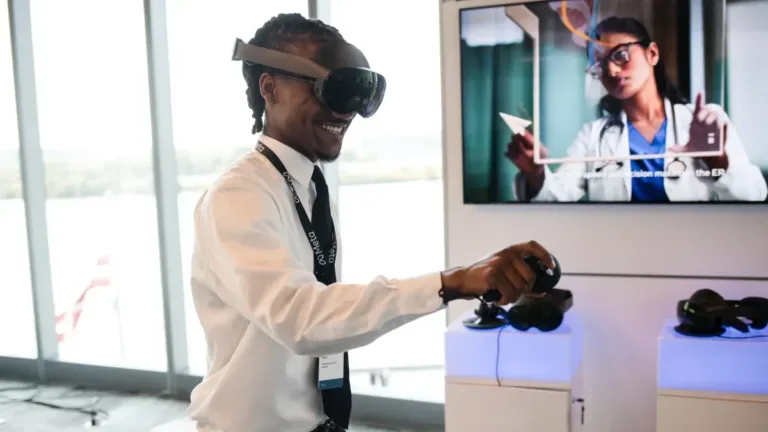
For adult workshops, start with the session topic and a specific app rather than a classroom headset count. Before a larger purchase, try a few stations with the person who will run the sessions. Also measure the time needed to prepare and fit the headset and hand it over to the next participant.
- Content and licenses. Check the app language, supported models, operation on the venue’s network or offline, and the terms for workshop use and multiple stations. Test the chosen material with someone using VR for the first time.
- Station and facilitator. Choose seated or standing use based on the app and headset instructions. Prepare the space required by the manufacturer, a view for the facilitator if available, and a simple way to end the experience.
- Hygiene and user handover. Plan how to clean the facial interface, controllers and lenses according to the instructions for the specific model. These are different surfaces; a disposable cover does not replace the whole procedure. Allow time to prepare the kit between participants.
- Storage and charging. Choose a lockable location for labelled headset, controller and cable sets. Check that the case or cabinet fits the accessories and meets charging and ventilation requirements. Protect lenses from direct sunlight as specified in the device instructions.
- Support and full cost. Include hardware, apps, hygiene accessories, storage, station setup and facilitator training in the enquiry. Agree who helps with the first sessions and what later support includes.
Describe the participant count, workshop topic, existing equipment, room and assistance needed. This makes the enquiry about the actual kit and session setup rather than a ready-made package chosen solely by headset count.
Funding: Laboratories of the Future and other sources
Many elementary schools have purchased VR headsets as part of the Laboratories of the Future program, run by the Ministry of Education in collaboration with the GovTech Center, with funding provided without any required school contribution. Before making a purchase, check the program’s website for the current equipment catalog and spending guidelines for the current school year, as conditions and deadlines are subject to change. Other sources include the budget of the school’s governing body, the parent-teacher association, and EU projects implemented by municipalities. It is helpful to include a specification of the kit: with prices and a description of how it will be used in class: with your application; we can prepare such a specification upon request.
Management and app documentation
- Meta: app distribution to organizations
- ManageXR: Quest modes and session requirements
- ArborXR: managed app library and version requirements
- ArborXR: kiosk mode scope
- PICO: Business Device Manager
- PICO: Business Suite
Age, accounts and device instructions
- Meta: child, teen and adult accounts
- Meta: age categories and regional differences
- PICO 4 Ultra: age, space, lenses and storage
Pre-order checklist
- Usage scenario: lessons, lab, or demonstrations.
- Number of headsets plus spares.
- Standalone model with IPD adjustment starting at 58 mm.
- Deployment plan: free to start, license after pilot program.
- Storage: carrying case or cabinet.
- Management: device mode, apps, accounts and a lesson-preparation trial.
- Hygiene covers and spare straps.
- Teacher training and the first lesson included in the price.
- Warranty, service support and a VAT invoice for the school.
- Funding source and required documents.
Example packages
| Kit | Contents | Who it is for |
|---|---|---|
| Start | 4× Meta Quest 3S 128 GB, a case for 4 headsets, hygiene covers and training | a pilot in one class or an extracurricular club |
| Class | 8–10× Meta Quest 3S, a charging case for 8–10 headsets, covers, MDM, training and the first lesson | rotating subject lessons |
| Lab | 15–20× Meta Quest 3 or PICO 4 Ultra, a Zioxi cabinet for 20 headsets, MDM, an educational platform licence and training | a VR lab or upper-secondary school |
Package prices depend on the number of headsets and licences. We prepare a quote with a VAT invoice for the school within 24 hours.
FAQ
At what age can students use VR headsets?
Choose the device for participants’ actual ages and the manufacturer’s current rules, rather than school year alone. Meta distinguishes parent-managed accounts for children aged 10–12, teen accounts for ages 13–17 and adult accounts; age thresholds can vary by region. PICO does not recommend PICO 4 Ultra for children aged 12 or younger. Also check app requirements and the specific school setup. Teacher supervision or a short demonstration does not replace device and account requirements.
Do VR headsets require a computer?
Standalone models such as Quest 3, Quest 3S and PICO 4 Ultra do not. They only need Wi-Fi to download apps. PC-connected headsets make sense in specialist design labs, not in ordinary lessons.
How long does it take to charge a set?
A full charge for one headset takes around 2 hours. A charging case or cabinet charges every headset at once, so a set stored after the final lesson is ready the next morning.
Does every student need an account?
It depends on the model, enrollment method, device mode and app. A selected shared configuration may work without an individual Meta account on the headset, but does not automatically remove app login or licensing requirements. Individual mode has different requirements. Confirm accounts, available content and age requirements for the exact configuration; MDM alone does not settle these questions.
Can the teacher see what a student sees in the headset?
Selected models and apps can send the view to a board or computer. The casting method, required network, management mode and number of simultaneous views depend on the solution. Confirm these features during a trial of your own lesson.
How do you manage hygiene with 25 students?
Choose replaceable facial interfaces or covers compatible with the specific headset. Assign someone to prepare each kit between students and follow the manufacturer’s instructions separately for lenses, the interface and controllers. A disposable cover does not replace cleaning the remaining parts; include the time and supplies in lesson planning.
Planning a school VR kit? See our VR offer for schools, and tell us the number of pupils, subjects and how the groups will work in your enquiry.
See the related guides: VR age limits and safety for children · VR and Laboratories of the Future.
Current models and accessories: VR headset models · headset charging cases.
Would you like a package tailored to your school? Tell us how many classes will use VR and for which subjects, and we will prepare a specification with prices, apps and an implementation schedule: request a quote.

Author
Dariusz Walczak
Dariusz Walczak is responsible for marketing at Zenith XR. He manages the brand's communications and blog content.
Need specific advice?
Choose the right XR equipment for your needs
Tell us how you plan to use XR headsets. We will help you choose the right equipment for home, school or business.



Add comment