


Brak produktów w koszyku.
VR training equipment for business: number of headsets, management, hygiene, cases and pilot
VR training equipment for business: number of headsets, management, hygiene, cases and a pilot deployment
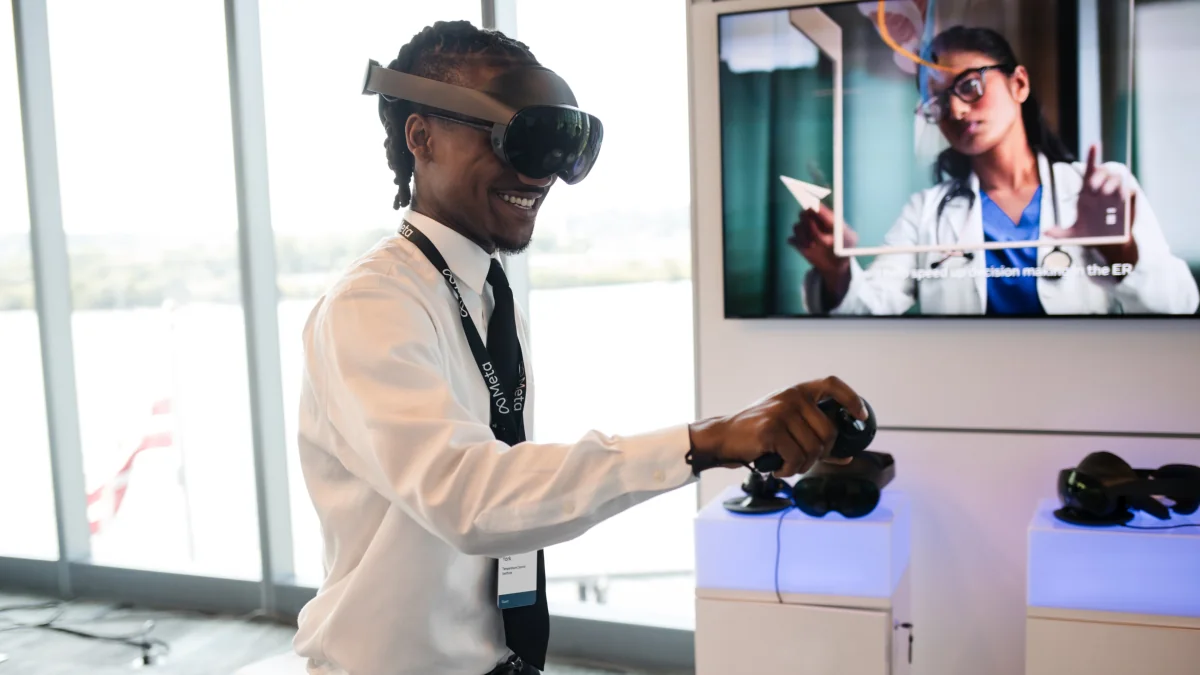
Training companies and health and safety departments sell applications for fire simulations, working at height and production-line procedures. They rarely say what equipment these applications should run on, how many headsets to buy for a group, or who will charge, clean and update them. This article covers that second, hardware side of deployment. It is based on the requirements of training application developers, CIOP-PIB guidance on VR simulators for health and safety training, and deployments of multi-station sets.
Why VR training works
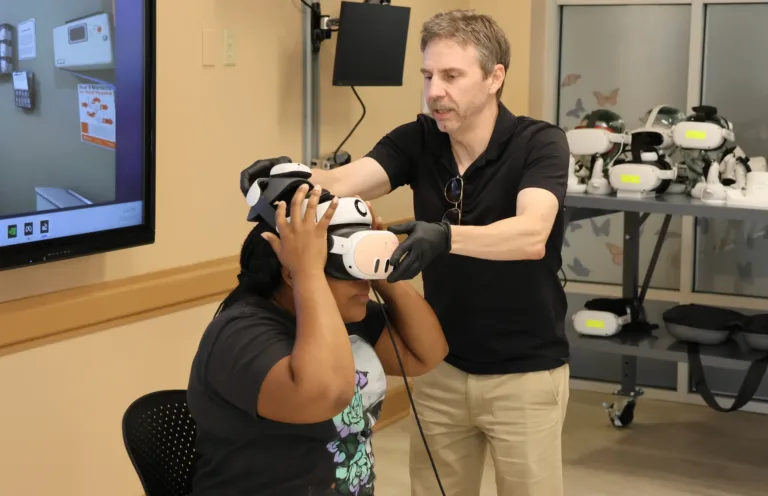
The Central Institute for Labour Protection (CIOP-PIB) describes immersive virtual reality as a training tool for hazardous situations: extinguishing fires in a mine, operating machinery, welding and power engineering. The stated benefits are ‘accelerating the training process, reducing training costs, increasing training effectiveness’ and building habits without exposure to risk. CIOP also lists the equipment: headsets (HMDs), gloves, a motion tracking system and replicas of real objects. This is our starting point: the equipment must suit the scenario, not the other way round.
Step 1: the use case determines the headset
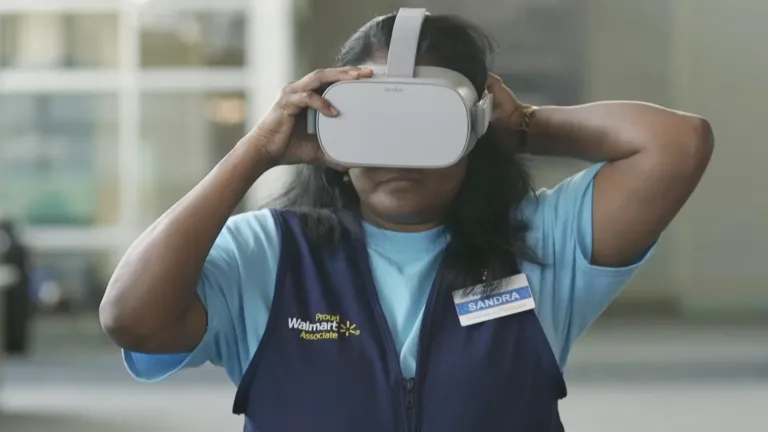
- On-the-spot procedural and health and safety training (you stand, look around and point with a controller or your hand): standalone headsets. You do not need a computer at each station.
- Simulators involving movement around a facility, welding and machine operation using replicas: often PC headsets or standalone headsets with additional tracking (trackers, gloves, treadmill). Agree this with the application developer.
- Presentations, onboarding and visits to a virtual facility: standalone headsets with good image quality.
Standalone models for training (data from product pages in our shop):
| Model | Storage / RAM | Resolution per eye | Why businesses choose it |
|---|---|---|---|
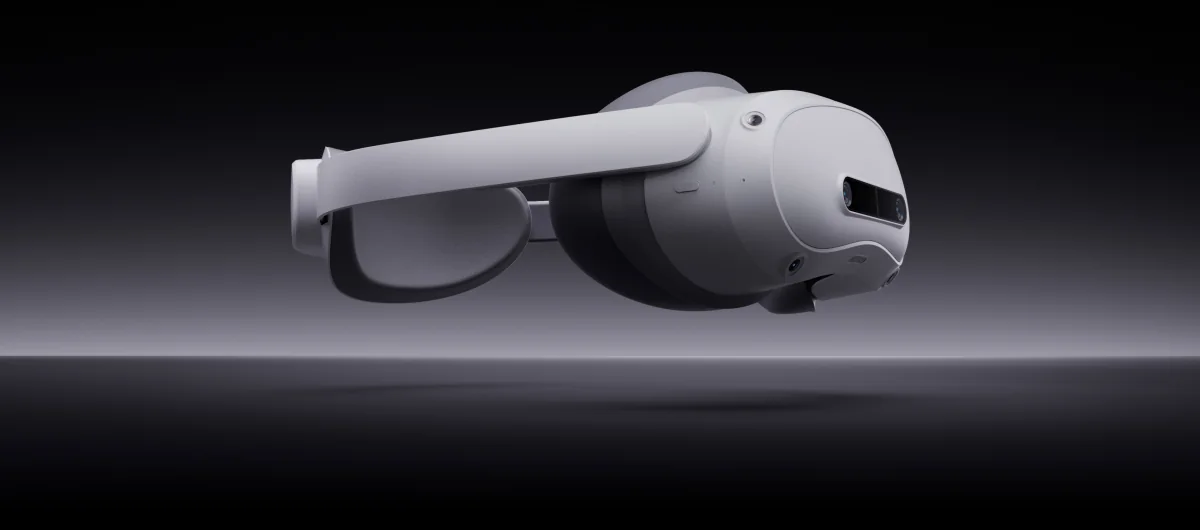
| PICO 4 Ultra Enterprise | 256 GB / 12 GB | 2160×2160 | Enterprise OS and PICO business tools; enrollment, app login and the app license must be confirmed for the training kit |
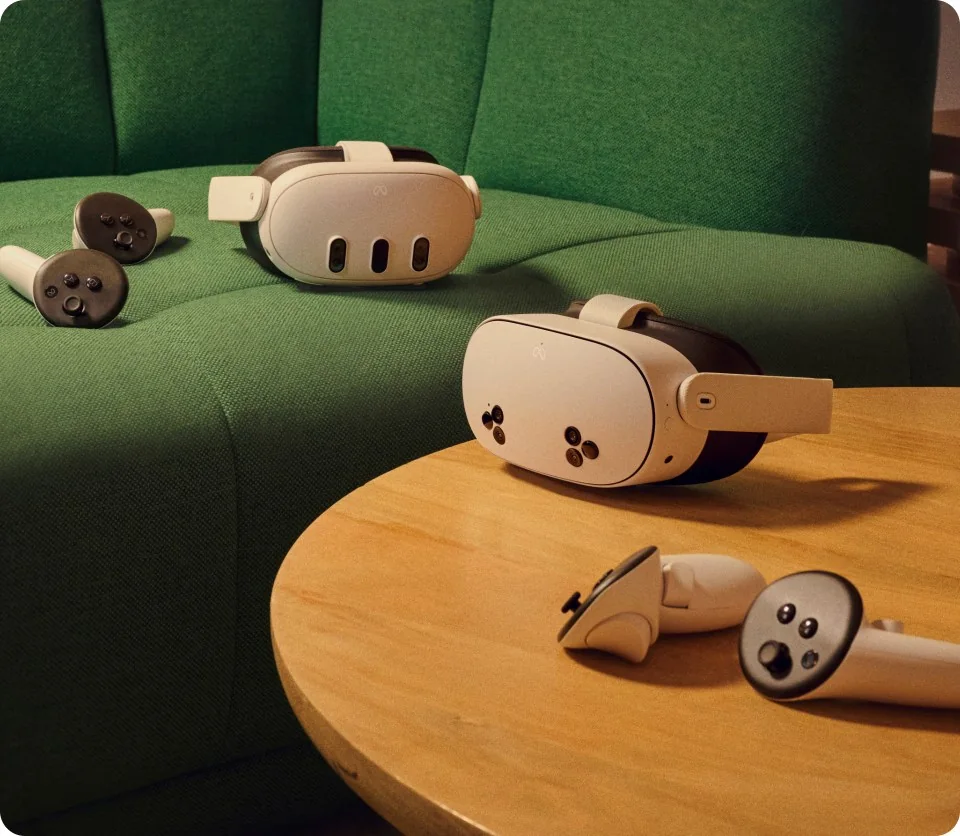
| Meta Quest 3 | 512 GB / 8 GB | 2064×2208 | widest application library, pancake lenses, business accounts and management available |
| Meta Quest 3S | 128–256 GB / 8 GB | 1832×1920 | the same processor as Quest 3; for sets of 10–20 headsets |
Always ask the application developer for the list of supported headsets and operating system version. This should be your first question, not your last.
Step 2: how many headsets per group
A group of 12 can rotate between stations, but the headset count must fit the schedule and app. A 10–20-minute session is only an example, not a universal training duration. Allow time for instructions, debriefing, cleaning and participant changes. The kit sizes below are examples to validate in a pilot:
- 4 headsets can be a starting point for a rotating group of 8–12; check whether the schedule is feasible.
- 6–8 headsets is an example kit for regular workplace training.
- 10–20 headsets for training centres and onboarding hundreds of people a year.
Add one spare headset for every 6–8 units and remember to allow charging time between groups.
Step 3: managing the fleet, accounts and apps
MDM helps prepare and update a fleet. However, remote installation, kiosk, monitoring and settings depend on the model, OS version, enrollment and app. There is no single headset count at which MDM becomes mandatory. Compare the manual workload with training requirements and the number of sites. MDM does not replace an app license or the decision about who will be the administrator.
Quest: device mode and app source
Horizon managed services and compatible ManageXR and ArborXR solutions distinguish shared and individual modes. A selected Shared Mode configuration can work without a participant's personal Meta account, but the app may still require its own login. Meta's managed library includes selected titles; not every consumer-store app can be installed this way. Agree on private-app distribution with its developer. Check the required OS and MDM client versions and the limitations of kiosk mode, settings and casting.
PICO Enterprise: organization and distribution
PICO Business Device Manager manages devices, content, groups and organizational permissions. PICO Business Suite has a different feature scope for shared experiences and kit operation. Business tools apply to compatible Enterprise devices. Do not assume the consumer PICO 4 Ultra has the same features or that buying a headset includes rights to every training app.
A trial before deployment across several sites
- List the model, OS version, exact training program, installation method, login and number of licensed stations. Confirm support for this configuration with the app supplier.
- Use two headsets to run the same scenario on the target site's network: launch after a restart, updates, kiosk mode, instructor monitoring and offline use if required. Then repeat the trial at a second site before expanding the fleet.
- After ending a session, check whether the next participant can see the previous account, results or other data. Agree on how to end sessions and clear data in line with the app and company requirements.
- Assign ownership of administrator accounts and updates at each site. Before migration, check reset and data-preservation requirements. Agree on response time, replacement devices, configuration and training scope, and responsibilities of the hardware, MDM and app suppliers in the quotation.
Compare the full cost: headsets and accessories, MDM billing and contract periods, app licenses per device or user, configuration, staff training and service. In a kit request, describe the scenario, number of stations and sites, network and required support. Compatibility, support terms and pricing must be confirmed for those details.
Management and app documentation
- Meta: app distribution to organizations
- ManageXR: Quest modes and session requirements
- ArborXR: app library and Shared Mode compatibility
- ArborXR: kiosk mode scope
- PICO: Business Device Manager
- PICO: Business Suite
Step 4: charging, transport and storage
- Transport and charging case for 4, 6, 8 or 10 headsets when the set moves between facilities or rooms: our ZenithXR case for Quest 3/3S (aluminium and water-resistant plywood, charging from a single cable).
- Charging cabinet for 20 headsets for a training centre: Zioxi VR (20 USB-C ports up to 20 W, lock, castors; Quest 3/3S, PICO 4, VIVE Focus 3).
- Rule: below 10 headsets, choose a case; above 15, choose a cabinet.
Step 5: hygiene and ergonomics
For shared use, plan cleaning between participants according to the instructions for the headset and its accessories. Choose replaceable facial interfaces approved by the manufacturer for this use. Clean Meta Quest lenses with a dry microfibre cloth; do not use alcohol or liquid cleaners on them. Use disinfectants only on components for which the manufacturer allows them. Before the next participant, check cleanliness, dryness and fit. Adapt exercise duration and breaks to the app and participants’ comfort.
Step 6: a pilot instead of a large order
The best deployments start with 2–4 headsets, one application and one group. Measure training time, the number of repetitions, post-training test results and participant feedback. Only then should you buy a fleet and a cabinet. A pilot lets you test your assumptions before a full deployment and provides evidence for management. It also tests the Wi-Fi network, accounts and who in the company will be responsible for the headsets.
Example training setups
| Kit | Contents |
|---|---|
| Pilot | 4× Meta Quest 3S, case for 4, hygiene interfaces, configuration and operator training |
| Training station | 8× PICO 4 Ultra Enterprise or Quest 3, case for 8, MDM, interfaces, training |
| Training centre | 20× headsets, Zioxi cabinet, MDM, spare straps and interfaces, support |
The training application is a separate cost charged by its developer (monthly subscription models are available on the market). We work with the customer and application developer to align hardware and licences in a single schedule.
FAQ
Do you need a computer for VR training in a company?
Not always. If a training app runs directly on a standalone headset, it does not need a computer to run. Other simulators require a computer or additional equipment. Before buying, check the app developer’s requirements and supported devices.
How many headsets should you buy for a group of 12?
For a rotating group, 4–6 headsets can be a starting point. The number depends on the app, exercise duration, total training time and time for instructions, cleaning and participant changes. If everyone must practise at once, each person needs a station.
How does PICO 4 Ultra Enterprise differ from the standard PICO 4 Ultra?
Enterprise is the business version with Enterprise OS and PICO management tools. Selection still requires confirmation of the exact app, enrollment and login methods, and necessary licenses and services. The training-program license is a separate arrangement with its supplier; the Enterprise name does not confirm rights to every piece of content.
Do we need Meta accounts for every employee?
It depends on the device mode and app. A selected Shared Mode configuration can work without a participant's personal Meta account, but requires organization management, and the app may have its own login. Individual mode has different requirements. Test the selected app, license, session flow and data access during the pilot; MDM alone does not remove all accounts.
How do you maintain hygiene with multiple users?
Clean the device and replaceable facial interfaces between participants according to the manufacturer’s instructions. Not every component can be disinfected with the same product. Meta Quest lenses need a dry microfibre cloth, without alcohol or liquids. Spare interfaces help with rotation but do not replace cleaning.
Can you hire the equipment for a pilot?
Confirm rental terms and availability with the rental provider. At Zenith XR, we help select a small set of the intended equipment for a pilot, so you can test the app, technical requirements and device management before a larger purchase.
See the related guides: PICO Enterprise or Meta Quest for business · choosing a classroom VR kit.
Current models and accessories: Enterprise headset models · headset charging cases.
Planning VR training and unsure which equipment to start with? Describe the scenario, number of people and location, and we will prepare a pilot set with a quotation.

Author
Dariusz Walczak
Dariusz Walczak is responsible for marketing at Zenith XR. He manages the brand's communications and blog content.
Need specific advice?
Choose the right XR equipment for your needs
Tell us how you plan to use XR headsets. We will help you choose the right equipment for home, school or business.


Add comment